K-workK-work

Çalışma alanlarınızın işletim sistemi.

Çözümler

  • K-⁠work uygulaması
  • K-⁠work Office
  • K-⁠work Campus
  • K-⁠work Partners
  • Akustik kabinler

Ürün

  • Alanlar haritası
  • K-⁠work+
  • Fiyatlar
  • Indice K
  • Şirketler için
  • Etkileşimli kat planı

Kaynaklar

  • Nasıl çalışır
  • Flex ofis
  • Pennylane entegrasyonu
  • Taahhütsüz ofis
  • Partner olun
  • K-⁠work rehberleri
  • Blog
  • Şehre göre alanlar

Yasal

  • Yasal uyarılar
  • Gizlilik Politikası
  • Çerez politikası
  • Çerez tercihleriniz
  • Kullanım / Satış koşulları
  • Satış koşulları (Pro)

İletişim

  • contact@kwork.fr
Télécharger dans l’App StoreDisponible sur Google Play
La French TechMembre du pool
French Tech Rennes Saint-Malo

17 dilde kullanılabilir

  • Français
  • English
  • Español
  • Deutsch
  • Italiano
  • Português
  • Svenska
  • Nederlands
  • Dansk
  • Norsk
  • Suomi
  • Polski
  • Čeština
  • Türkçe
  • 日本語
  • 한국어
  • 中文

© 2026 K-⁠work by KBEEN SAS. Tüm hakları saklıdır.

Rennes, Fransa

Ana içeriğe geç
K-work
Alan bul
Şirketler
Okullar
İş ortakları
Kabinler
İş ortağı olunBize ulaşın
→
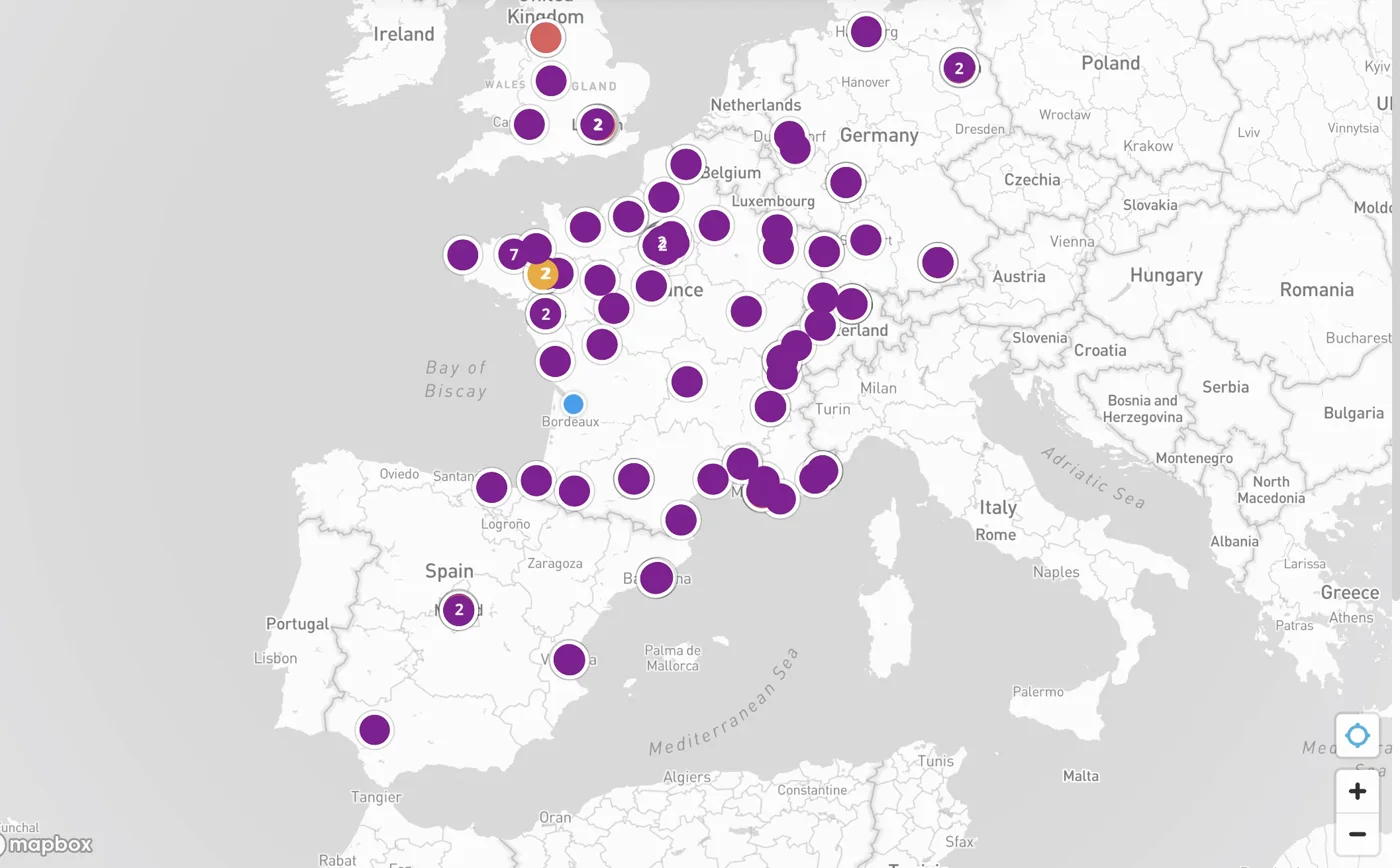
K-work alan haritası
Alan haritası Yakınınızda rezervasyon, 1 saatten itibaren
→
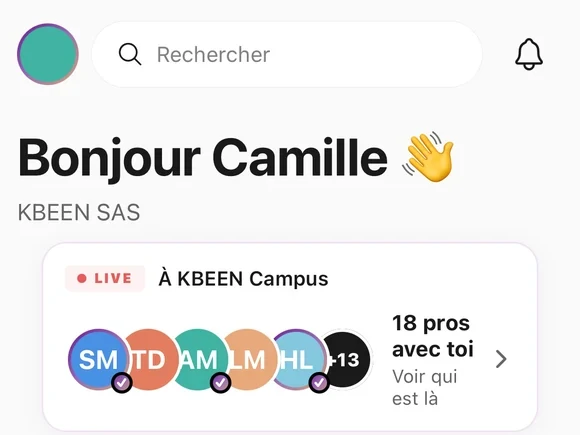
K-work uygulaması
K-⁠work uygulaması Ücretsiz, iOS, Android ve web’de
K-⁠work HER YERDE
ÇALIŞIN.
Dünyanın her yerinde bir çalışma alanı ağı. Haritayı aç →
→
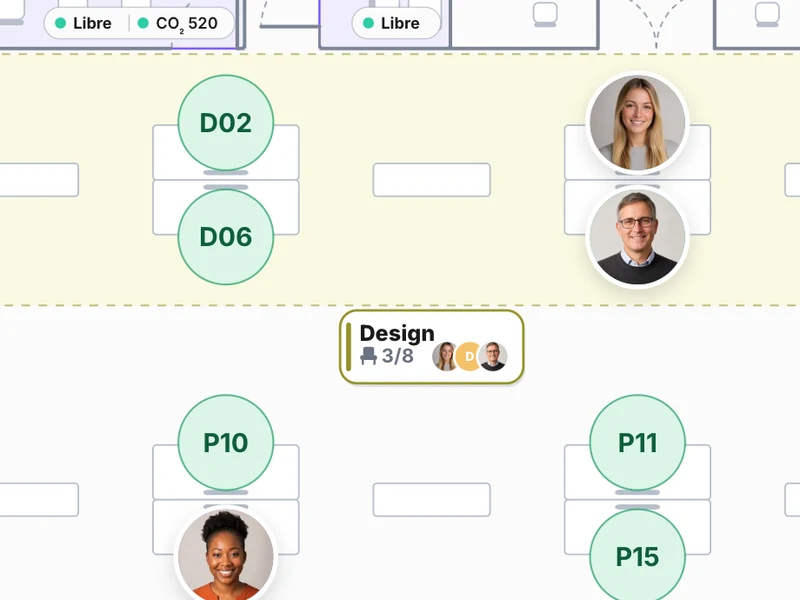
Flex Office Gerçek bir kat planı üzerinde esnek ofis
→
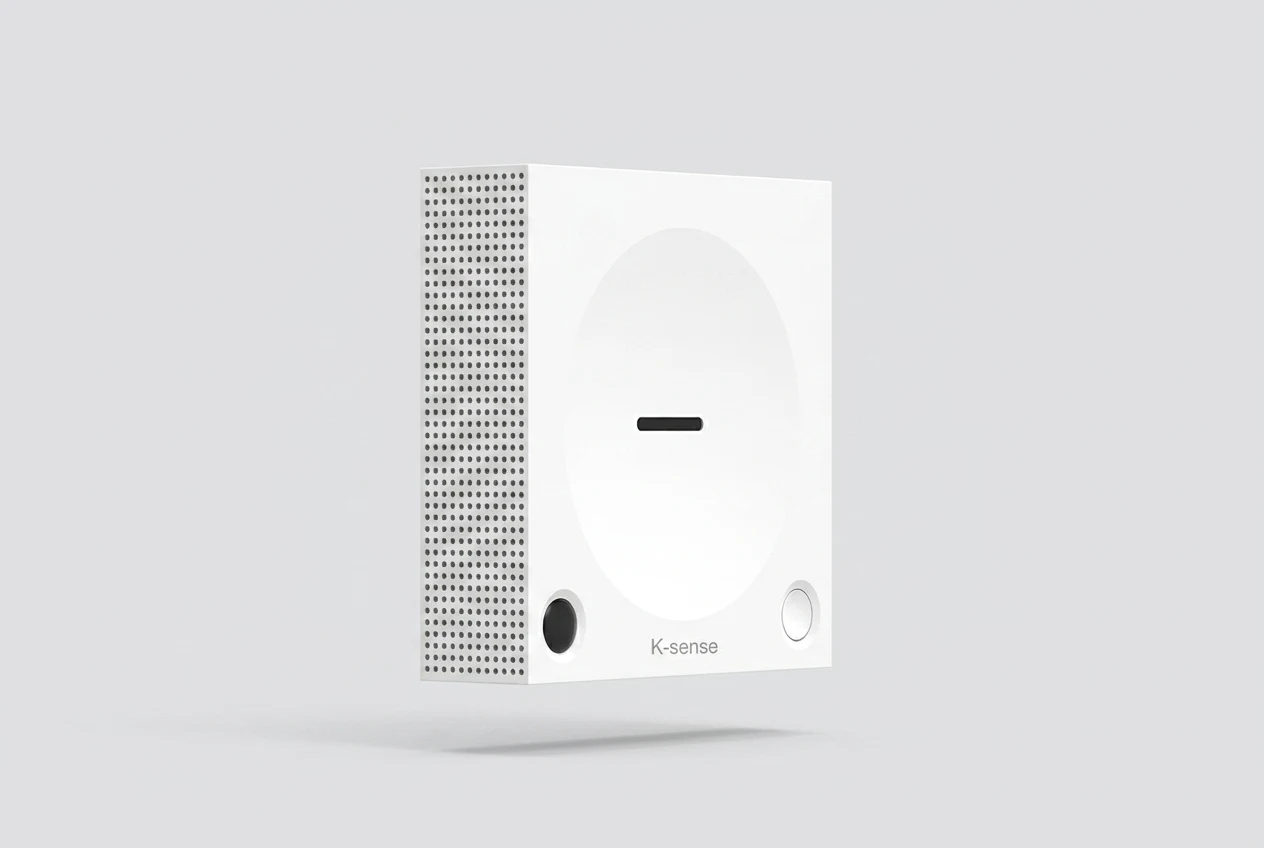
K Sense sensörü
K Sense sensörü İsteğe bağlı: hava ve doluluk, ölçülür
→
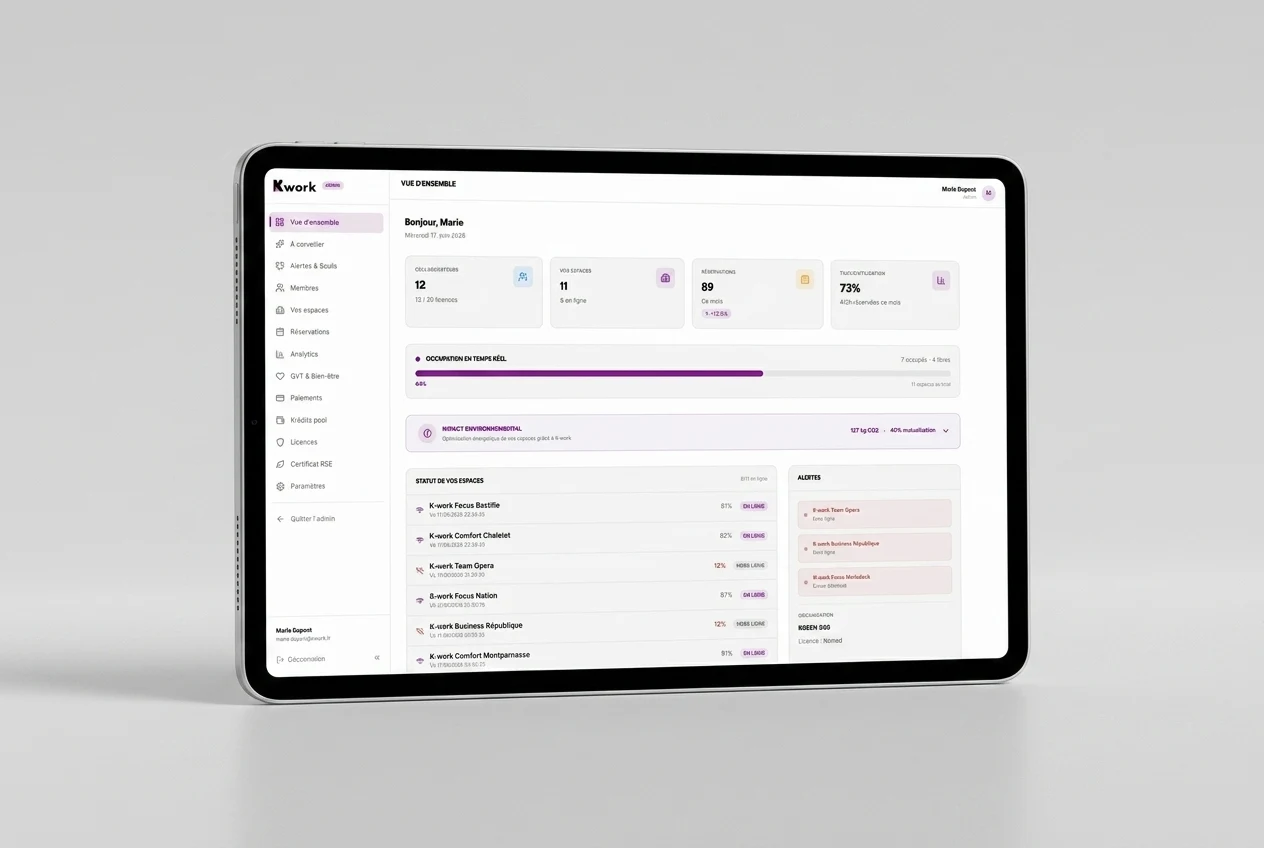
K-work kontrol paneli
Dashboard Alanlarınızı gerçek verilerle yönetin
→
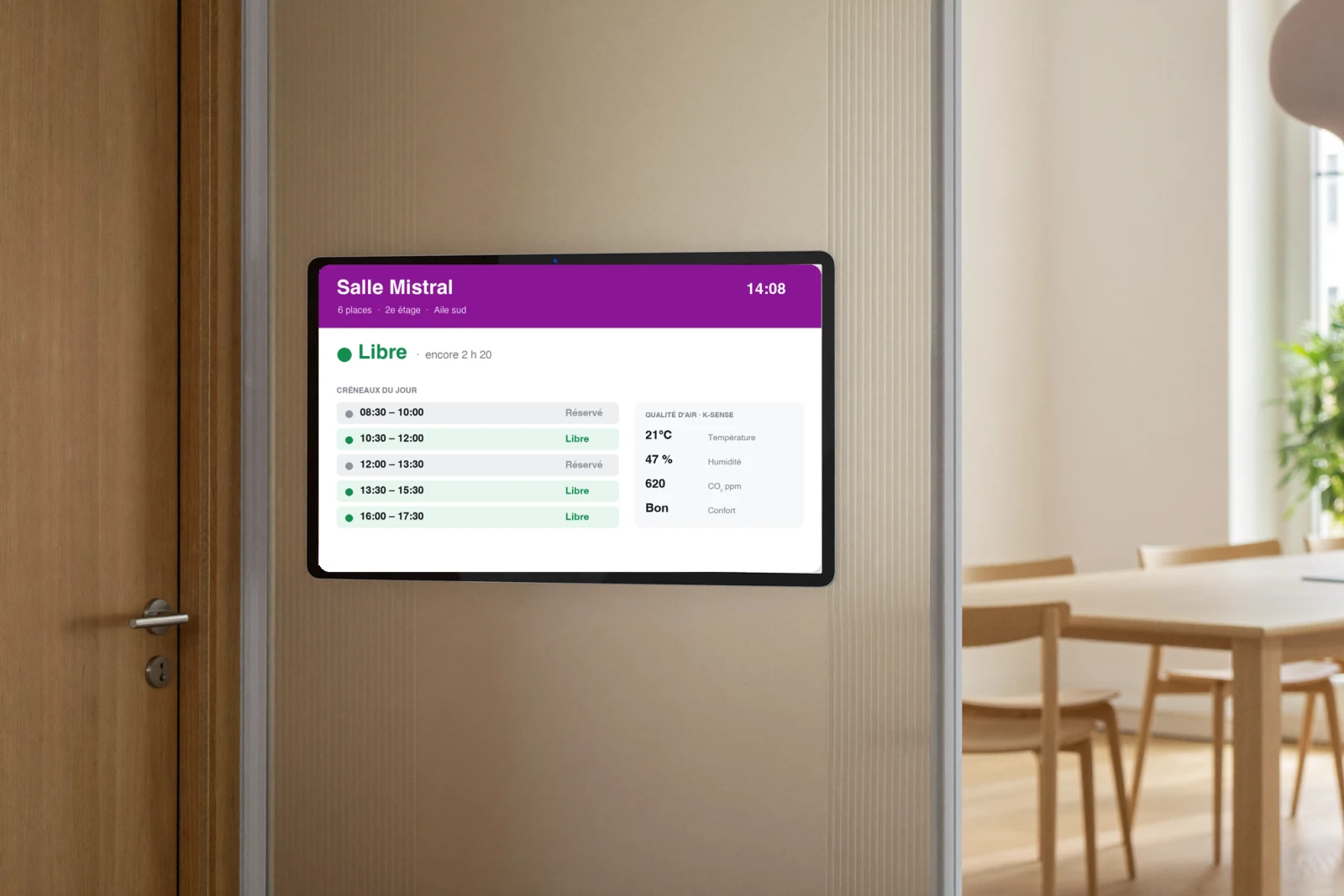
KBEEN oda ekranı
Oda ekranı Her odanın durumu, kapısında
→
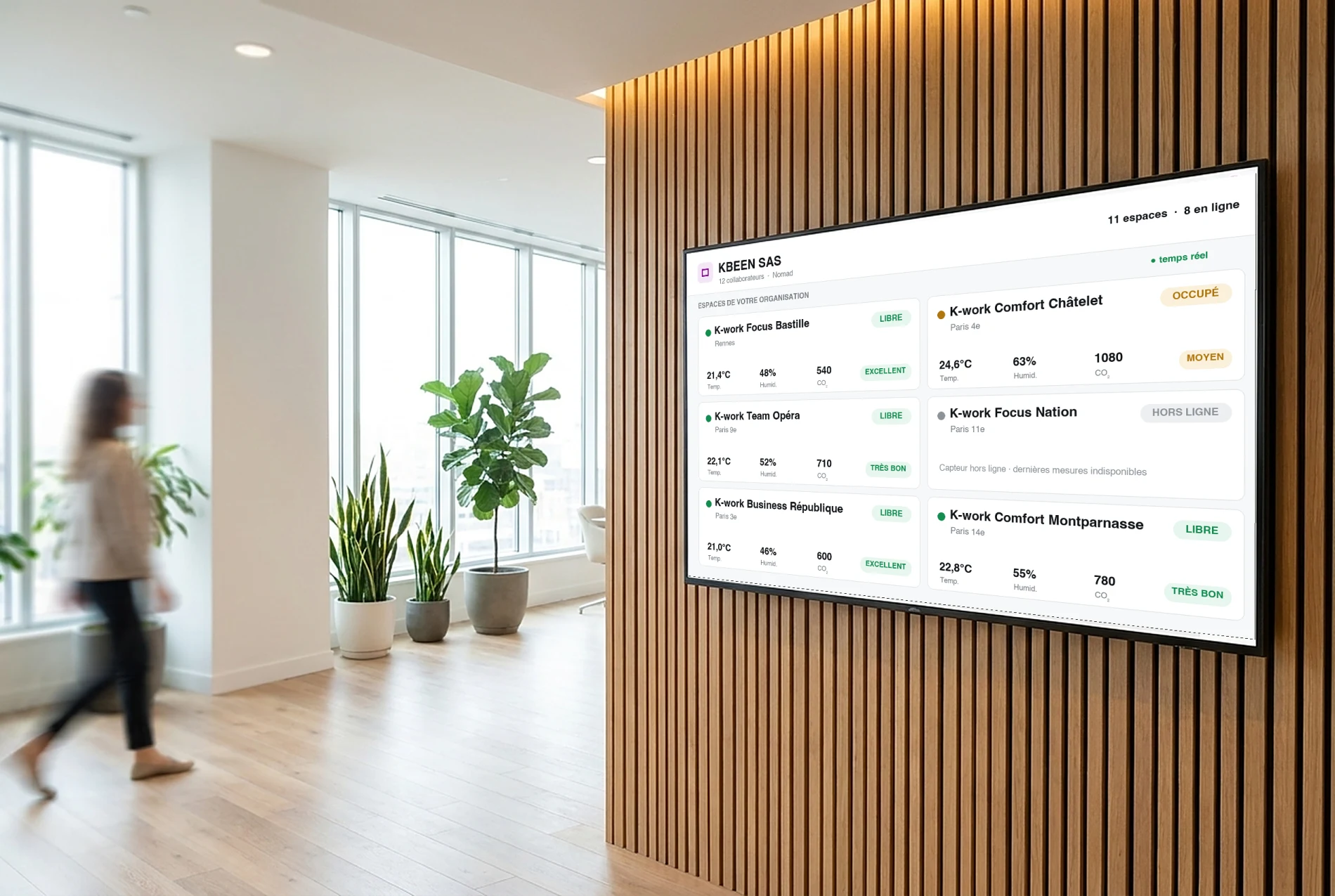
KBEEN alan görünümü
Alan görünümü Tüm alanlarınız tek bakışta
→
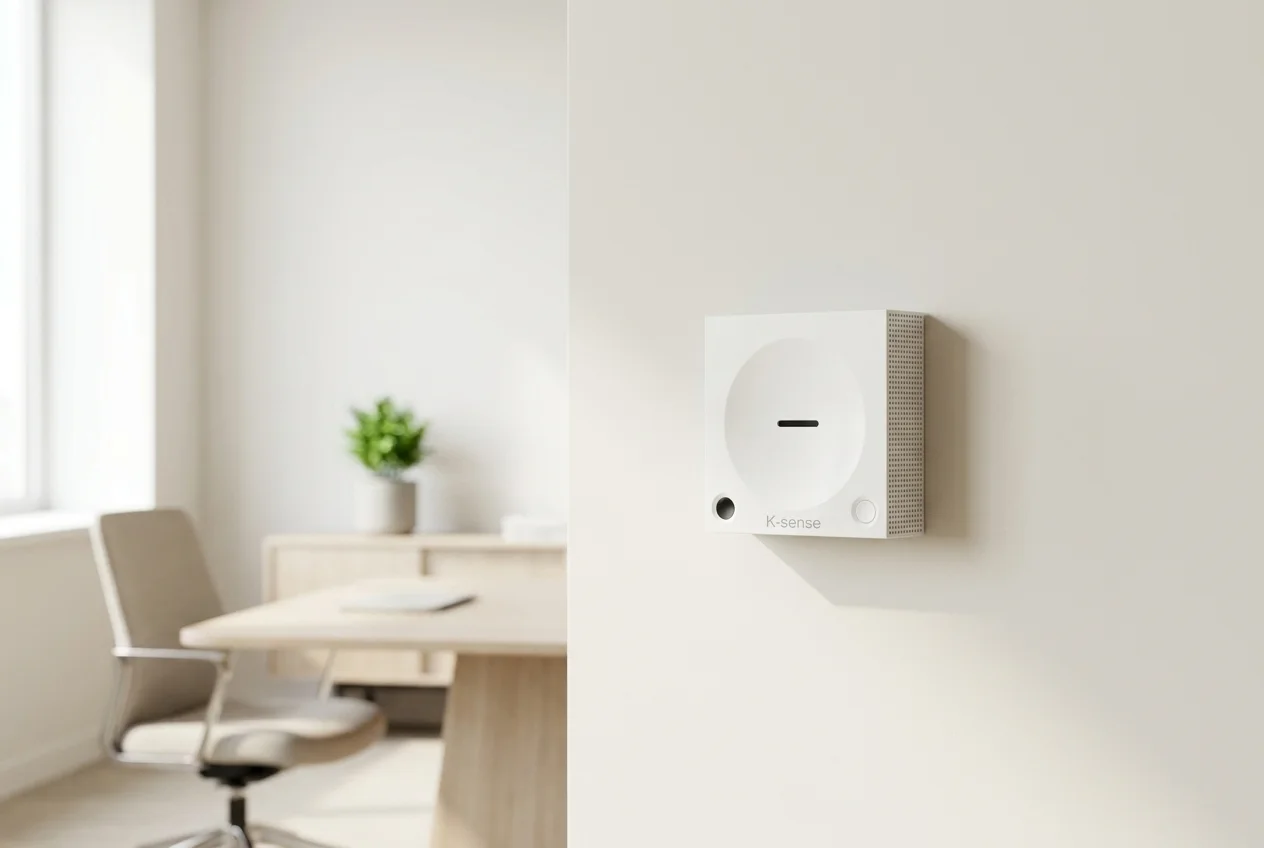
K-work Office: ofiste K Sense sensörü
m²’nizi optimize edin Sensörden kontrol paneline, tüm ekosistem.
K-⁠work Office SİZİN
OFİSLERİNİZ,
GELİŞMİŞ
Kullanıcı başına 3 €’dan başlayan esnek ofis, sensörler isteğe bağlı. Demo talep edin →
→
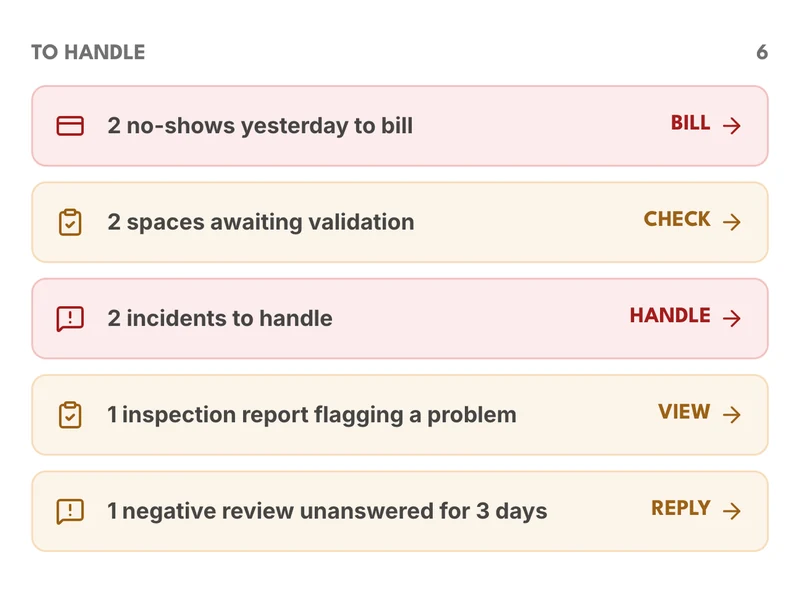
K-work yönetim portalı
Yönetim yazılımı Üyeler, faturalama, kat planları ve erişim tek ekranda
→
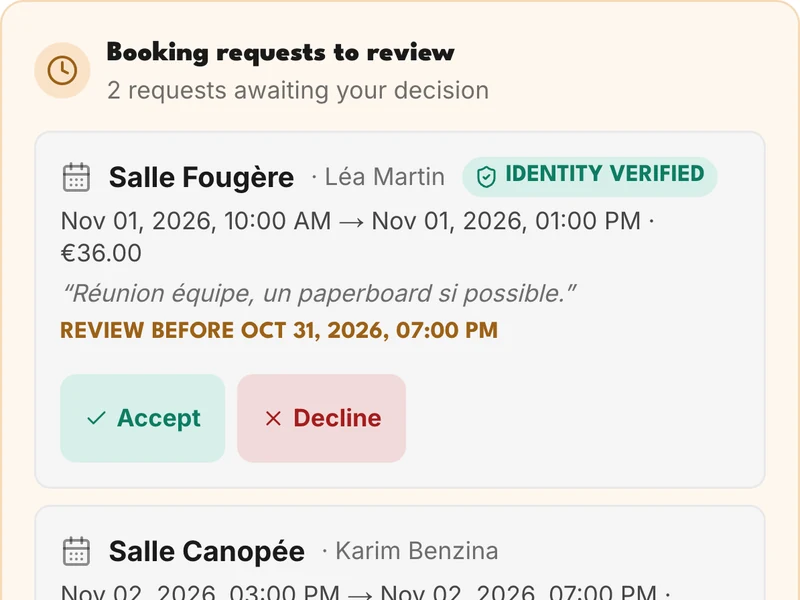
K-work ağı üzerinden gelen rezervasyonlar
Listeleme Boş saatlerinizi K-⁠work talebiyle doldurun
K-⁠work Partners YÖNETİN.
DOLDURUN.
Mekânınız için tek araç, üstelik talep de cabası. İş ortağı olun →
→
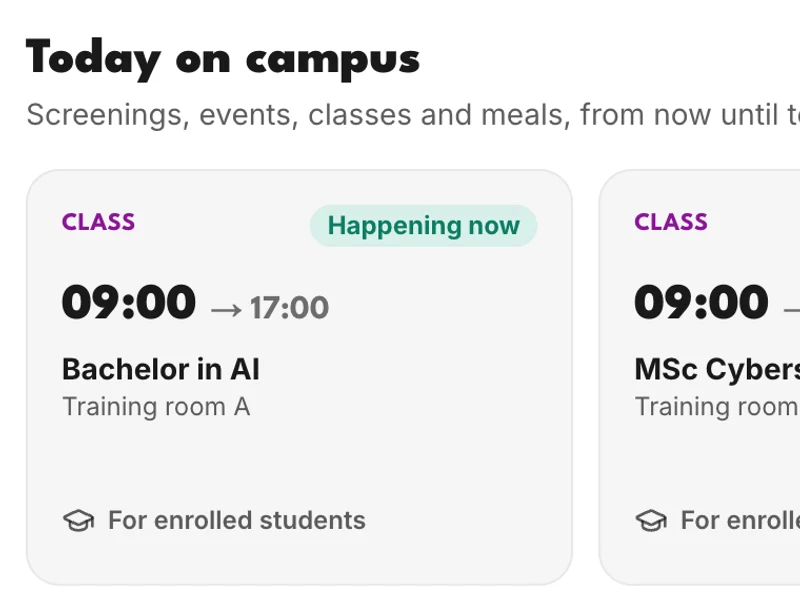
Öğrenciler için Günleri, kartları, salonları
→
Okul için Sınıflar, dersler, salonlar ve istatistikler
K-⁠work Campus KAMPÜS,
BAĞLI
Öğrencilerin uygulaması, okulun portalı. Demo talep edin →
→
KBEEN Focus
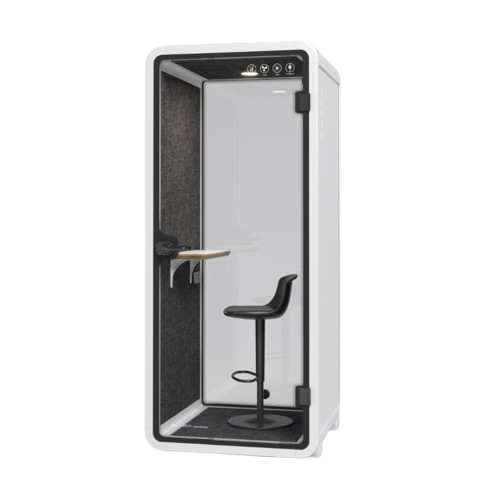
Focus 1 kişi · ~1 m²
→
KBEEN Comfort
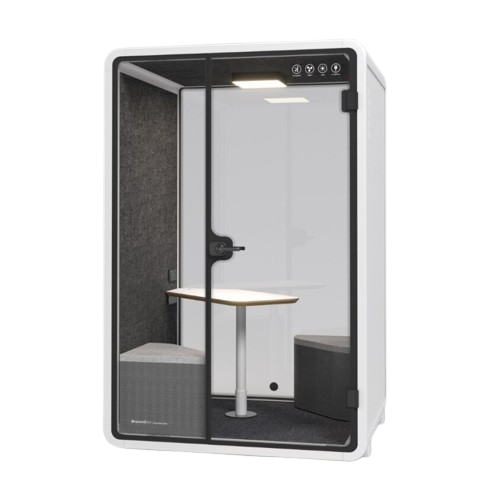
Comfort 1–2 kişi · ~1,9 m²
→
KBEEN Team
Team 3–4 kişi · ~3,3 m²
→
KBEEN Business
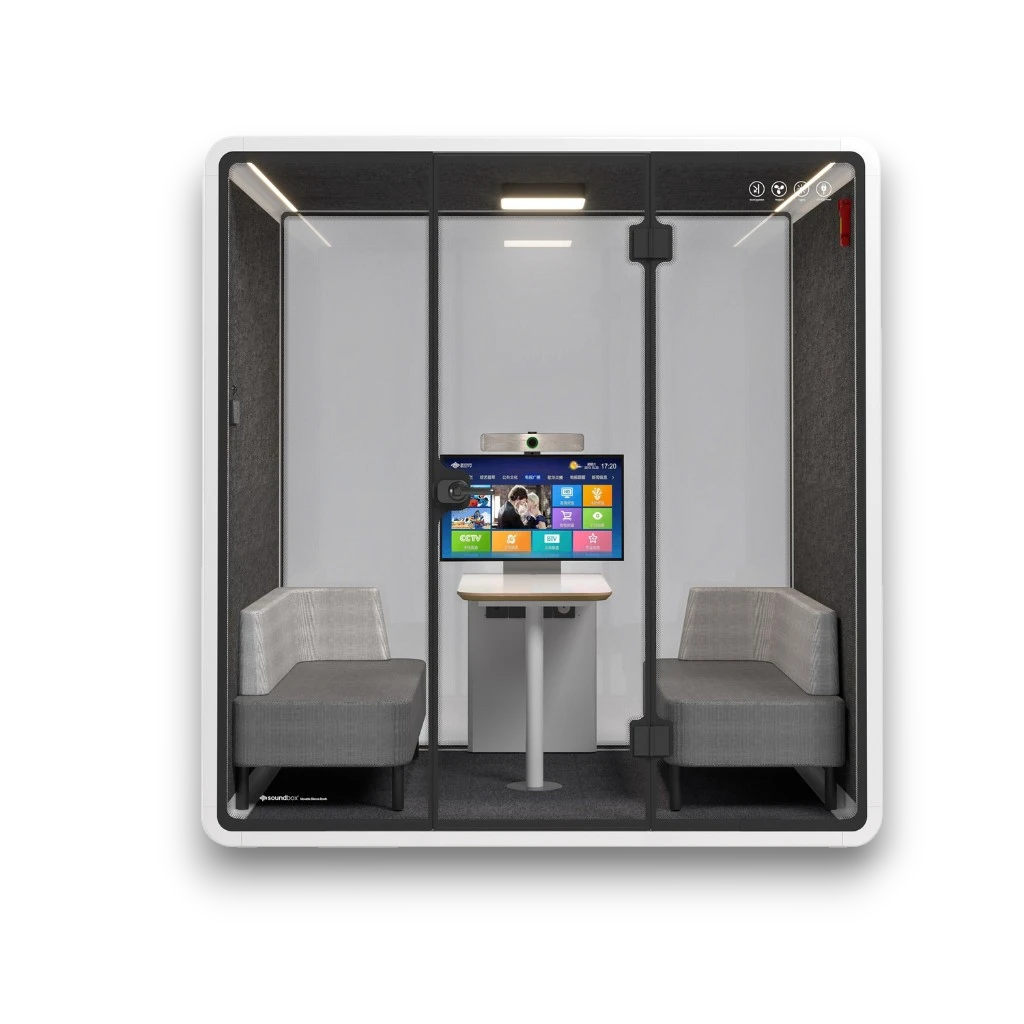
Business 4–6 kişi · ~4,7 m²
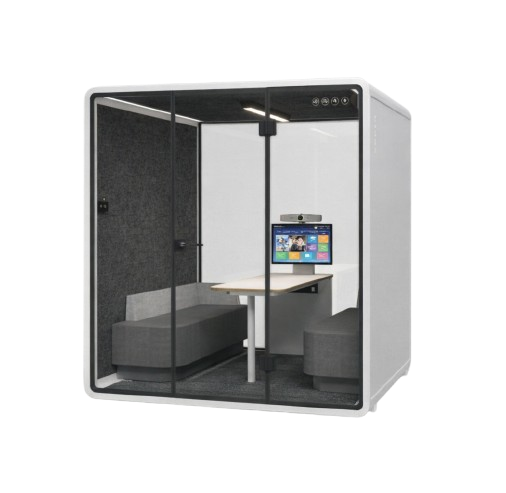
KBEEN akustik kabinler Focus.
Anywhere.
Her kullanım için birer sessizlik adası. Demo talep edin →
Alan haritası1 saatten itibaren K-⁠work uygulamasıÜcretsiz
Flex Office3 €’dan itibaren K Sense sensörüİsteğe bağlı DashboardPlatform Oda ekranıKapıda Alan görünümüDuvar ekranı m²’nizi optimize edin
Okullar İş ortakları
Focus1 kişi Comfort1–2 kişi Team3–4 kişi Business4–6 kişi
İş ortağı olun Giriş yap Bize ulaşın
Guides

How does digital attendance work?

Digital attendance replaces the paper sign-in sheet: the teacher shows a code in the room, each student scans it with their phone and the attendance list fills in, time-stamped. With K-work Campus the code changes every 20 seconds and the offer costs €1 excl. VAT per user per month.

Updated on 17 November 2026 · This guide is written in English and French.

How a class runs

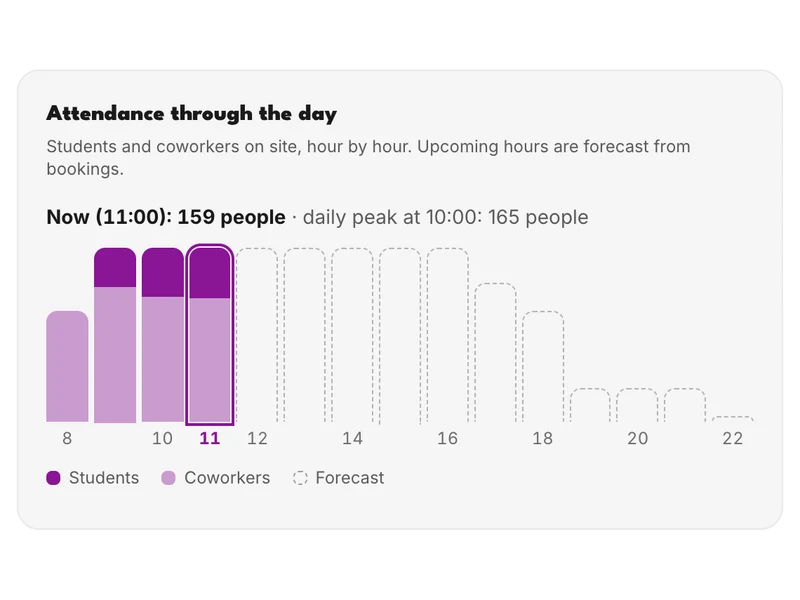
Attendance opens 15 minutes before the class starts. The code is shown full screen; each student scans it with their phone camera. The number of students present is shown live.

Against a photo sent to an absent student

The code changes every 20 seconds: a photo passed to an absent student is useless. The teacher can also mark a student present by hand or remove an attendance.

The timetable and the list

Classes come from the school’s scheduling tool through an iCal link (ADE, Hyperplanning, Celcat, Aurion…). After the class, the list can still be corrected and exported as CSV.

What it is not

The attendance list is time-stamped by K-work, but it is not a certified attendance sheet (Qualiopi, OPCO).

Frequently asked questions

Do students need to install an app?
They scan the code with their phone camera and sign in with their school account; the K-work Campus app also gives them their day and their student card.
What happens if the connection drops?
The teacher’s screen says so and shows the time of the last list received.
How much does digital attendance cost?
It is included in K-work Campus: €1 excl. VAT per user per month up to 499 users, €0.75 excl. VAT from 500, €0.50 excl. VAT from 1,000, on quote above 3,000, with no commitment.
Request a 30 to 60-day POCSee K-work Campus