K-workK-work

ワークスペースのOS。

ソリューション

  • K-⁠workアプリ
  • K-⁠work Office
  • K-⁠work Campus
  • K-⁠work Partners
  • 防音ブース

製品

  • スペースマップ
  • K-⁠work+
  • 料金
  • Indice K
  • 法人向け
  • インタラクティブマップ

リソース

  • ご利用の流れ
  • フレックスオフィス
  • Pennylane 連携
  • 契約期間なしのオフィス
  • パートナーになる
  • K-⁠work ガイド
  • ブログ
  • 都市から探す

法的情報

  • 法的表記
  • プライバシーポリシー
  • クッキーポリシー
  • トラッカーの設定
  • 利用規約
  • 販売条件(Pro)

お問い合わせ

  • contact@kwork.fr
Télécharger dans l’App StoreDisponible sur Google Play
La French TechMembre du pool
French Tech Rennes Saint-Malo

17言語で利用可能

  • Français
  • English
  • Español
  • Deutsch
  • Italiano
  • Português
  • Svenska
  • Nederlands
  • Dansk
  • Norsk
  • Suomi
  • Polski
  • Čeština
  • Türkçe
  • 日本語
  • 한국어
  • 中文

© 2026 K-⁠work by KBEEN SAS. 無断転載を禁じます。

フランス・レンヌ

メインコンテンツへスキップ
K-work
スペースを探す
企業向け
教育機関
パートナー
ブース
パートナーになるお問い合わせ
→
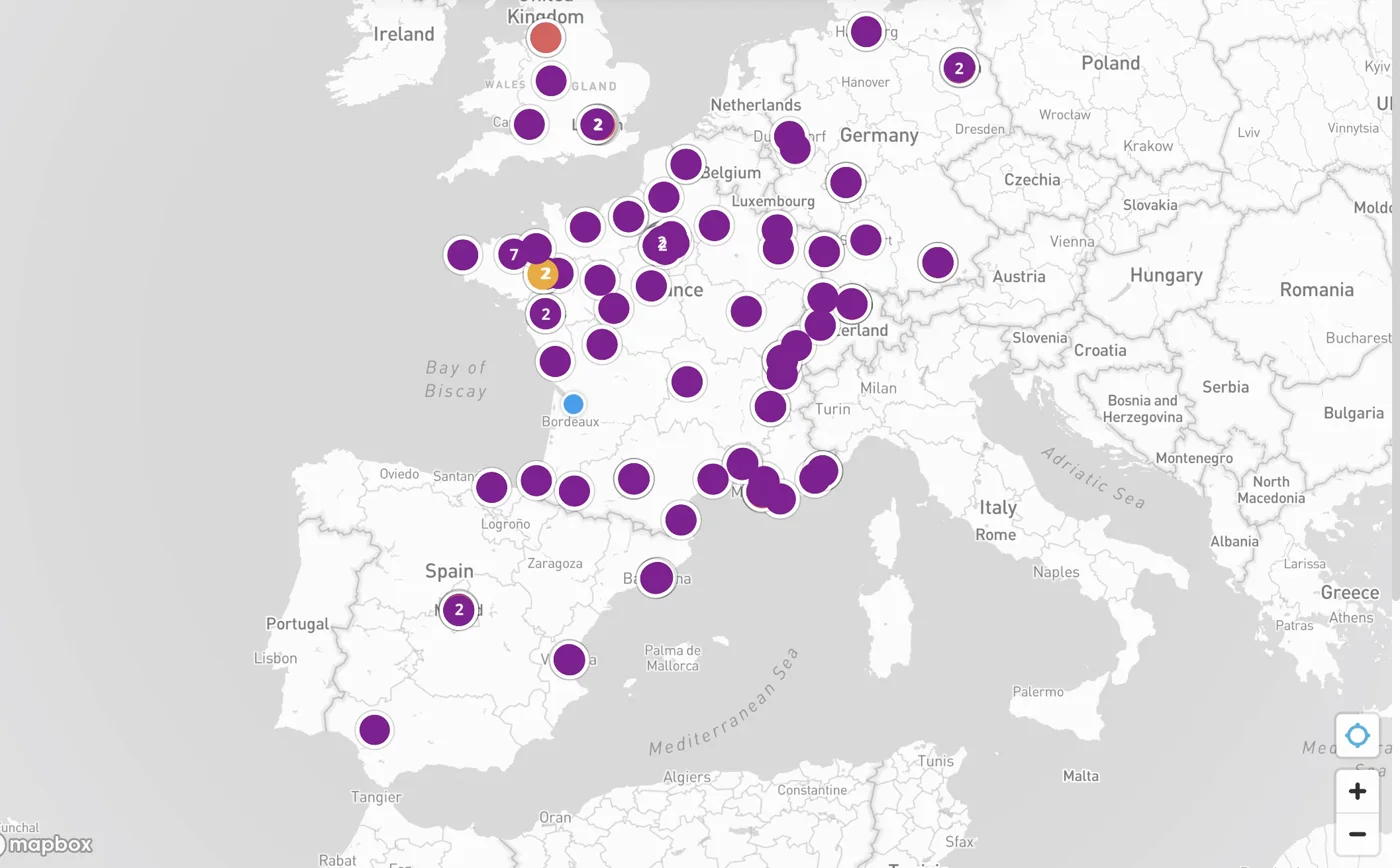
K-workのスペースマップ
スペースのマップ 近くで予約、1時間から
→
K-workアプリ
K-⁠workアプリ 無料、iOS・Android・Webで
K-⁠work どこでも
働こう。
世界中に広がるワークスペースのネットワーク。 マップを開く →
→
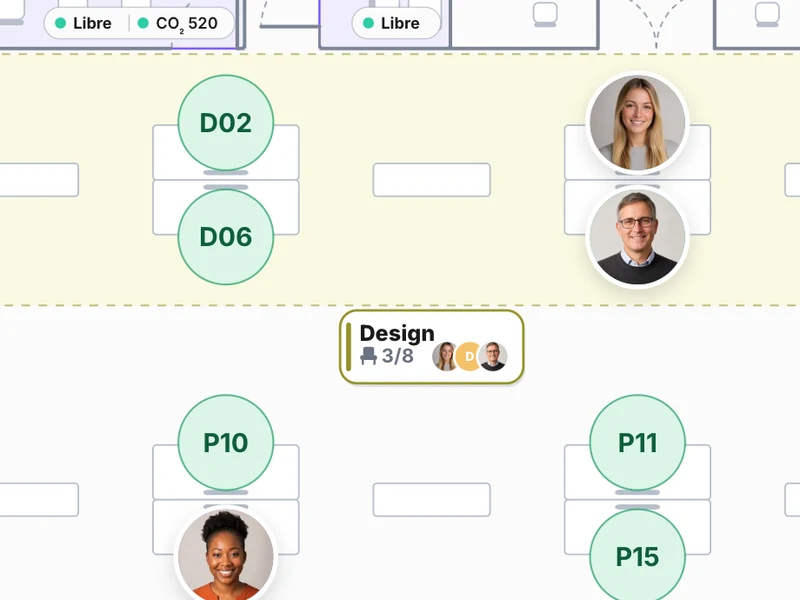
Flex Office 本物のフロアマップで使うフレキシブルオフィス
→
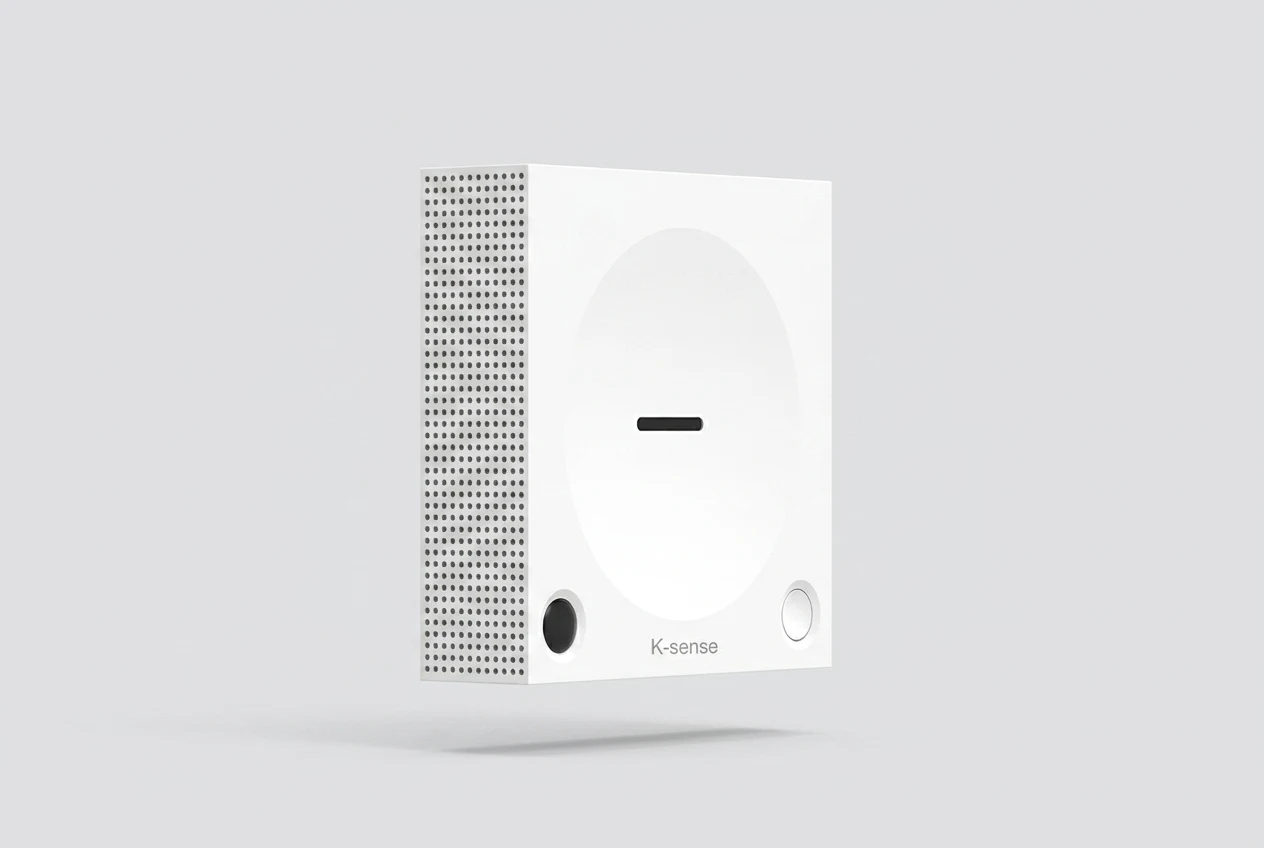
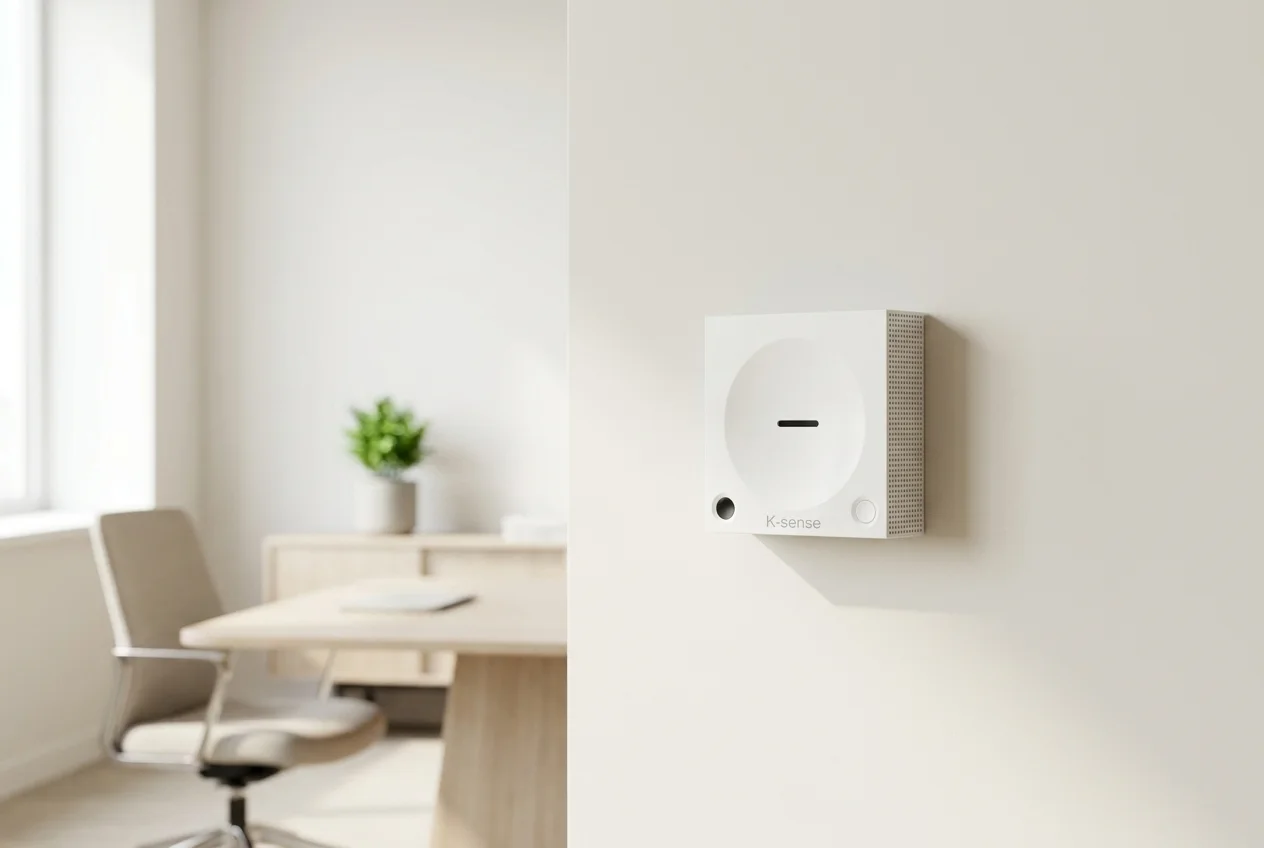
K Senseセンサー
K Senseセンサー オプション:空気と在室状況を計測
→
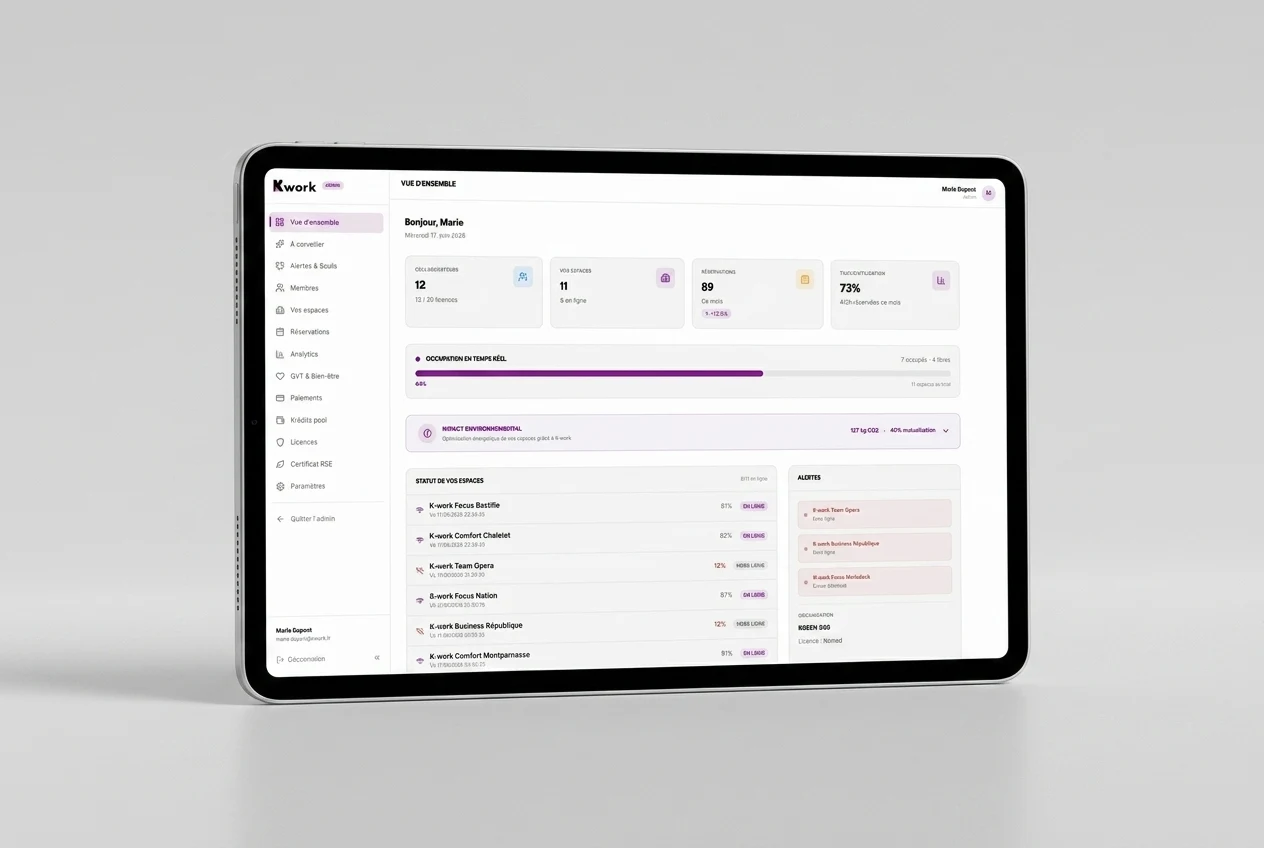
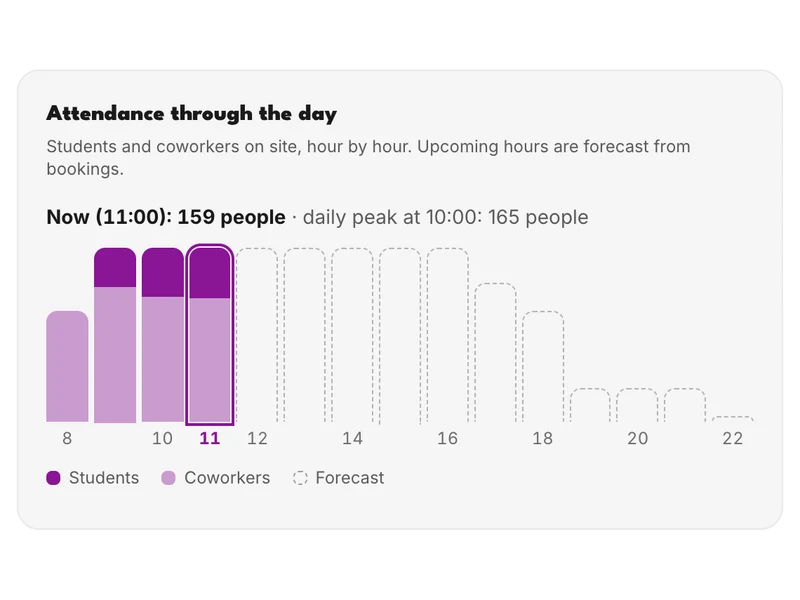
K-workダッシュボード
Dashboard 実データでオフィス全体を管理
→
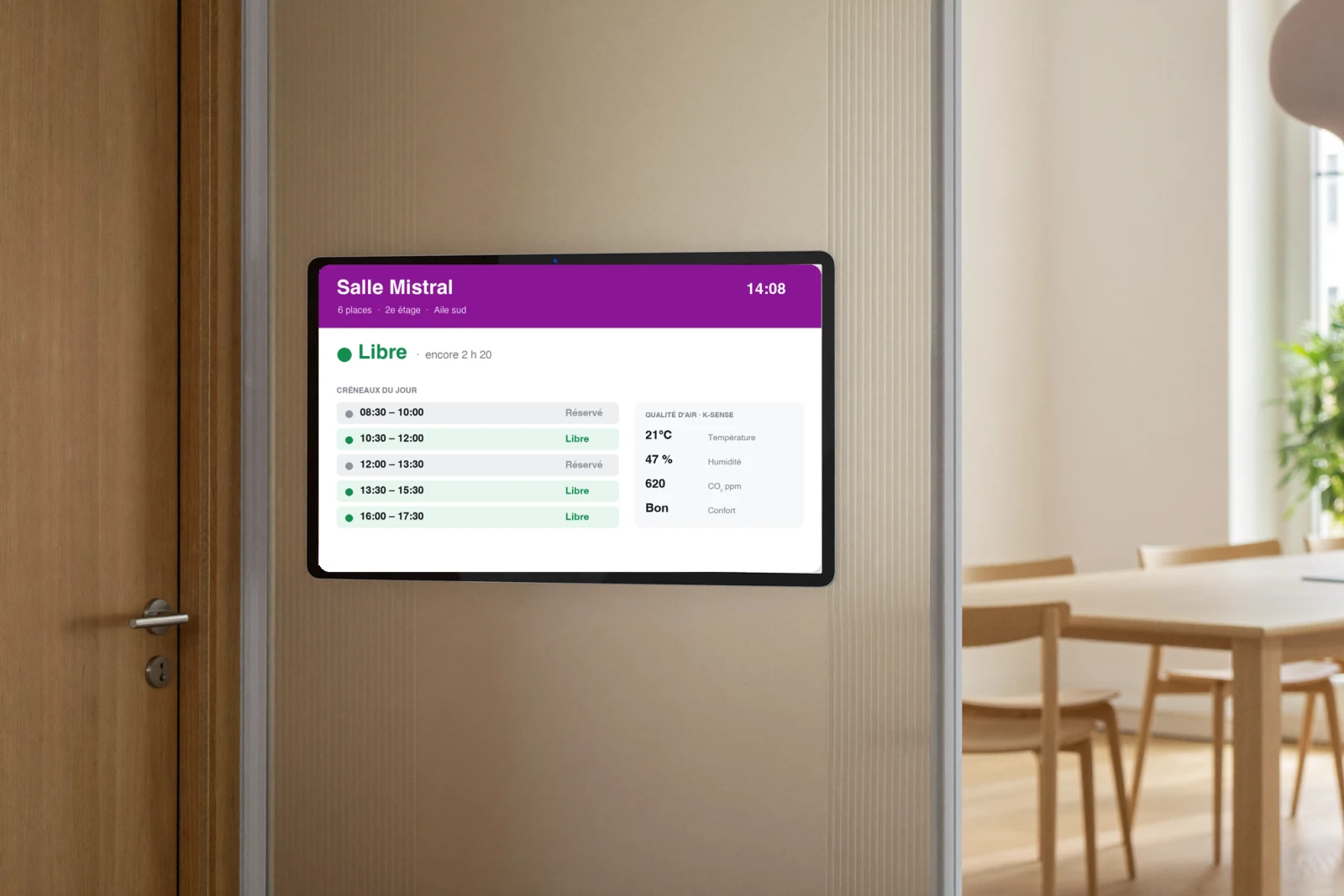
KBEEN会議室ディスプレイ
会議室ディスプレイ 各会議室の状況を、そのドアの前で
→
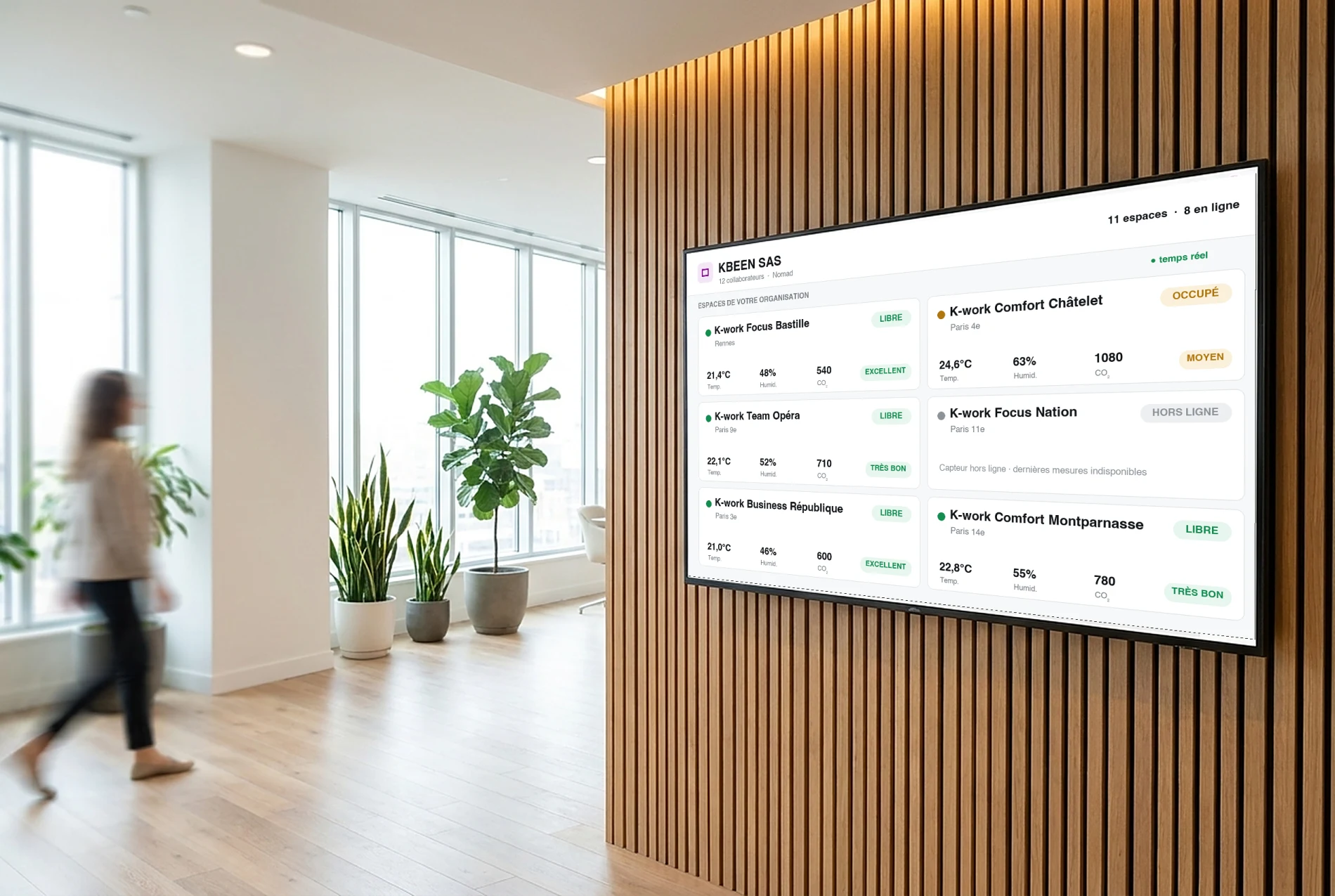
KBEENスペースビュー
スペースビュー すべてのスペースをひと目で
→
K-work Office:オフィスのK Senseセンサー
面積を最適化 センサーからダッシュボードまで、エコシステムのすべてを。
K-⁠work Office あなたの
オフィスを、
進化させる
フレックスオフィスは1ユーザー3ユーロから、センサーはオプション。 デモを申し込む →
→
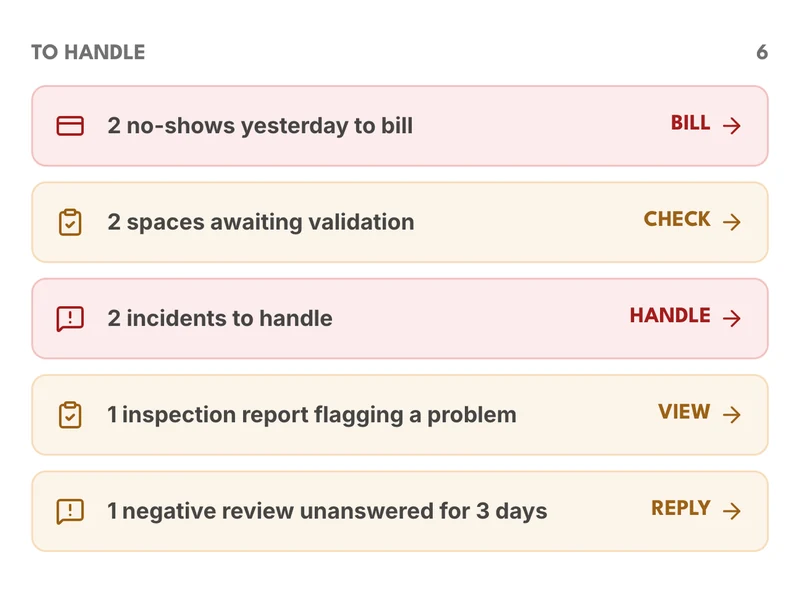
K-work 管理ポータル
管理ソフトウェア 入居者、請求、フロアプラン、入退室をひとつの画面で
→
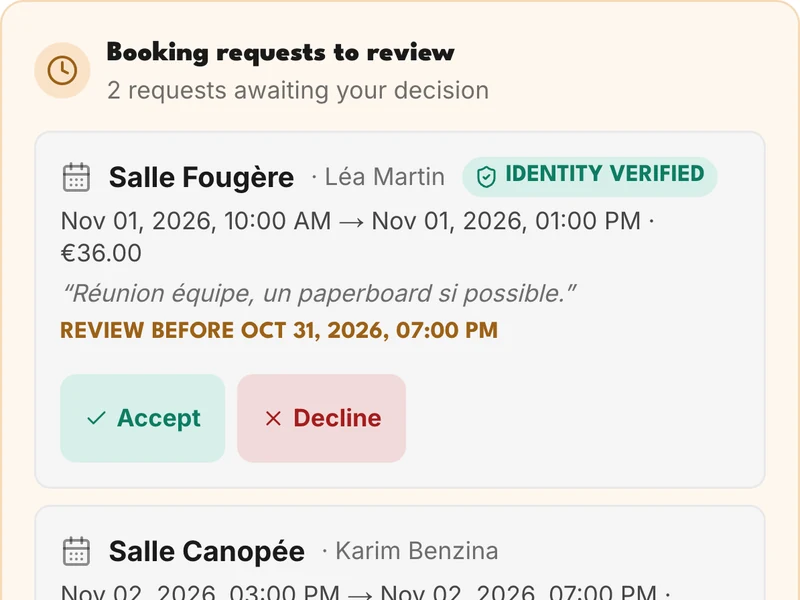
K-workネットワークから届いた予約
掲載 空き時間をK-⁠workの需要で埋めましょう
K-⁠work Partners 管理する。
満たす。
施設の運営をひとつのツールで。需要もいっしょに。 パートナーになる →
→
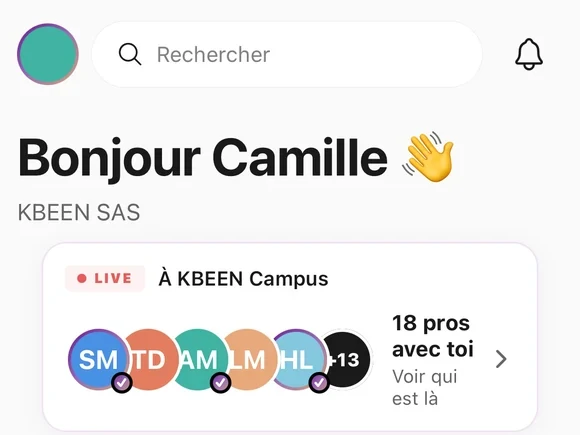
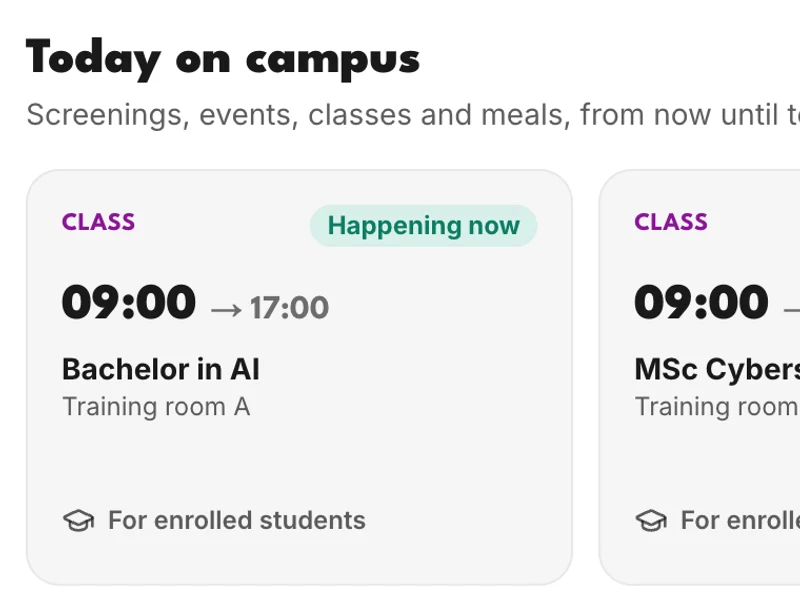
学生向け 一日、学生証、教室
→
学校向け 学年、授業、教室、統計
K-⁠work Campus キャンパスを、
つなぐ。
学生のアプリと、学校のポータル。 デモを申し込む →
→
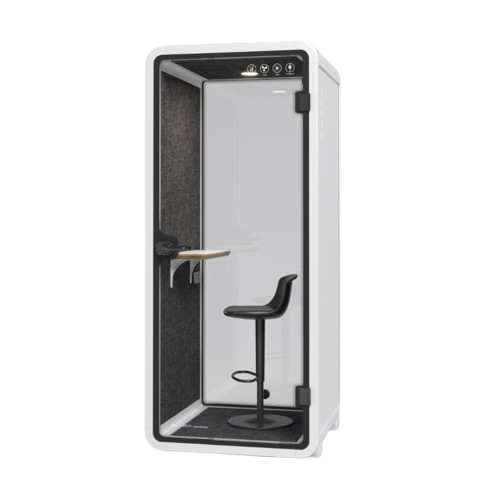
KBEEN Focus
Focus 1名 · ~1 m²
→
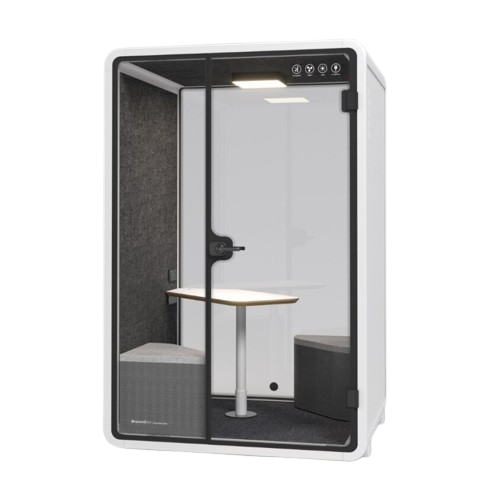
KBEEN Comfort
Comfort 1–2名 · ~1.9 m²
→
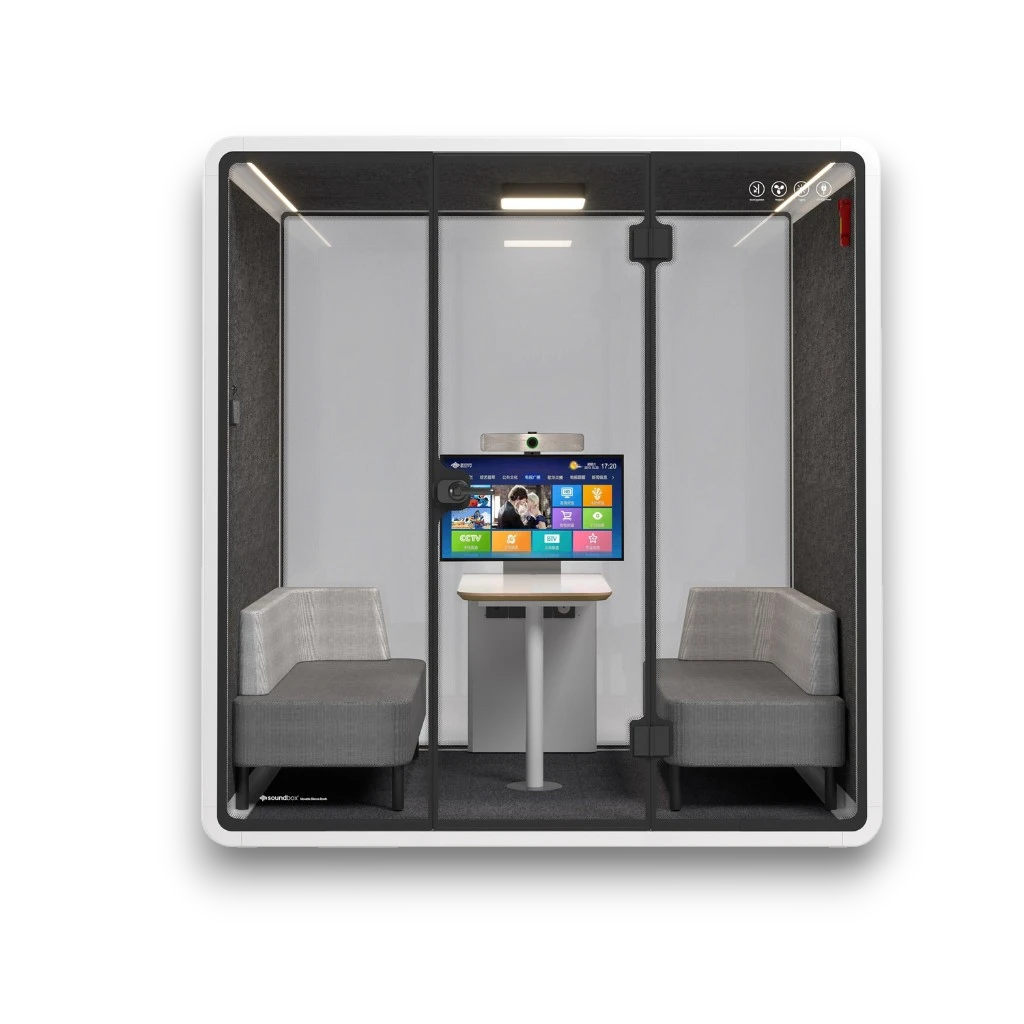
KBEEN Team
Team 3–4名 · ~3.3 m²
→
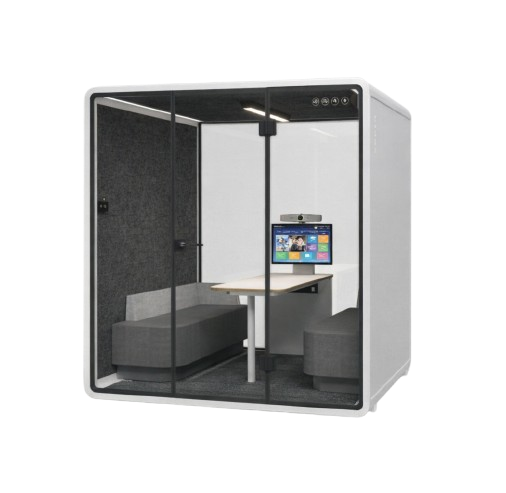
KBEEN Business
Business 4–6名 · ~4.7 m²
KBEENの防音ブース Focus.
Anywhere.
あらゆる用途に、静けさの空間を。 デモを申し込む →
スペースのマップ1時間から K-⁠workアプリ無料
Flex Office3ユーロから K Senseセンサーオプション Dashboardプラットフォーム 会議室ディスプレイドアの前に スペースビュー壁面ディスプレイ 面積を最適化
教育機関 パートナー
Focus1名 Comfort1–2名 Team3–4名 Business4–6名
パートナーになる ログイン お問い合わせ
Guides

How does digital attendance work?

Digital attendance replaces the paper sign-in sheet: the teacher shows a code in the room, each student scans it with their phone and the attendance list fills in, time-stamped. With K-work Campus the code changes every 20 seconds and the offer costs €1 excl. VAT per user per month.

Updated on 17 November 2026 · This guide is written in English and French.

How a class runs

Attendance opens 15 minutes before the class starts. The code is shown full screen; each student scans it with their phone camera. The number of students present is shown live.

Against a photo sent to an absent student

The code changes every 20 seconds: a photo passed to an absent student is useless. The teacher can also mark a student present by hand or remove an attendance.

The timetable and the list

Classes come from the school’s scheduling tool through an iCal link (ADE, Hyperplanning, Celcat, Aurion…). After the class, the list can still be corrected and exported as CSV.

What it is not

The attendance list is time-stamped by K-work, but it is not a certified attendance sheet (Qualiopi, OPCO).

Frequently asked questions

Do students need to install an app?
They scan the code with their phone camera and sign in with their school account; the K-work Campus app also gives them their day and their student card.
What happens if the connection drops?
The teacher’s screen says so and shows the time of the last list received.
How much does digital attendance cost?
It is included in K-work Campus: €1 excl. VAT per user per month up to 499 users, €0.75 excl. VAT from 500, €0.50 excl. VAT from 1,000, on quote above 3,000, with no commitment.
Request a 30 to 60-day POCSee K-work Campus