K-workK-work

업무 공간을 위한 운영체제.

솔루션

  • K-⁠work 앱
  • K-⁠work Office
  • K-⁠work Campus
  • K-⁠work Partners
  • 방음 부스

제품

  • 공간 지도
  • K-⁠work+
  • 요금
  • Indice K
  • 기업용
  • 인터랙티브 평면도

자료

  • 이용 방법
  • 플렉스 오피스
  • Pennylane 연동
  • 약정 없는 오피스
  • 파트너 되기
  • K-⁠work 가이드
  • 블로그
  • 도시별 공간

법적 고지

  • 사업자 정보
  • 개인정보 처리방침
  • 쿠키 정책
  • 추적 도구 선택
  • 이용약관 / 판매약관
  • 판매 약관 (Pro)

문의

  • contact@kwork.fr
Télécharger dans l’App StoreDisponible sur Google Play
La French TechMembre du pool
French Tech Rennes Saint-Malo

17개 언어로 이용 가능

  • Français
  • English
  • Español
  • Deutsch
  • Italiano
  • Português
  • Svenska
  • Nederlands
  • Dansk
  • Norsk
  • Suomi
  • Polski
  • Čeština
  • Türkçe
  • 日本語
  • 한국어
  • 中文

© 2026 K-⁠work by KBEEN SAS. 모든 권리 보유.

프랑스 렌

본문 바로가기
K-work
공간 찾기
기업
학교
파트너
부스
파트너 되기문의하기
→
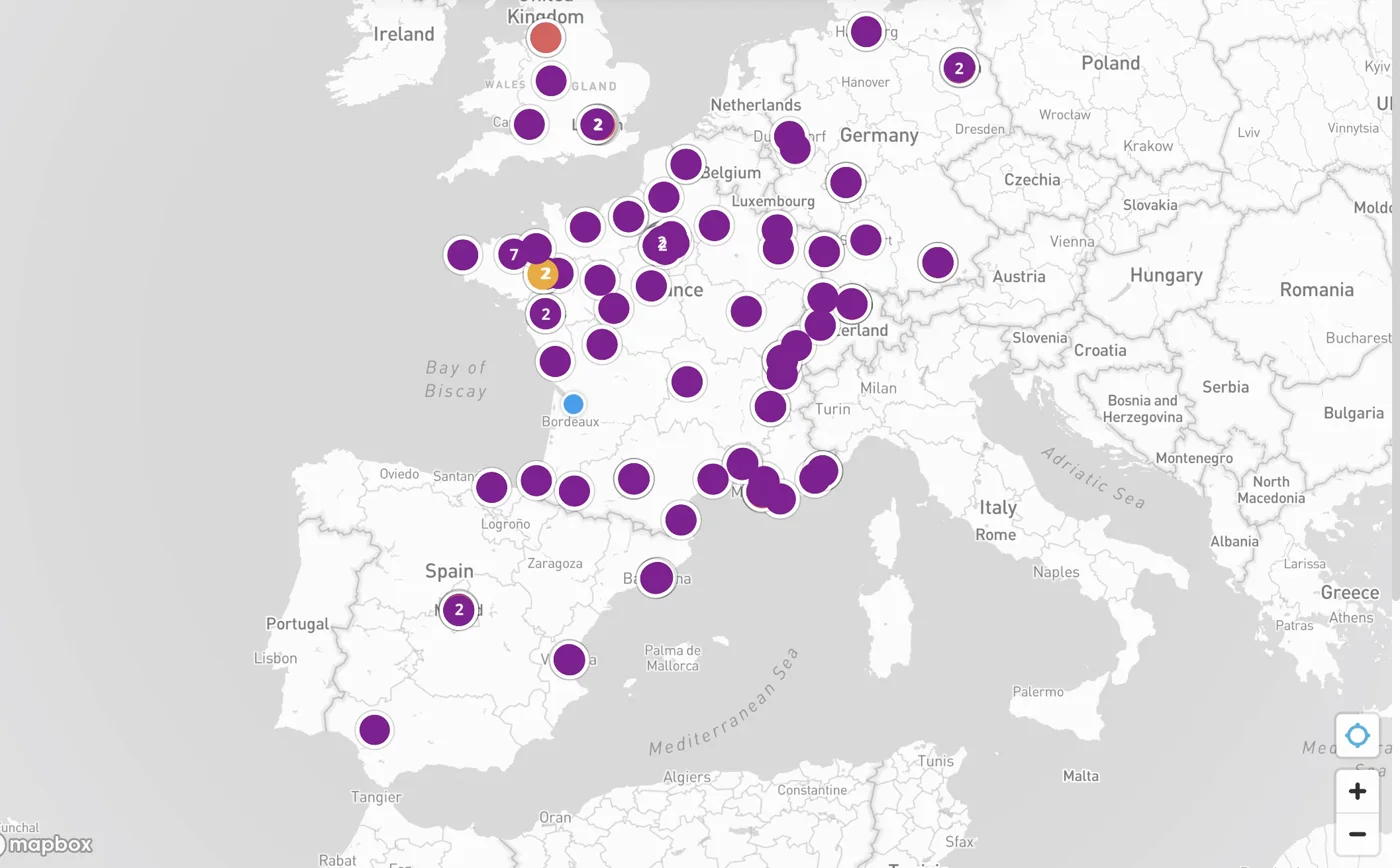
K-work 공간 지도
공간 지도 가까운 곳을 1시간부터 예약
→
K-work 앱
K-⁠work 앱 무료, iOS·Android·웹에서
K-⁠work 어디서나
일하세요.
전 세계에 펼쳐진 업무 공간 네트워크. 지도 열기 →
→
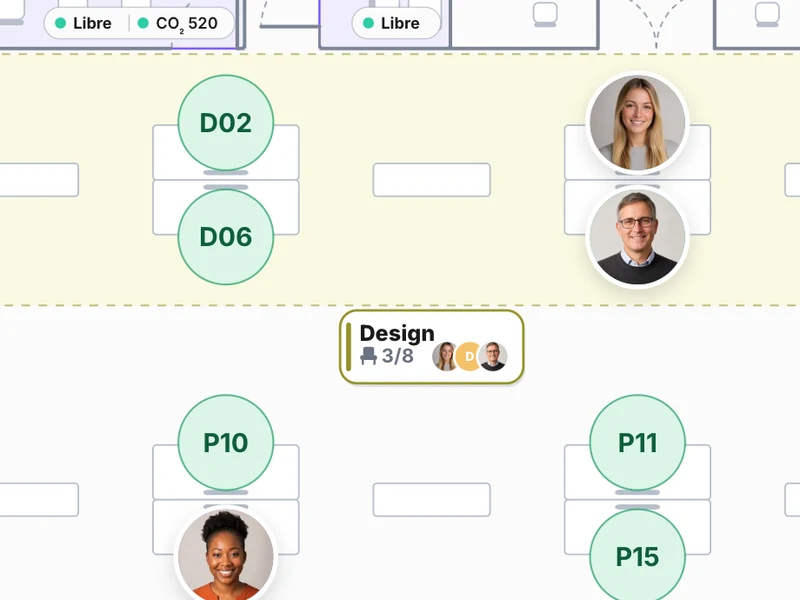
Flex Office 실제 평면도 위의 유연한 오피스
→
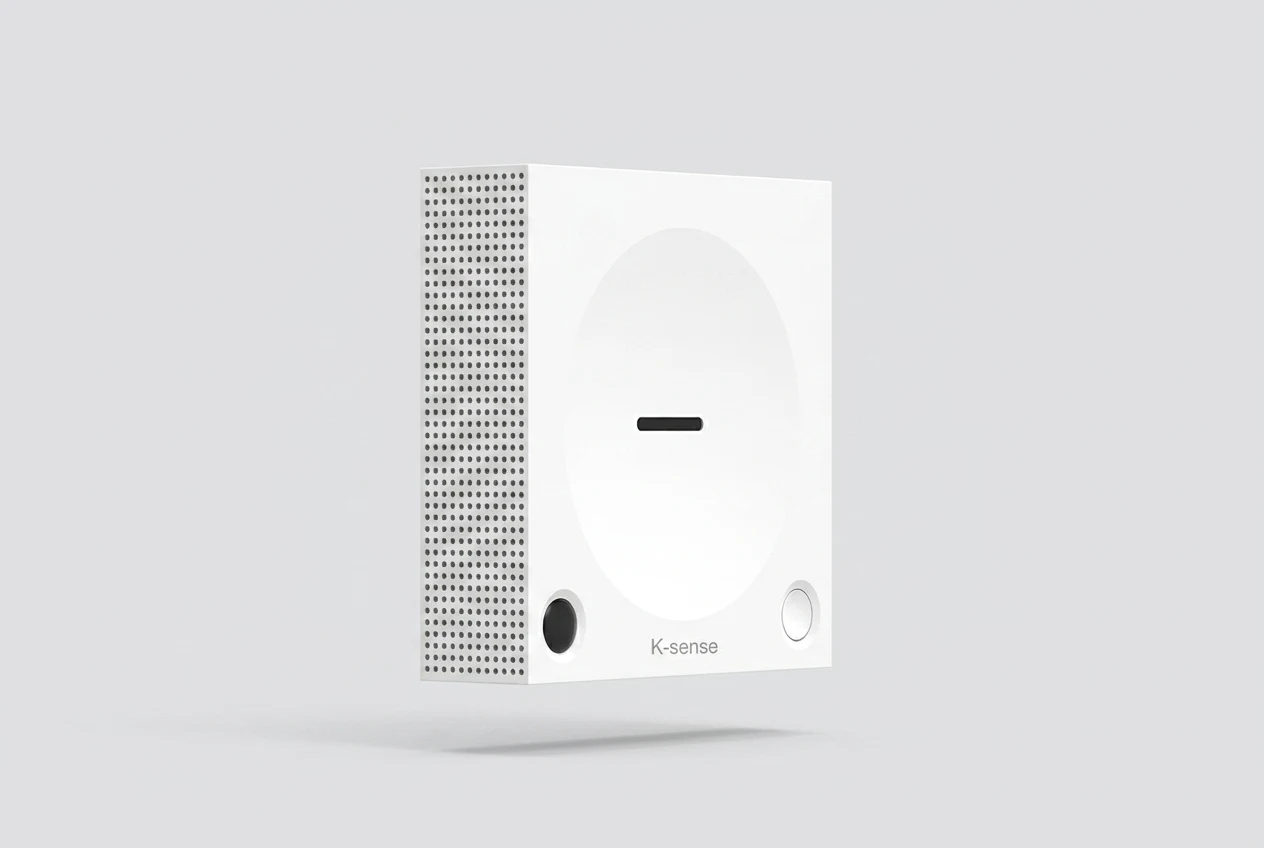
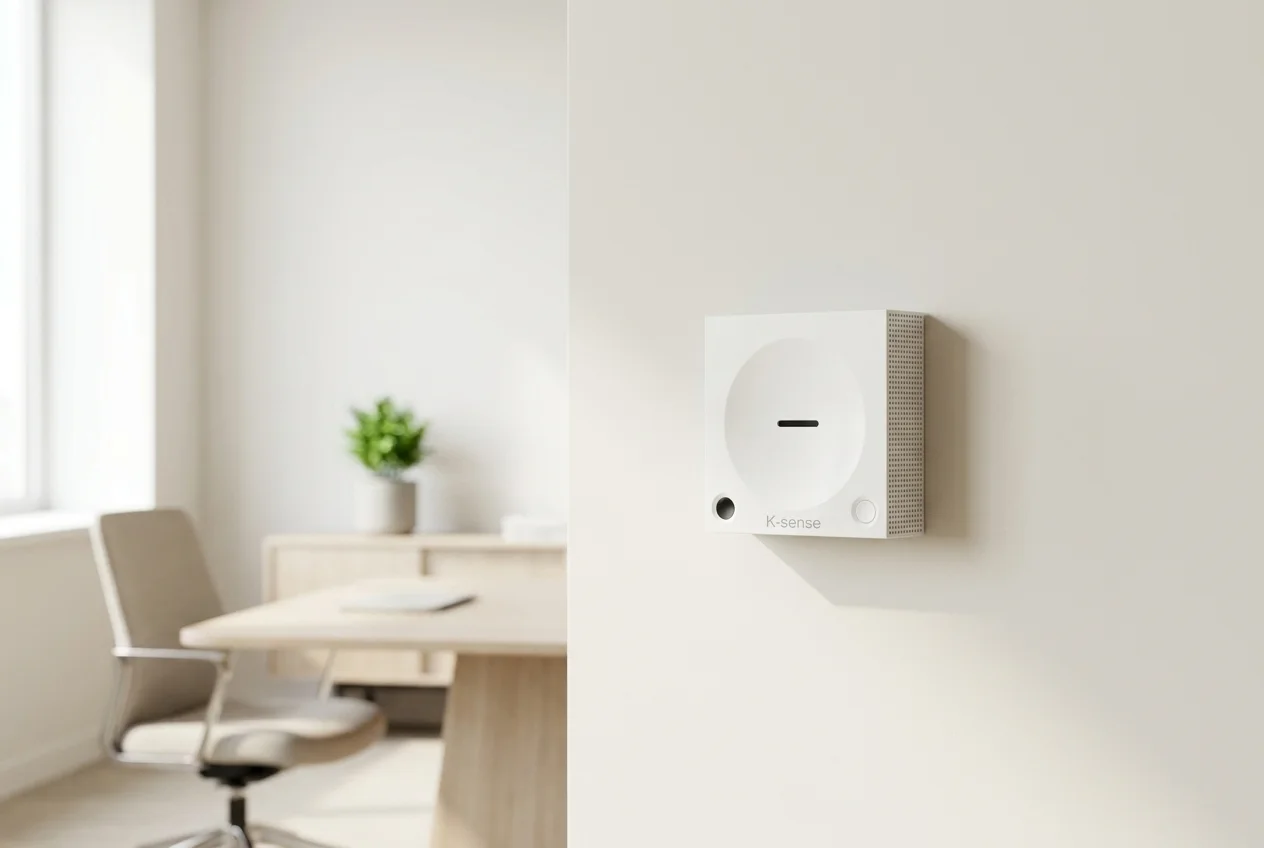
K Sense 센서
K Sense 센서 옵션: 공기와 재실 현황을 측정
→
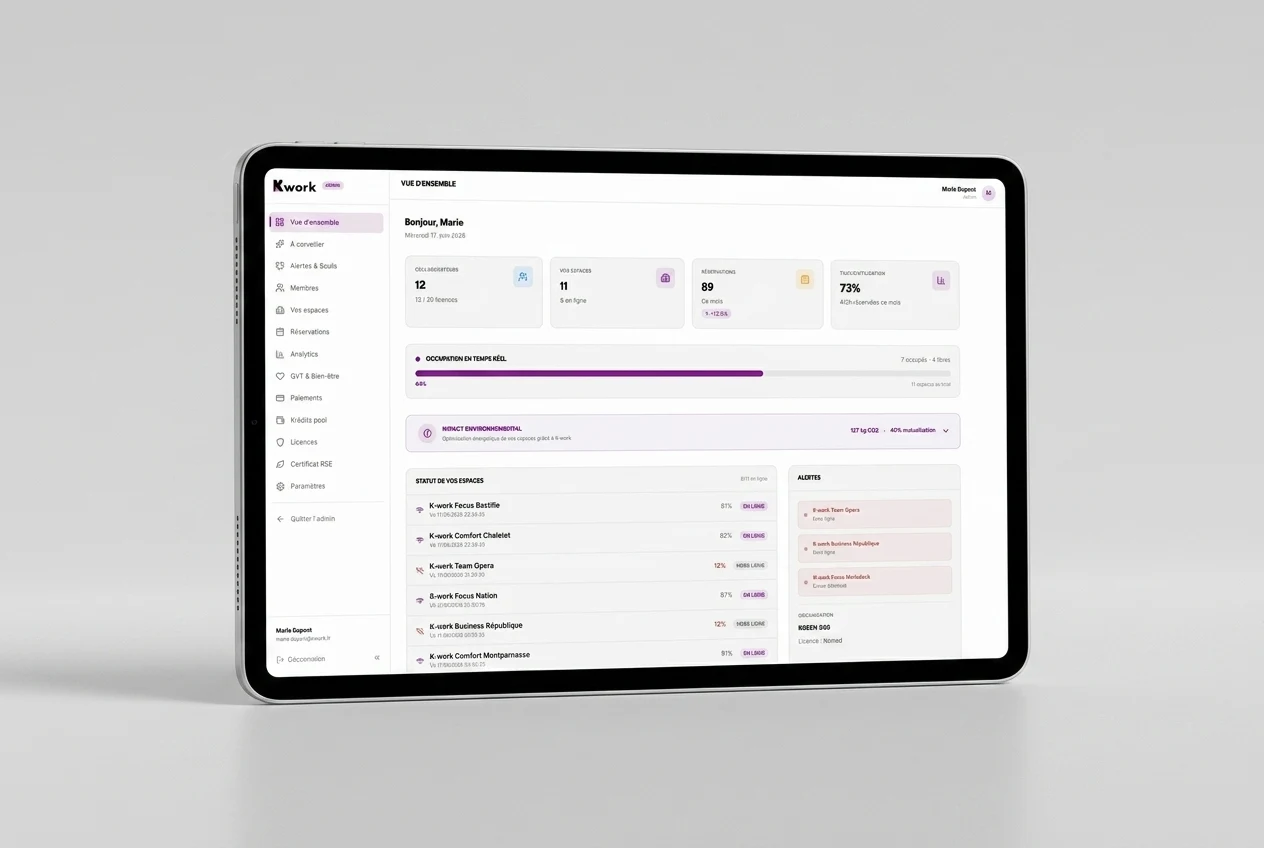
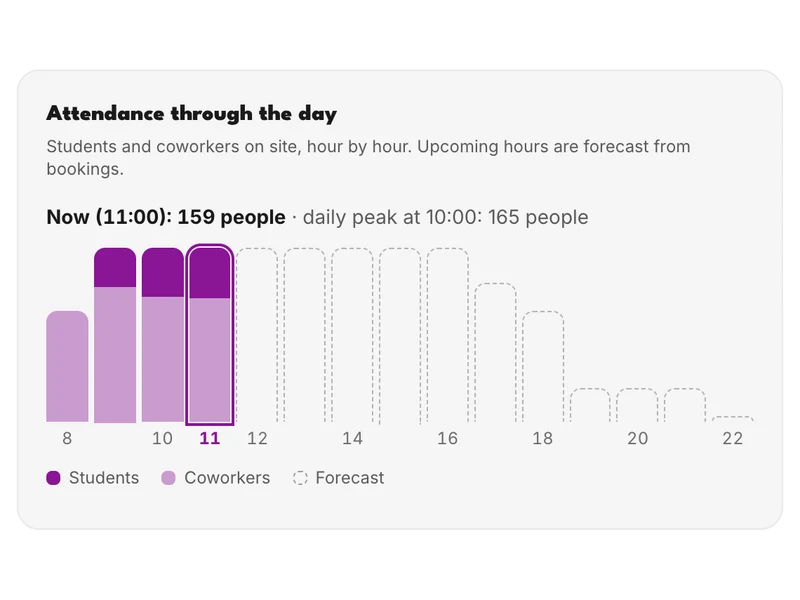
K-work 대시보드
Dashboard 실제 데이터로 사업장을 운영하세요
→
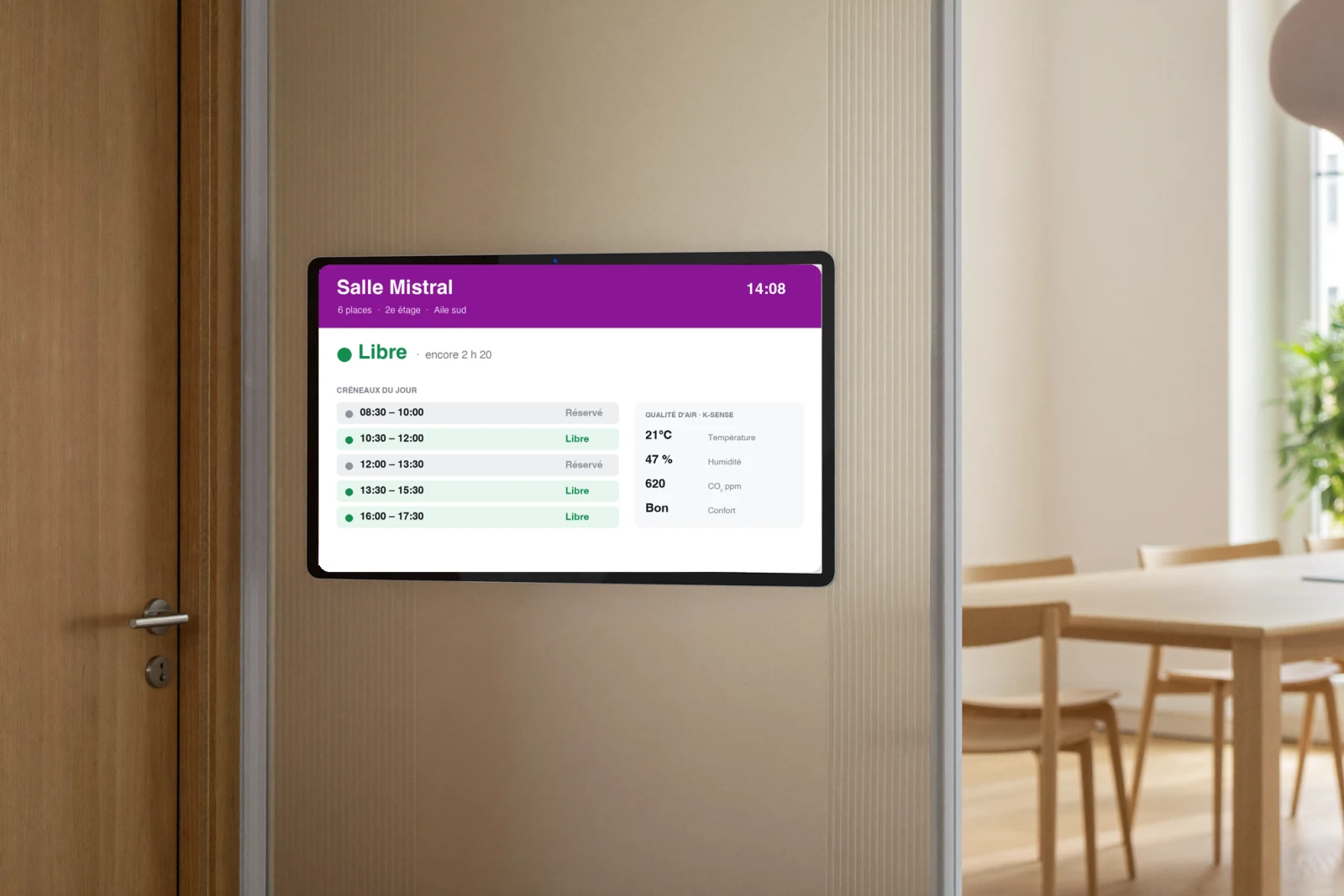
KBEEN 회의실 디스플레이
회의실 디스플레이 각 회의실의 상태를 문 앞에서
→
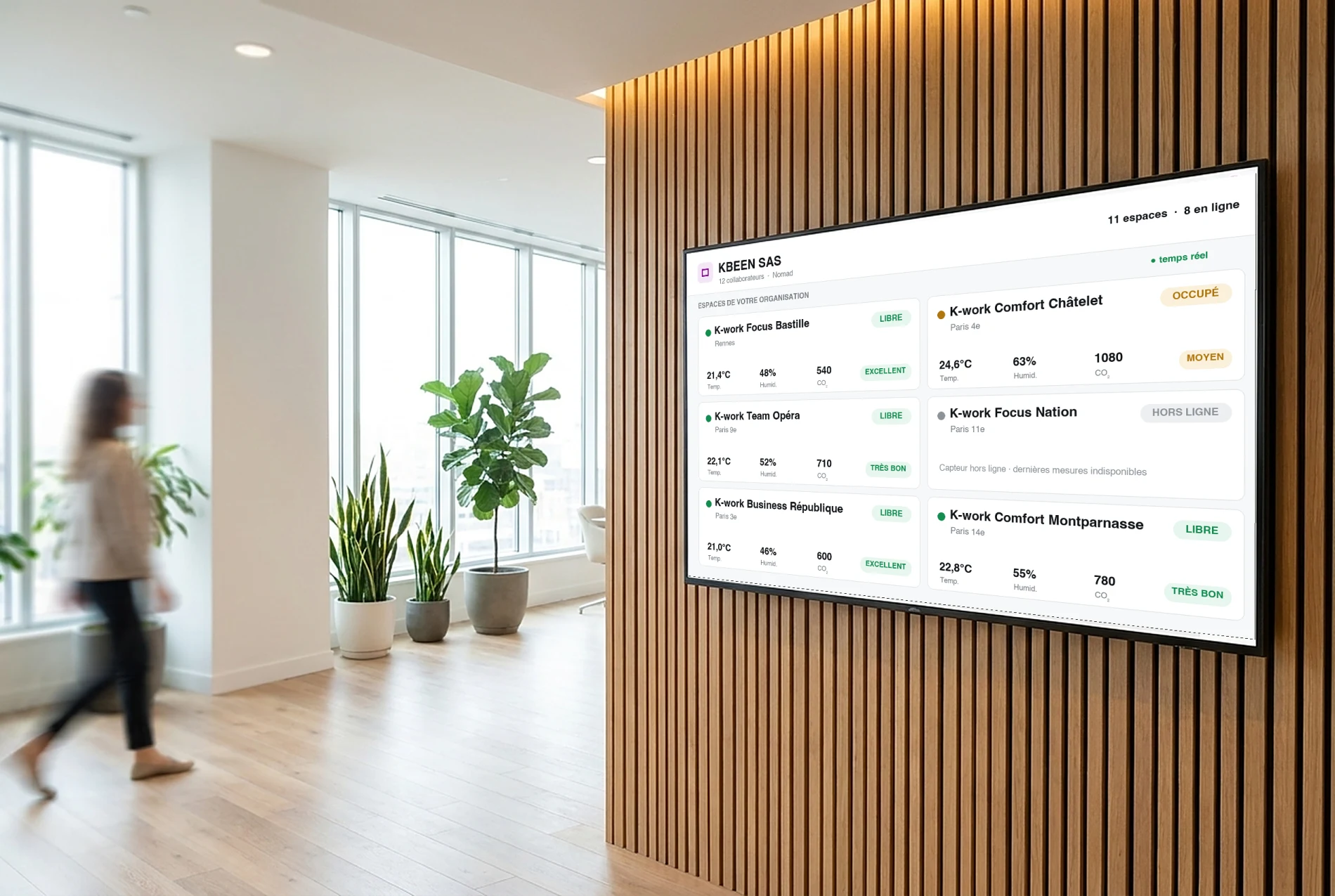
KBEEN 공간 현황 화면
공간 현황 모든 공간을 한눈에
→
K-work Office: 사무실의 K Sense 센서
면적 최적화 센서부터 대시보드까지, 에코시스템 전체를 제공합니다.
K-⁠work Office 당신의
사무실을,
더 스마트하게
플렉스 오피스는 사용자당 3유로부터, 센서는 옵션. 데모 신청하기 →
→
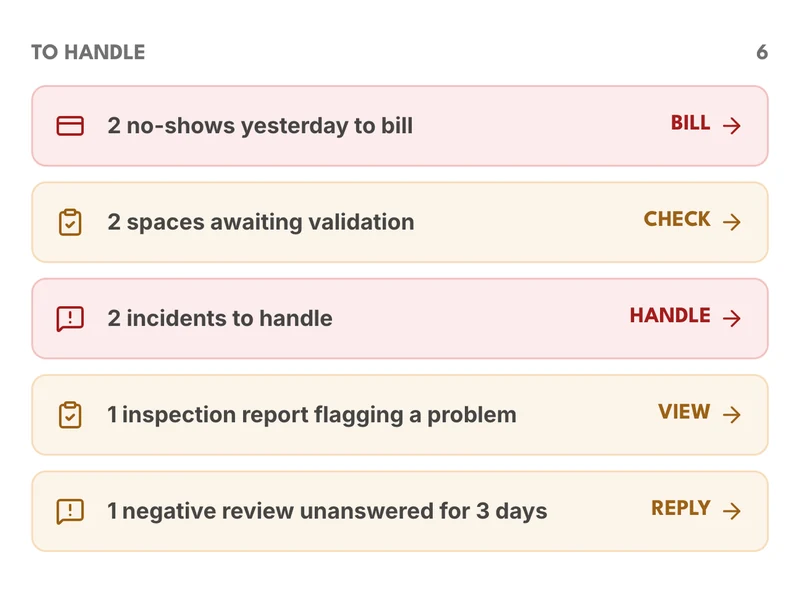
K-work 관리 포털
관리 소프트웨어 입주자, 청구, 평면도, 출입을 한 화면에서
→
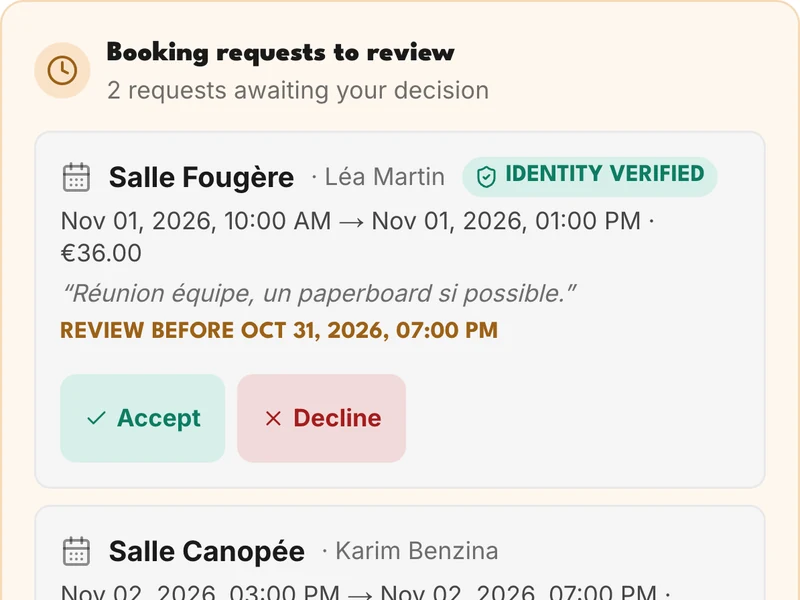
K-work 네트워크로 받은 예약
입점 한산한 시간을 K-⁠work 수요로 채우세요
K-⁠work Partners 관리하고,
채우세요.
공간 운영은 하나의 도구로, 수요는 덤으로. 파트너 되기 →
→
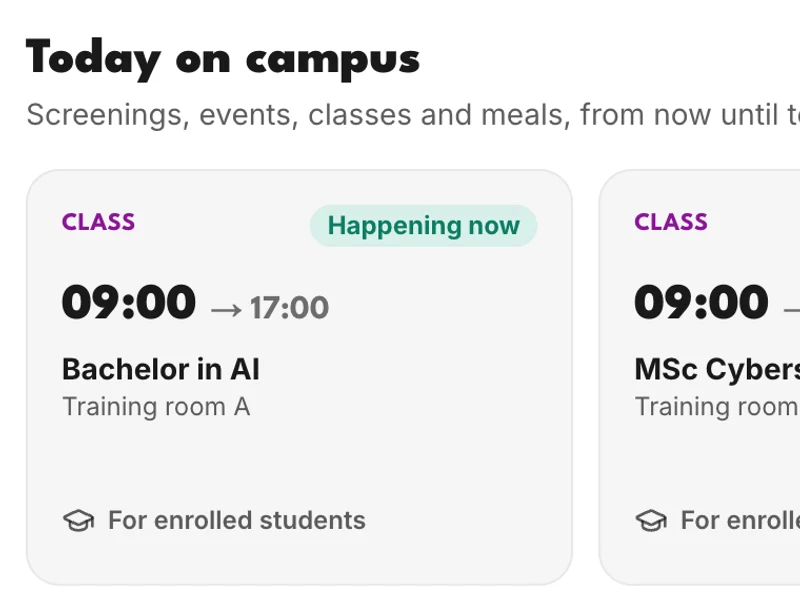
학생을 위해 하루, 학생증, 강의실
→
학교를 위해 학년, 수업, 강의실, 통계
K-⁠work Campus 캠퍼스를,
연결하다.
학생의 앱, 학교의 포털. 데모 신청하기 →
→
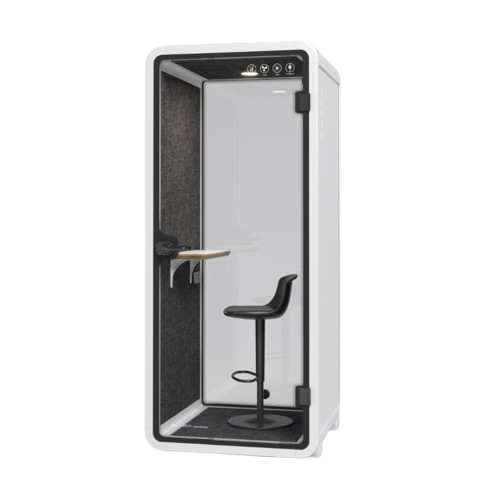
KBEEN Focus
Focus 1인 · ~1 m²
→
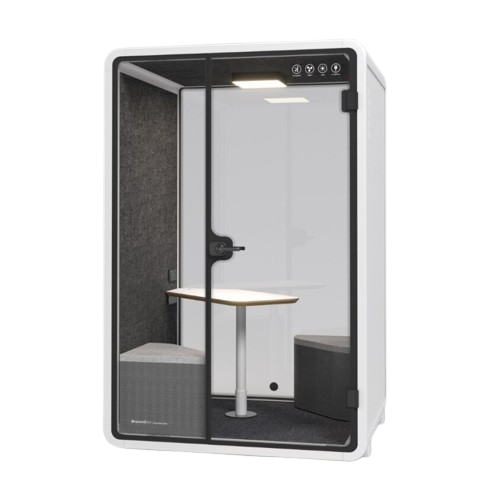
KBEEN Comfort
Comfort 1–2인 · ~1.9 m²
→
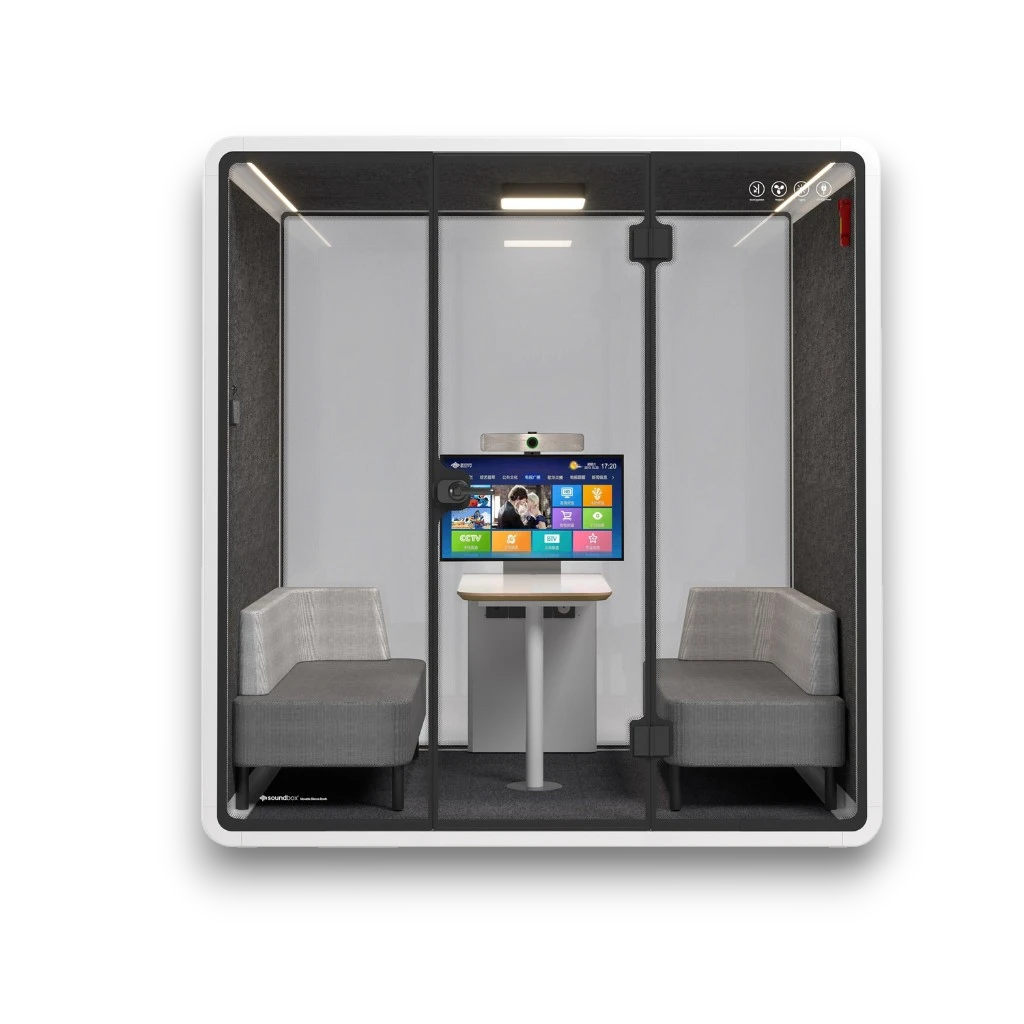
KBEEN Team
Team 3–4인 · ~3.3 m²
→
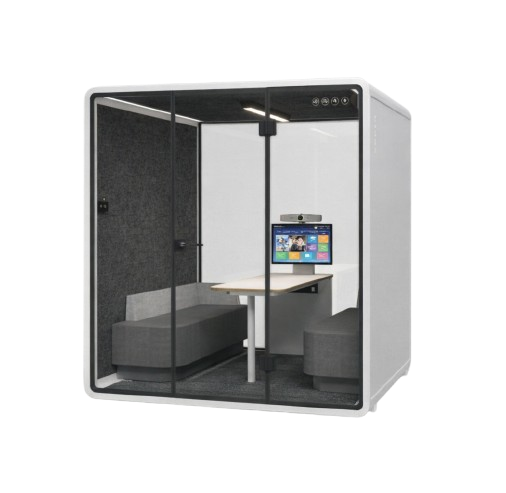
KBEEN Business
Business 4–6인 · ~4.7 m²
KBEEN 방음 부스 Focus.
Anywhere.
모든 업무에 어울리는 고요한 공간. 데모 신청하기 →
공간 지도1시간부터 K-⁠work 앱무료
Flex Office3유로부터 K Sense 센서선택 사항 Dashboard플랫폼 회의실 디스플레이문 앞에 공간 현황벽면 디스플레이 면적 최적화
학교 파트너
Focus1인 Comfort1–2인 Team3–4인 Business4–6인
파트너 되기 로그인 문의하기
Guides

How does digital attendance work?

Digital attendance replaces the paper sign-in sheet: the teacher shows a code in the room, each student scans it with their phone and the attendance list fills in, time-stamped. With K-work Campus the code changes every 20 seconds and the offer costs €1 excl. VAT per user per month.

Updated on 17 November 2026 · This guide is written in English and French.

How a class runs

Attendance opens 15 minutes before the class starts. The code is shown full screen; each student scans it with their phone camera. The number of students present is shown live.

Against a photo sent to an absent student

The code changes every 20 seconds: a photo passed to an absent student is useless. The teacher can also mark a student present by hand or remove an attendance.

The timetable and the list

Classes come from the school’s scheduling tool through an iCal link (ADE, Hyperplanning, Celcat, Aurion…). After the class, the list can still be corrected and exported as CSV.

What it is not

The attendance list is time-stamped by K-work, but it is not a certified attendance sheet (Qualiopi, OPCO).

Frequently asked questions

Do students need to install an app?
They scan the code with their phone camera and sign in with their school account; the K-work Campus app also gives them their day and their student card.
What happens if the connection drops?
The teacher’s screen says so and shows the time of the last list received.
How much does digital attendance cost?
It is included in K-work Campus: €1 excl. VAT per user per month up to 499 users, €0.75 excl. VAT from 500, €0.50 excl. VAT from 1,000, on quote above 3,000, with no commitment.
Request a 30 to 60-day POCSee K-work Campus