K-workK-work

업무 공간을 위한 운영체제.

솔루션

  • K-⁠work 앱
  • K-⁠work Office
  • K-⁠work Campus
  • K-⁠work Partners
  • 방음 부스

제품

  • 공간 지도
  • K-⁠work+
  • 요금
  • Indice K
  • 기업용
  • 인터랙티브 평면도

자료

  • 이용 방법
  • 플렉스 오피스
  • Pennylane 연동
  • 약정 없는 오피스
  • 파트너 되기
  • K-⁠work 가이드
  • 블로그
  • 도시별 공간

법적 고지

  • 사업자 정보
  • 개인정보 처리방침
  • 쿠키 정책
  • 추적 도구 선택
  • 이용약관 / 판매약관
  • 판매 약관 (Pro)

문의

  • contact@kwork.fr
Télécharger dans l’App StoreDisponible sur Google Play
La French TechMembre du pool
French Tech Rennes Saint-Malo

17개 언어로 이용 가능

  • Français
  • English
  • Español
  • Deutsch
  • Italiano
  • Português
  • Svenska
  • Nederlands
  • Dansk
  • Norsk
  • Suomi
  • Polski
  • Čeština
  • Türkçe
  • 日本語
  • 한국어
  • 中文

© 2026 K-⁠work by KBEEN SAS. 모든 권리 보유.

프랑스 렌

본문 바로가기
K-work
공간 찾기
기업
학교
파트너
부스
파트너 되기문의하기
→
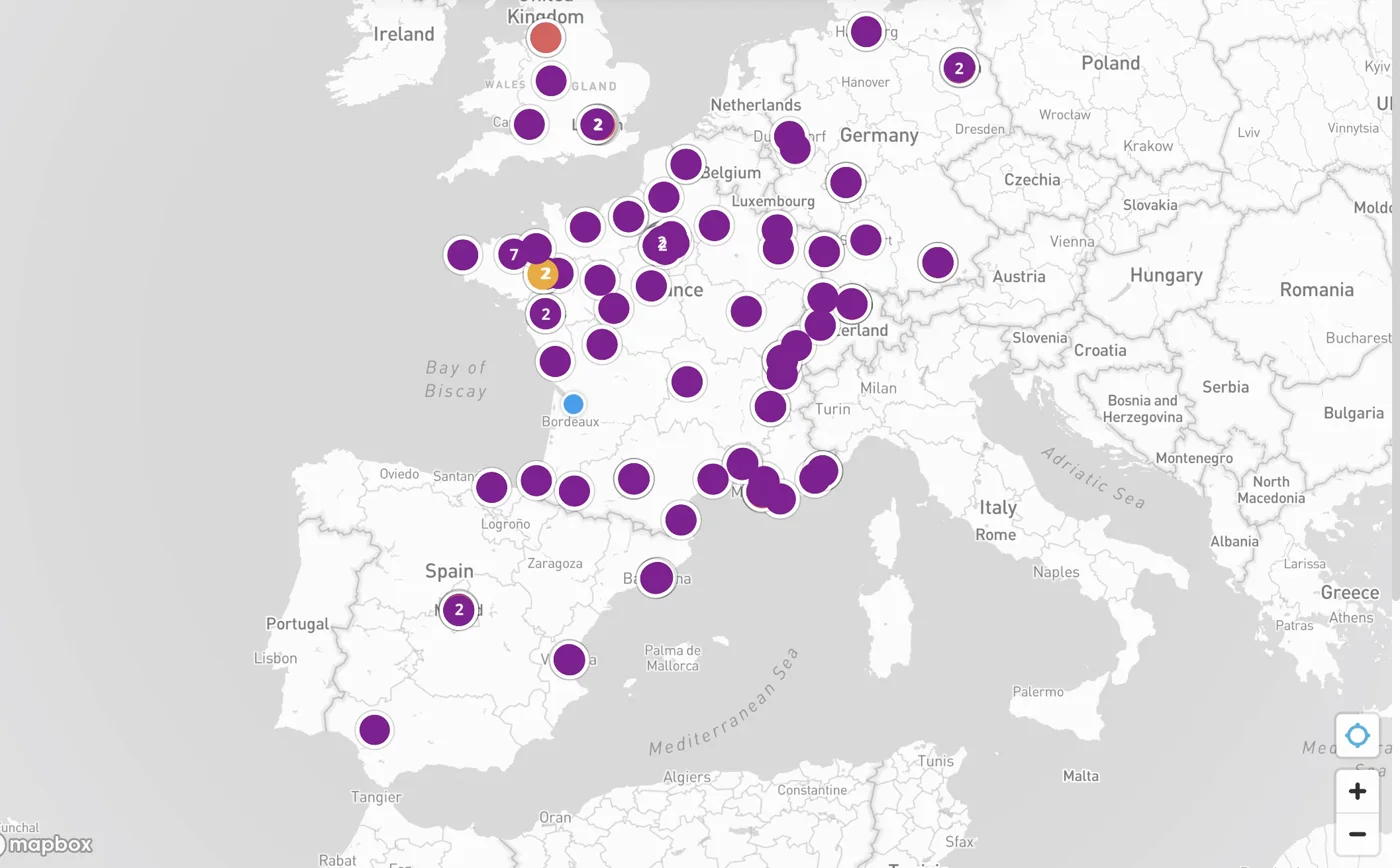
K-work 공간 지도
공간 지도 가까운 곳을 1시간부터 예약
→
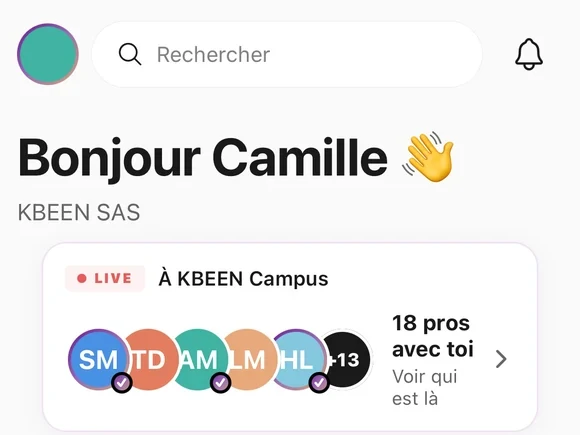
K-work 앱
K-⁠work 앱 무료, iOS·Android·웹에서
K-⁠work 어디서나
일하세요.
전 세계에 펼쳐진 업무 공간 네트워크. 지도 열기 →
→
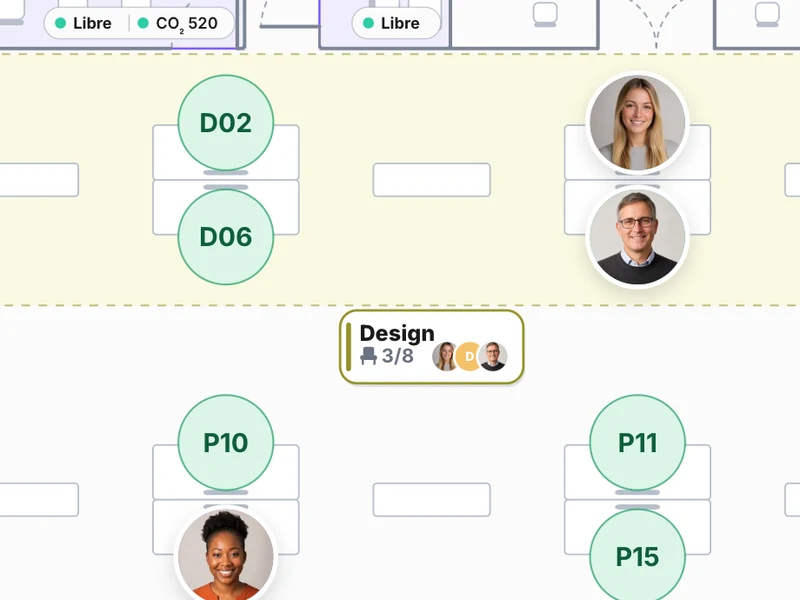
Flex Office 실제 평면도 위의 유연한 오피스
→
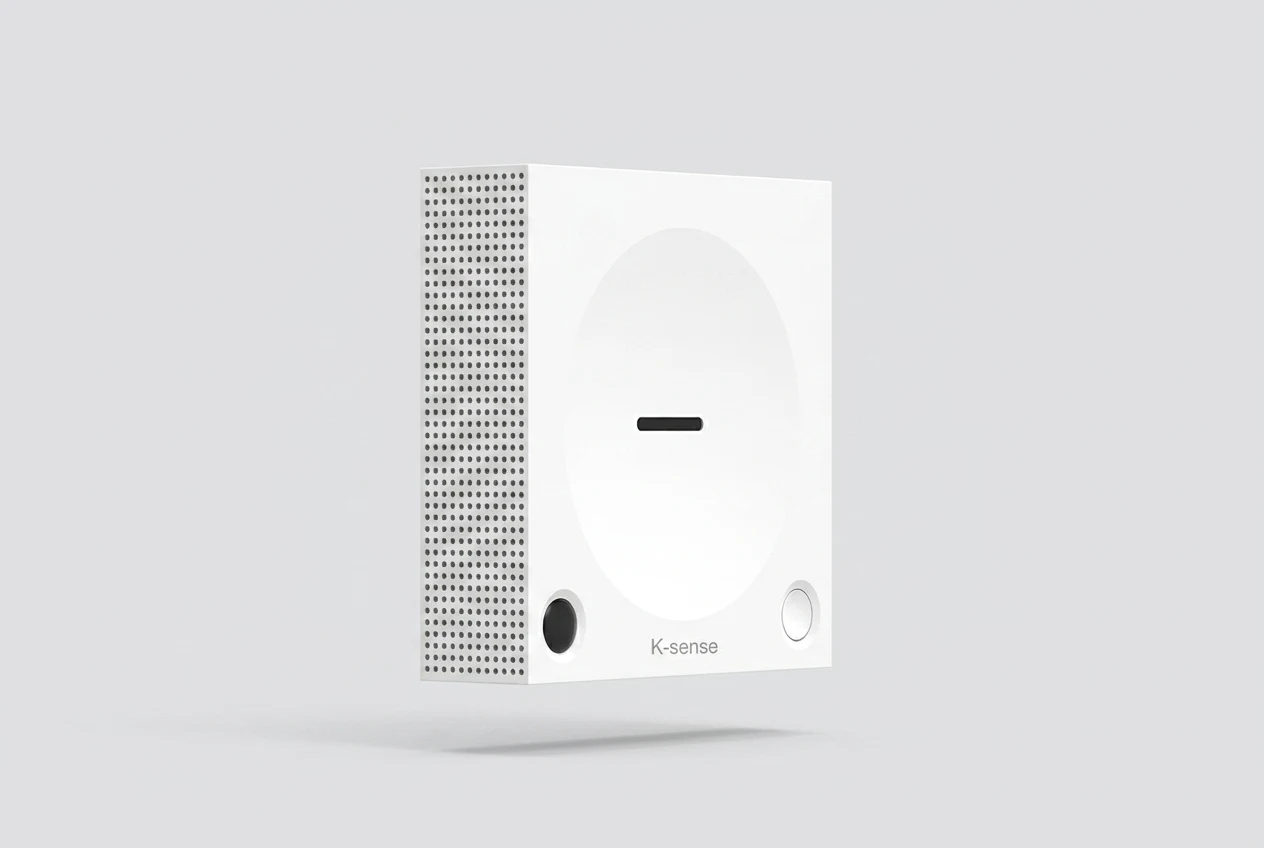
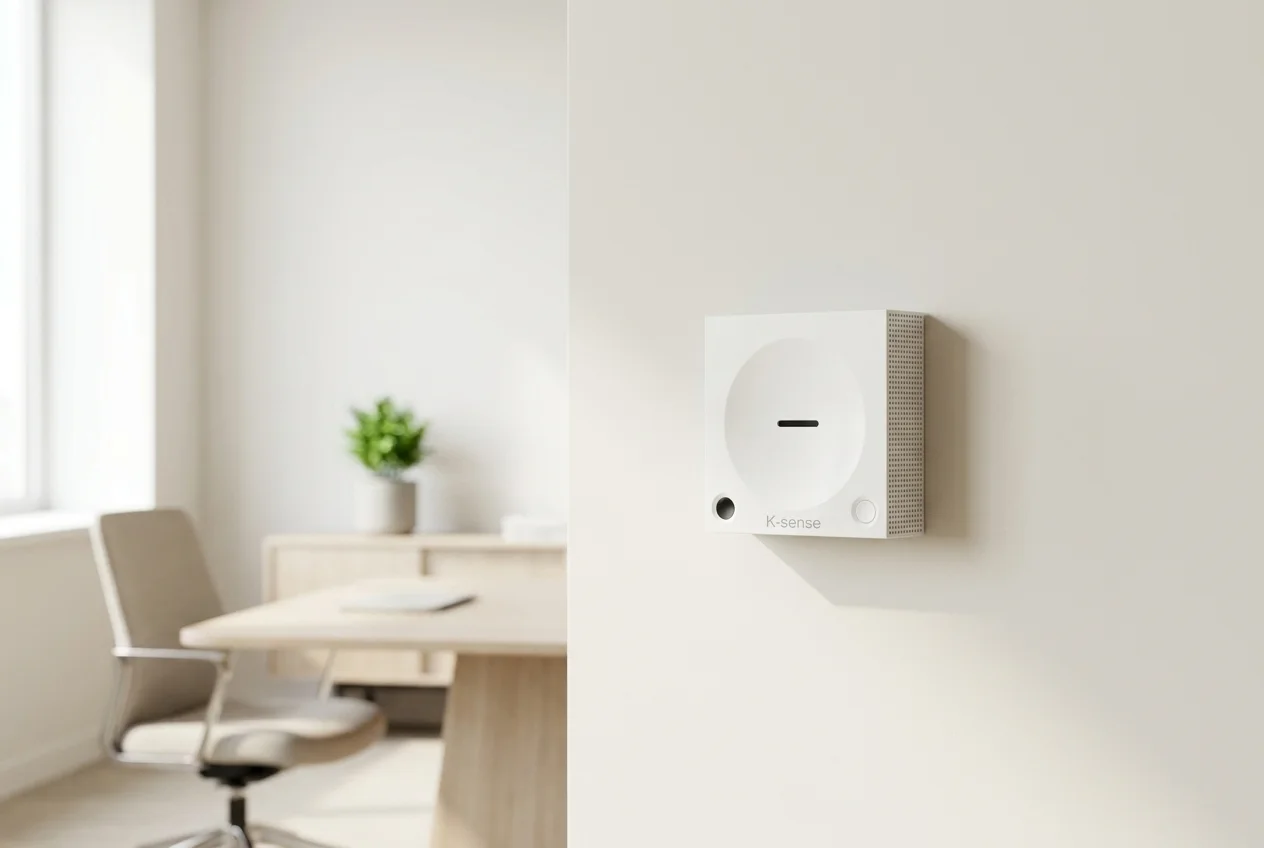
K Sense 센서
K Sense 센서 옵션: 공기와 재실 현황을 측정
→
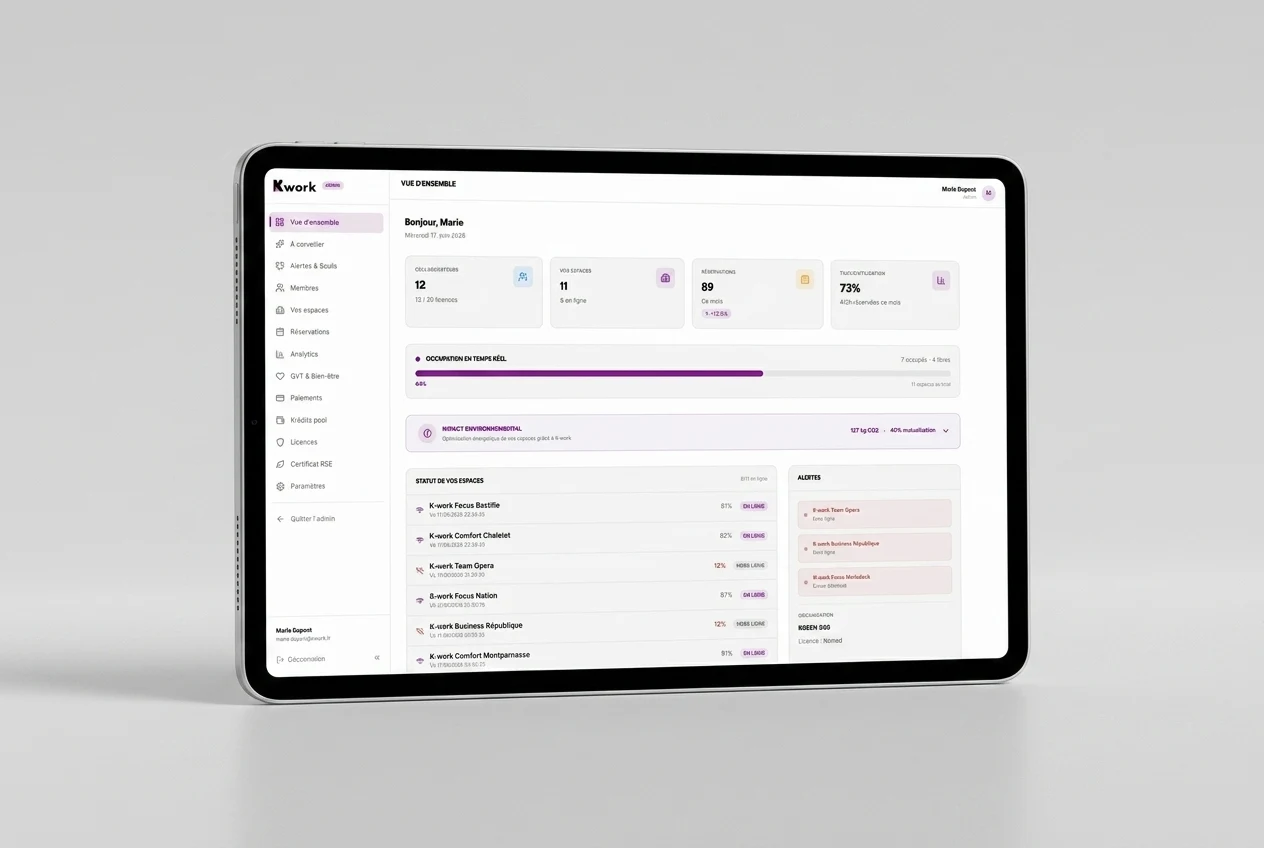
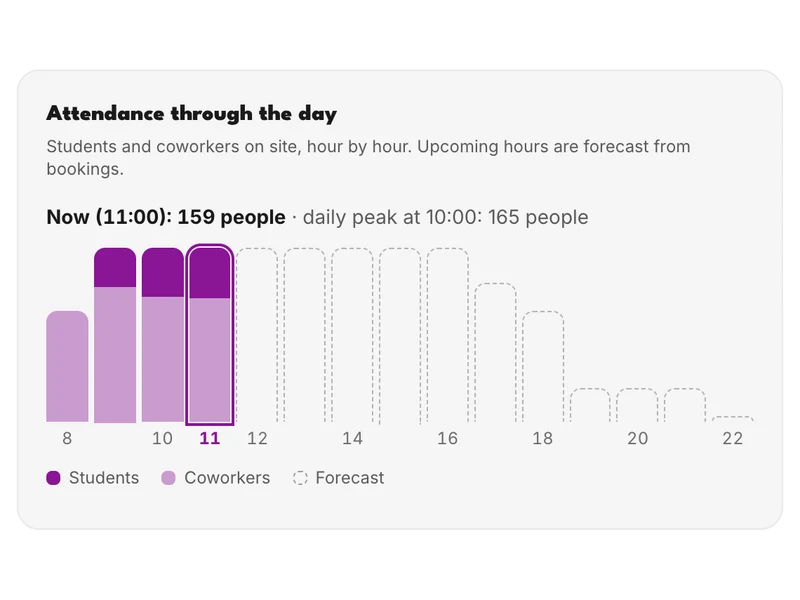
K-work 대시보드
Dashboard 실제 데이터로 사업장을 운영하세요
→
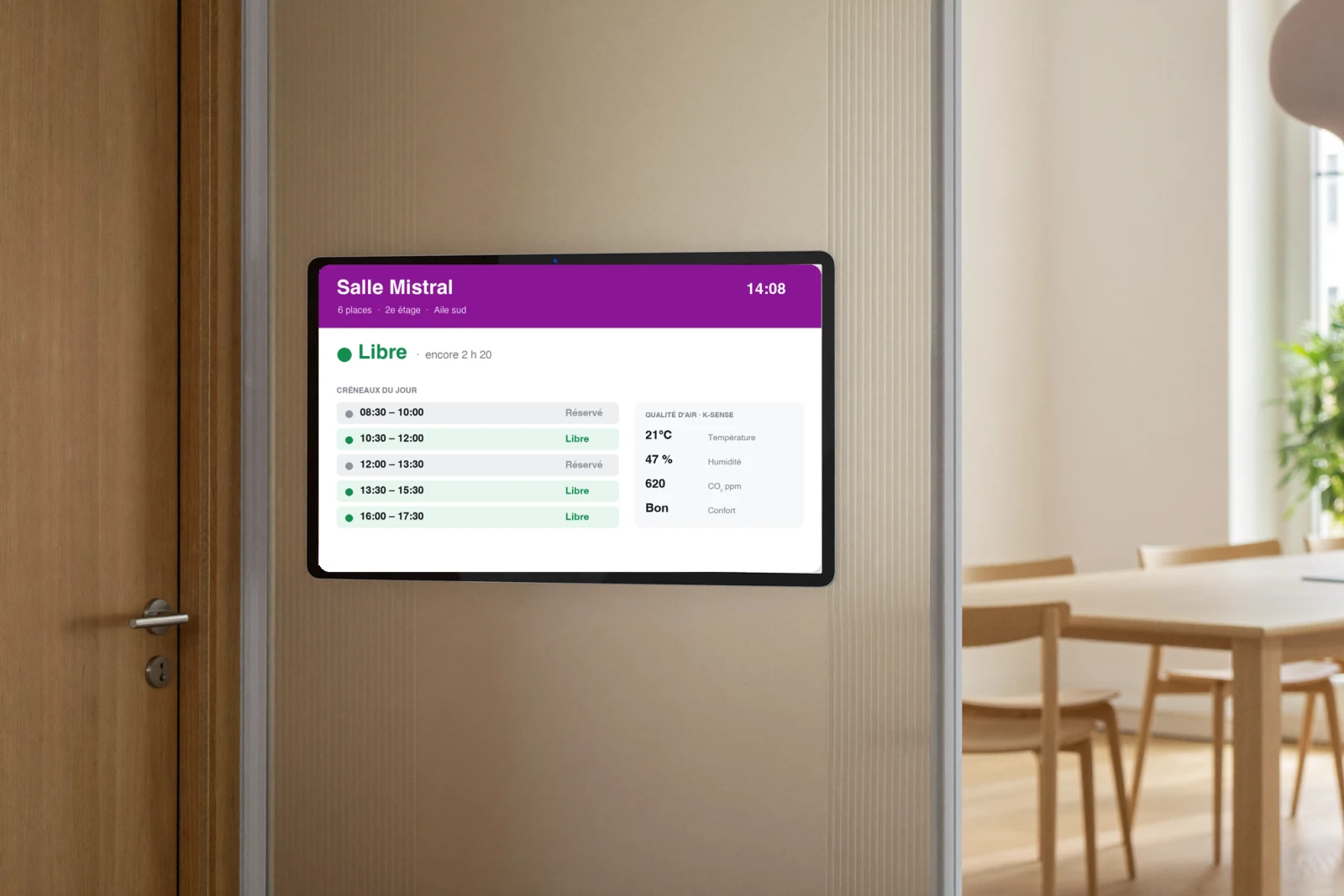
KBEEN 회의실 디스플레이
회의실 디스플레이 각 회의실의 상태를 문 앞에서
→
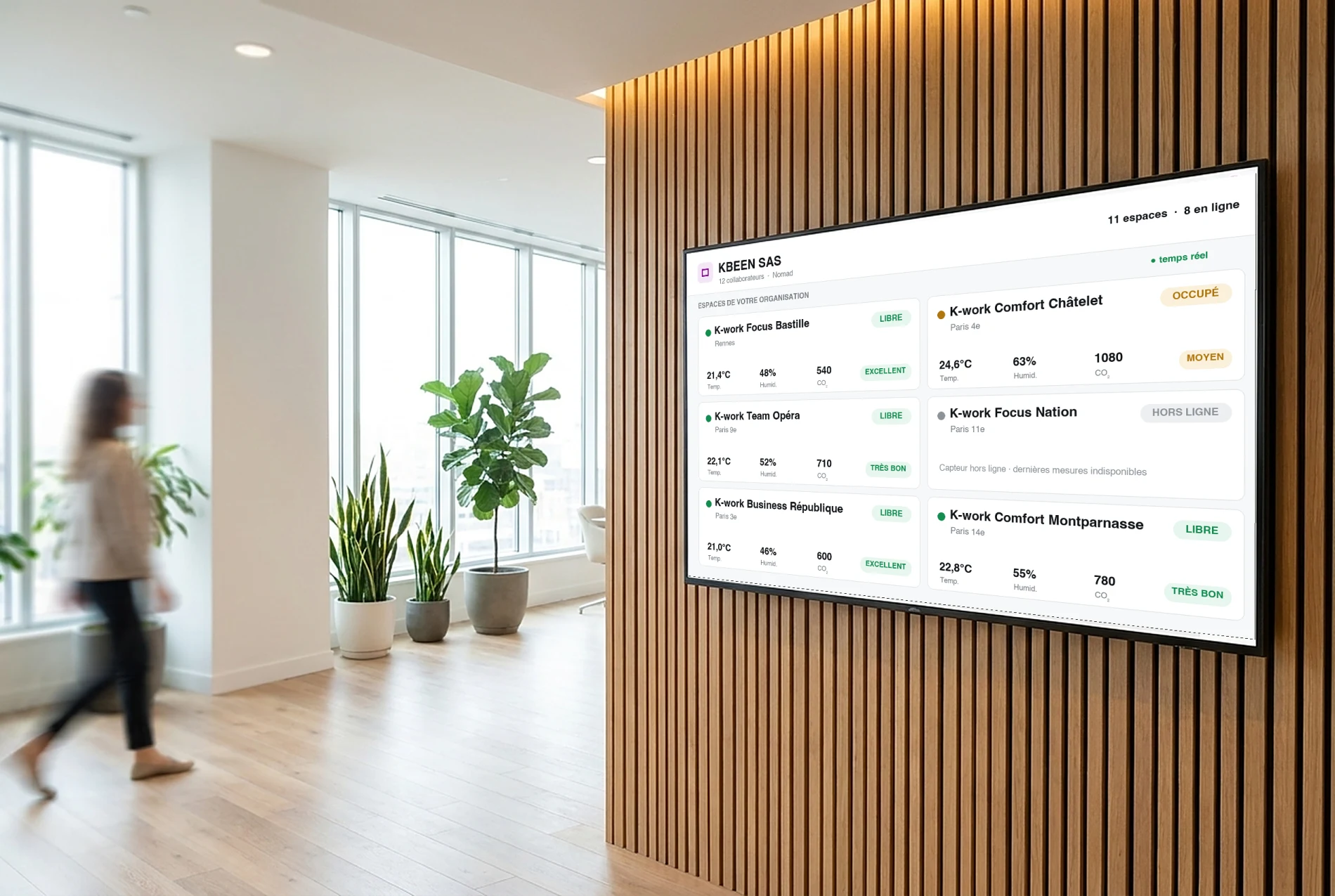
KBEEN 공간 현황 화면
공간 현황 모든 공간을 한눈에
→
K-work Office: 사무실의 K Sense 센서
면적 최적화 센서부터 대시보드까지, 에코시스템 전체를 제공합니다.
K-⁠work Office 당신의
사무실을,
더 스마트하게
플렉스 오피스는 사용자당 3유로부터, 센서는 옵션. 데모 신청하기 →
→
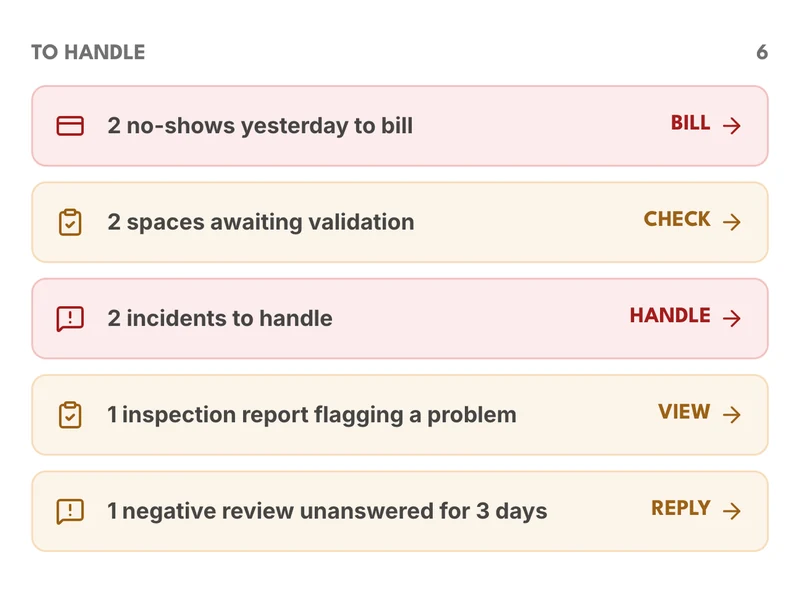
K-work 관리 포털
관리 소프트웨어 입주자, 청구, 평면도, 출입을 한 화면에서
→
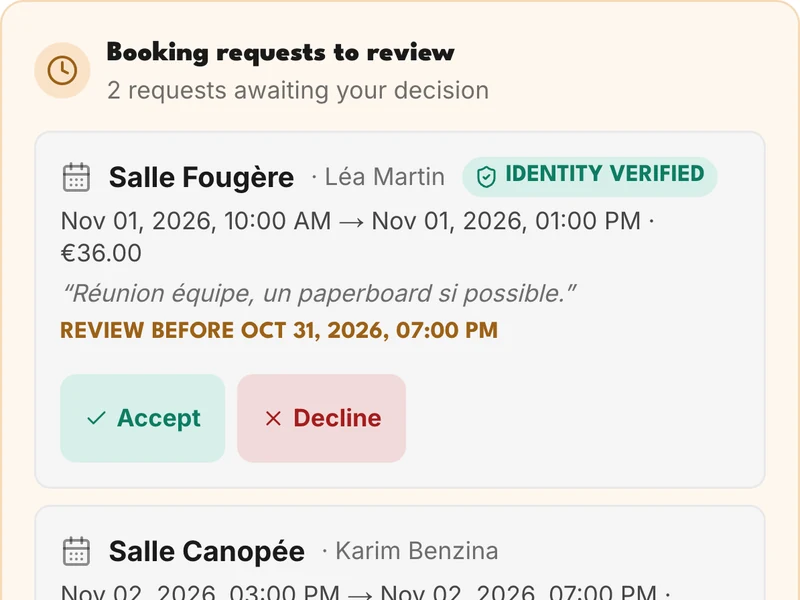
K-work 네트워크로 받은 예약
입점 한산한 시간을 K-⁠work 수요로 채우세요
K-⁠work Partners 관리하고,
채우세요.
공간 운영은 하나의 도구로, 수요는 덤으로. 파트너 되기 →
→
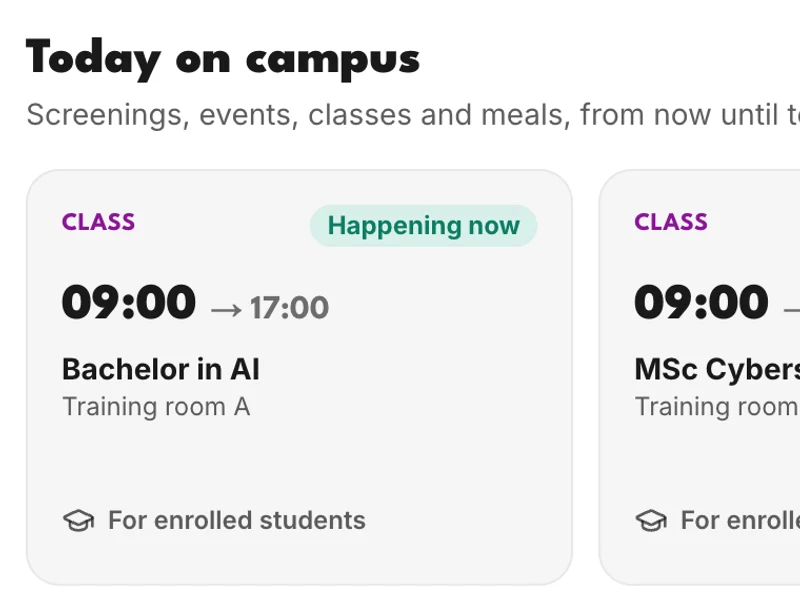
학생을 위해 하루, 학생증, 강의실
→
학교를 위해 학년, 수업, 강의실, 통계
K-⁠work Campus 캠퍼스를,
연결하다.
학생의 앱, 학교의 포털. 데모 신청하기 →
→
KBEEN Focus
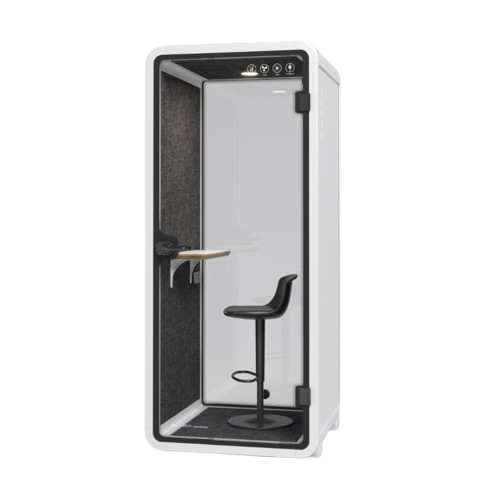
Focus 1인 · ~1 m²
→
KBEEN Comfort
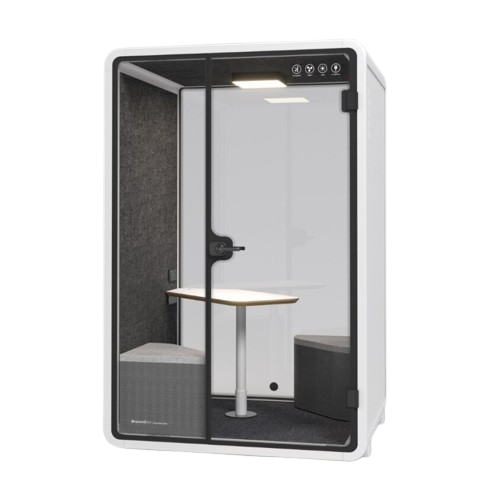
Comfort 1–2인 · ~1.9 m²
→
KBEEN Team
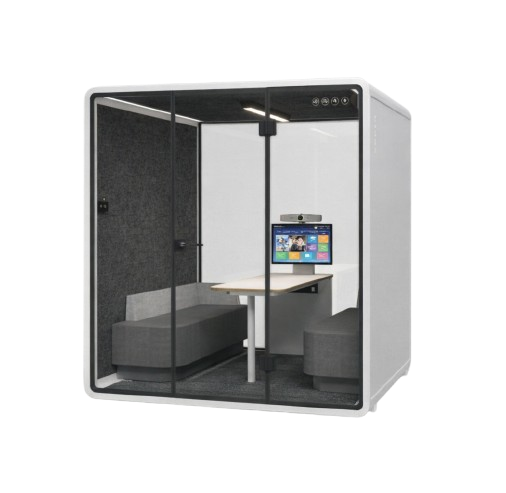
Team 3–4인 · ~3.3 m²
→
KBEEN Business
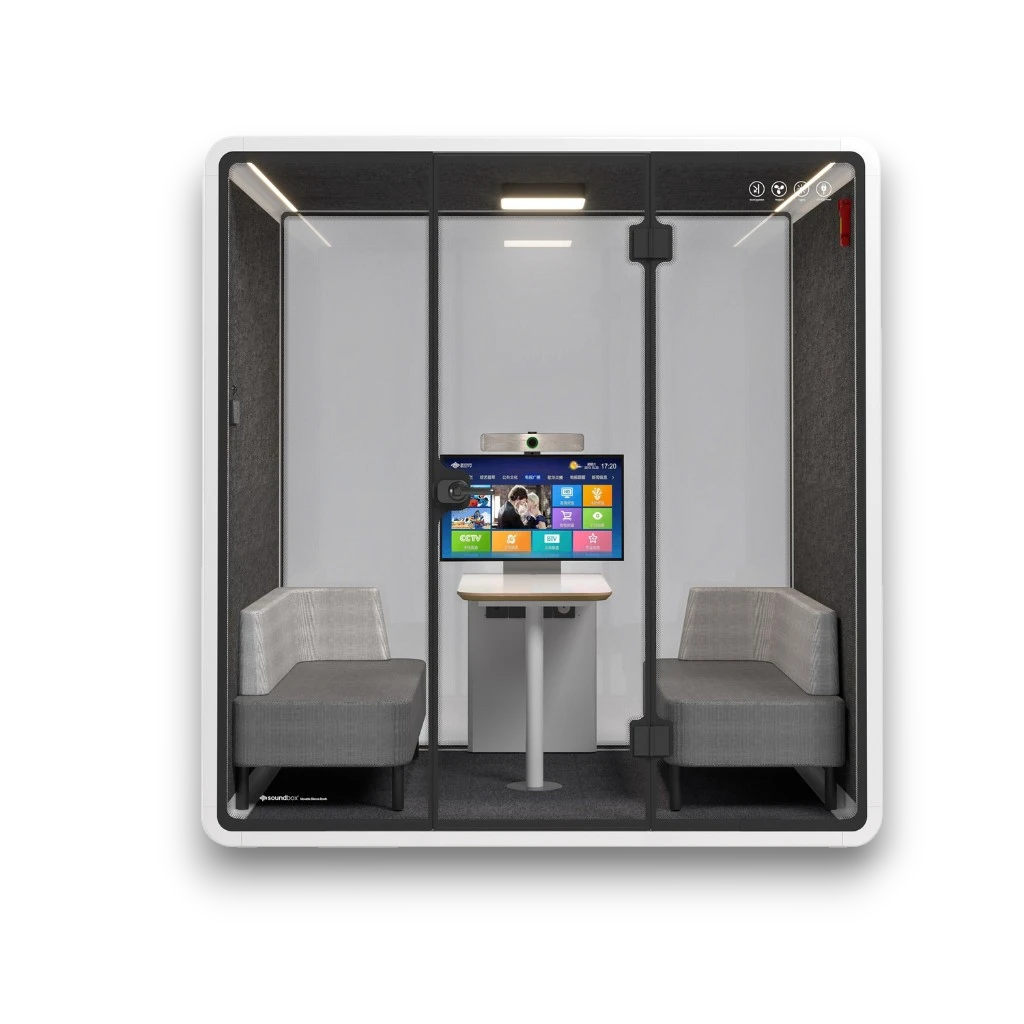
Business 4–6인 · ~4.7 m²
KBEEN 방음 부스 Focus.
Anywhere.
모든 업무에 어울리는 고요한 공간. 데모 신청하기 →
공간 지도1시간부터 K-⁠work 앱무료
Flex Office3유로부터 K Sense 센서선택 사항 Dashboard플랫폼 회의실 디스플레이문 앞에 공간 현황벽면 디스플레이 면적 최적화
학교 파트너
Focus1인 Comfort1–2인 Team3–4인 Business4–6인
파트너 되기 로그인 문의하기
Guides

How do you set up flex office?

Setting up flex office takes five steps: measure real occupancy, agree the rules with the teams, prepare the floor plan of desks and rooms, give everyone a booking tool, then trial it for 30 to 60 days before rolling it out. With K-work the tool costs €3 excl. VAT per user per month, with no sensor.

Updated on 17 November 2026 · This guide is written in English and French.

Measure before you cut

Before removing an assigned desk, you need to know how many people really come in, on which days and to which rooms. The week each person declares gives a first picture; an optional K Sense presence sensor measures the real occupancy of the rooms that matter.

Agree the rules with the teams

Who comes in on which days, the days when the whole team meets, how long a booking stays valid if nobody arrives, and what is left on a desk at night. Rules written with managers and staff representatives hold better than imposed ones.

Prepare the floor plan

A 2D or 3D plan, divided by team, with desks, rooms and quiet spaces. Everyone sees where their colleagues sit before choosing a place, and nobody has to search for their team across floors.

Choose the tool and trial it

The tool should live where employees already work: Teams, Slack, Outlook or Google Calendar, on web, iOS and Android, with single sign-on (SSO). K-work can be trialled in a 30 to 60-day POC on one floor or one team before the full roll-out.

Frequently asked questions

How many desks for how many employees?
It depends on real attendance: decide after measuring a few weeks of occupancy, not before. The declared week and the sensors give the figure for your own offices.
Do you need sensors to start?
No. You start with booking and everyone’s week; sensors are added later, room by room, where measured presence matters.
How long does the set-up take?
The POC lasts 30 to 60 days. The floor plan, the teams and the rules are prepared during the first weeks.
Request a 30 to 60-day POCSee Flex Office