K-workK-work

The operating system for your workspaces.

Solutions

  • The K-⁠work app
  • K-⁠work Office
  • K-⁠work Campus
  • K-⁠work Partners
  • Acoustic pods

Product

  • Spaces map
  • K-⁠work+
  • Pricing
  • Indice K
  • For companies
  • Interactive floor plan

Resources

  • How it works
  • Flex office
  • Pennylane integration
  • Office with no commitment
  • Become a partner
  • K-⁠work guides
  • Blog
  • Spaces by city

Legal

  • Legal notice
  • Privacy policy
  • Cookie policy
  • Your cookie choices
  • Terms / Sales
  • Terms of sale (Pro)

Contact

  • contact@kwork.fr
Télécharger dans l’App StoreDisponible sur Google Play
La French TechMembre du pool
French Tech Rennes Saint-Malo

Available in 17 languages

  • Français
  • English
  • Español
  • Deutsch
  • Italiano
  • Português
  • Svenska
  • Nederlands
  • Dansk
  • Norsk
  • Suomi
  • Polski
  • Čeština
  • Türkçe
  • 日本語
  • 한국어
  • 中文

© 2026 K-⁠work by KBEEN SAS. All rights reserved.

Rennes, France

Skip to main content
K-work
Find a space
Companies
Schools
Partners
Pods
Become a partnerContact our team
→
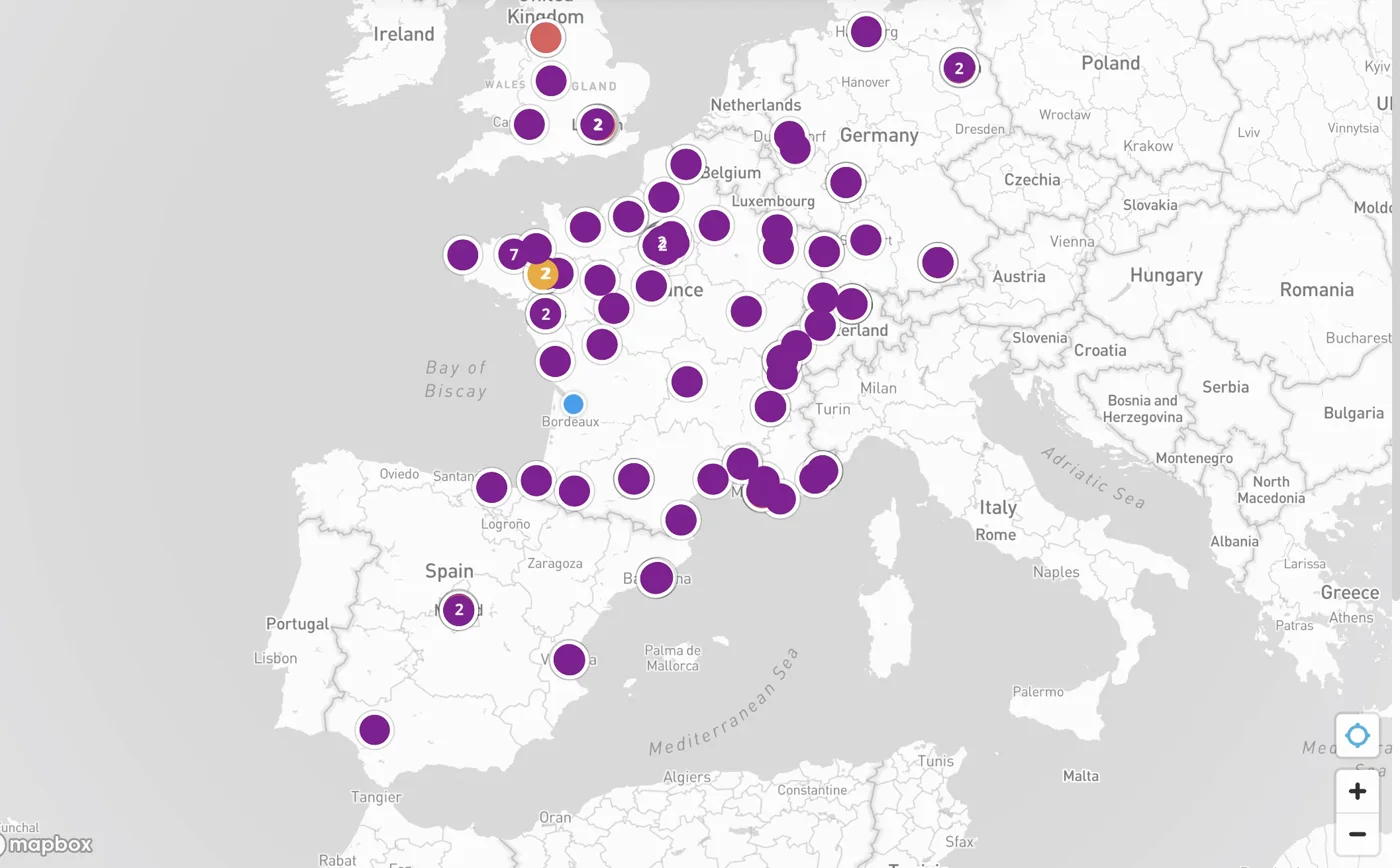
The K-work map of spaces
The map of spaces Book near you, from 1 hour
→
The K-work app
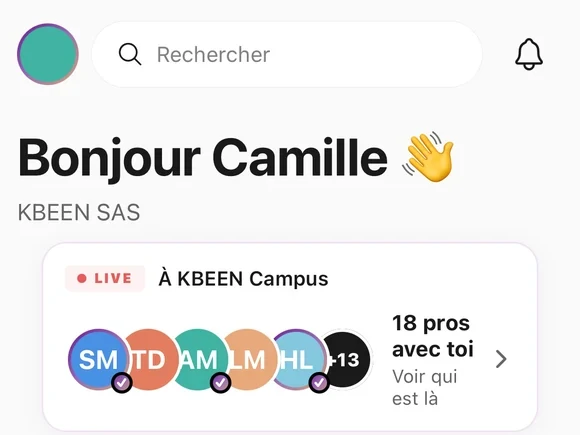
The K-⁠work app Free, on iOS, Android and the web
K-⁠work WORK
ANYWHERE.
A network of workspaces, all over the world. Open the map →
→
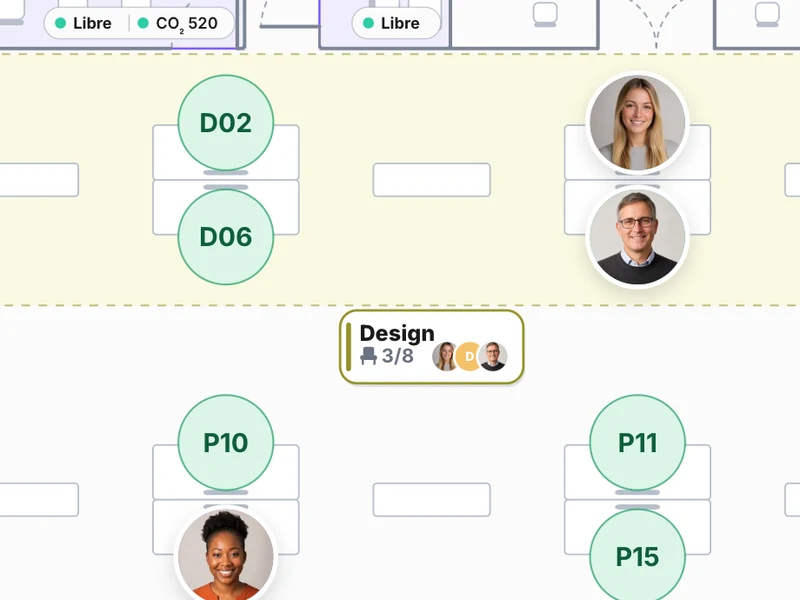
Flex Office The flexible office, on a real floor plan
→
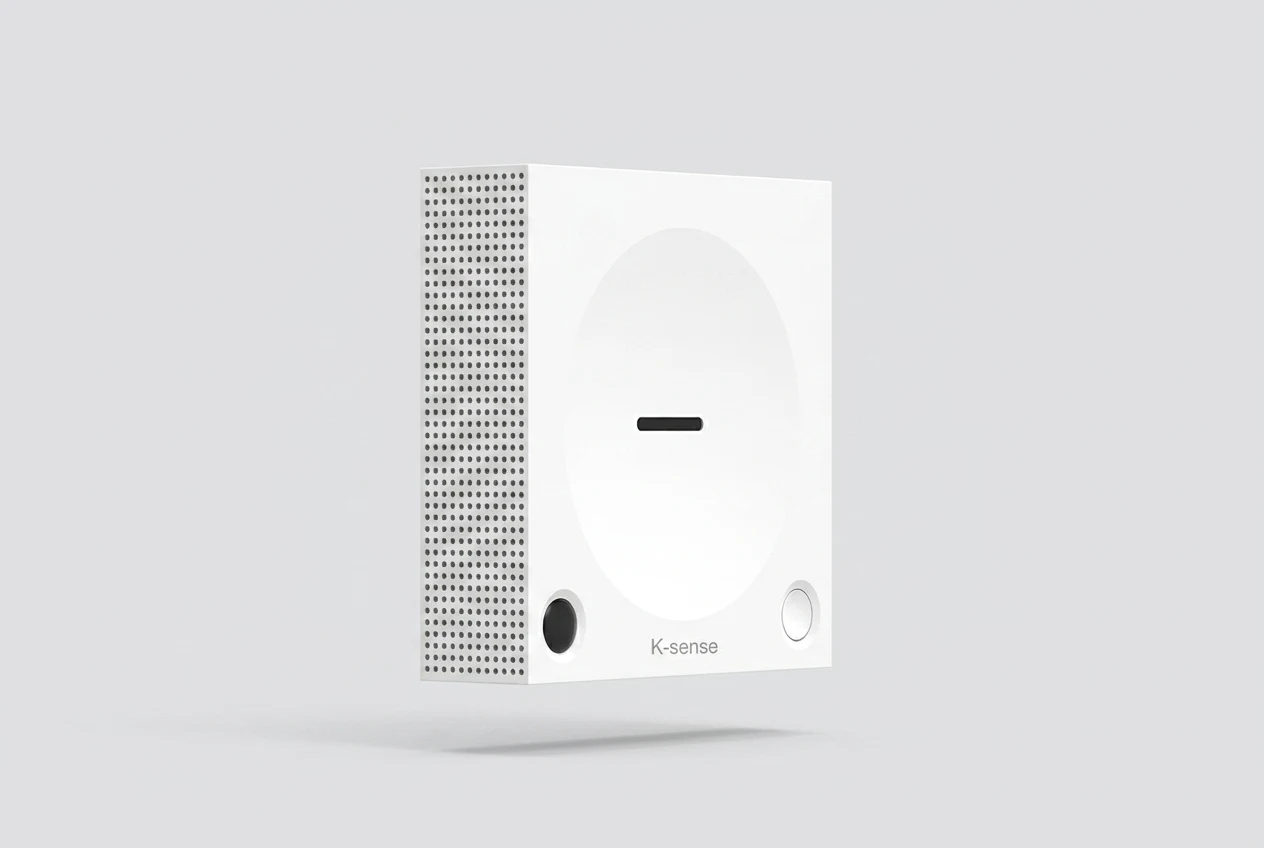
K Sense sensor
K Sense sensor Optional: air and occupancy, measured
→
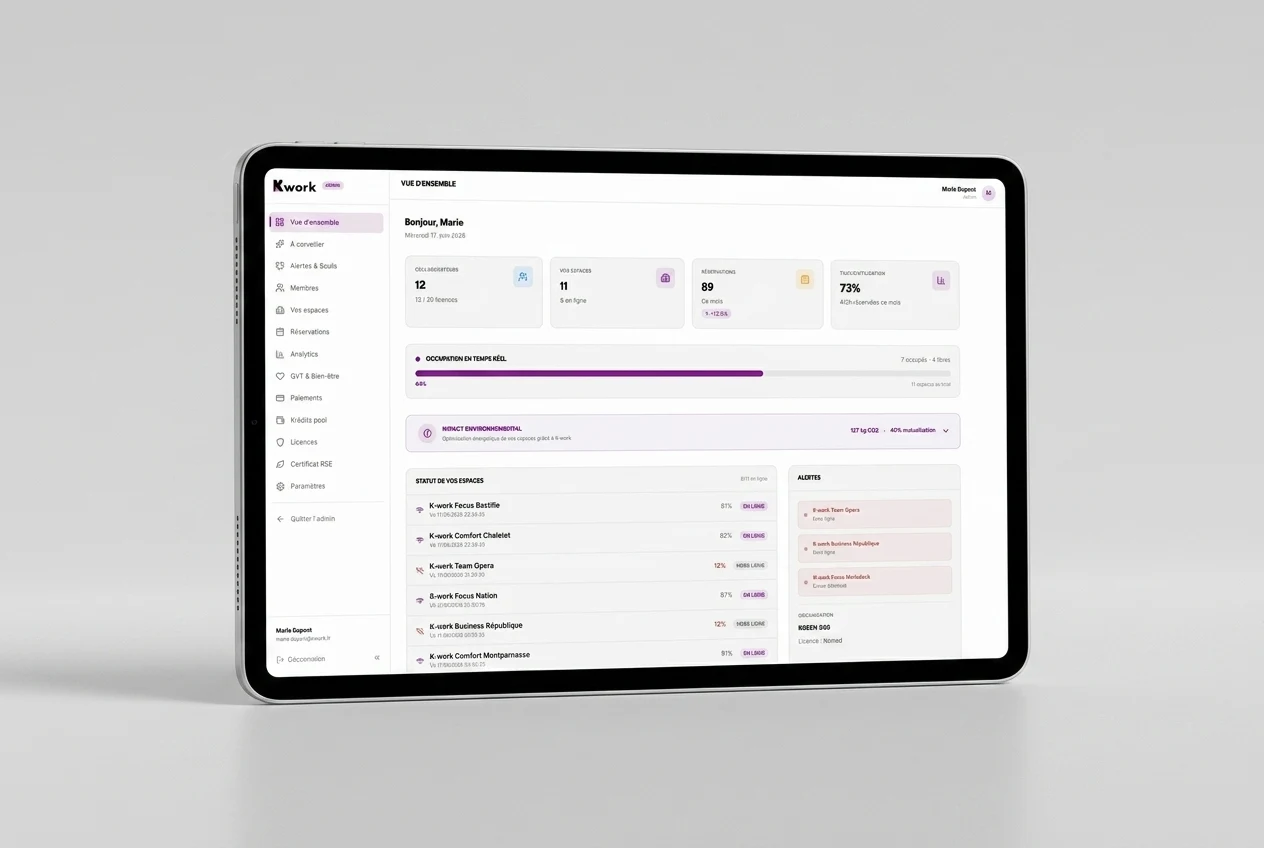
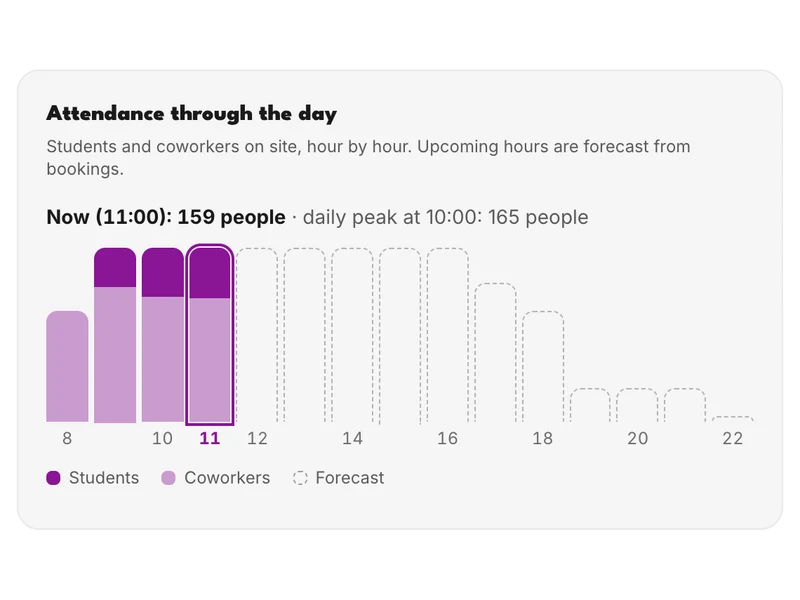
K-work dashboard
Dashboard Manage your spaces on real data
→
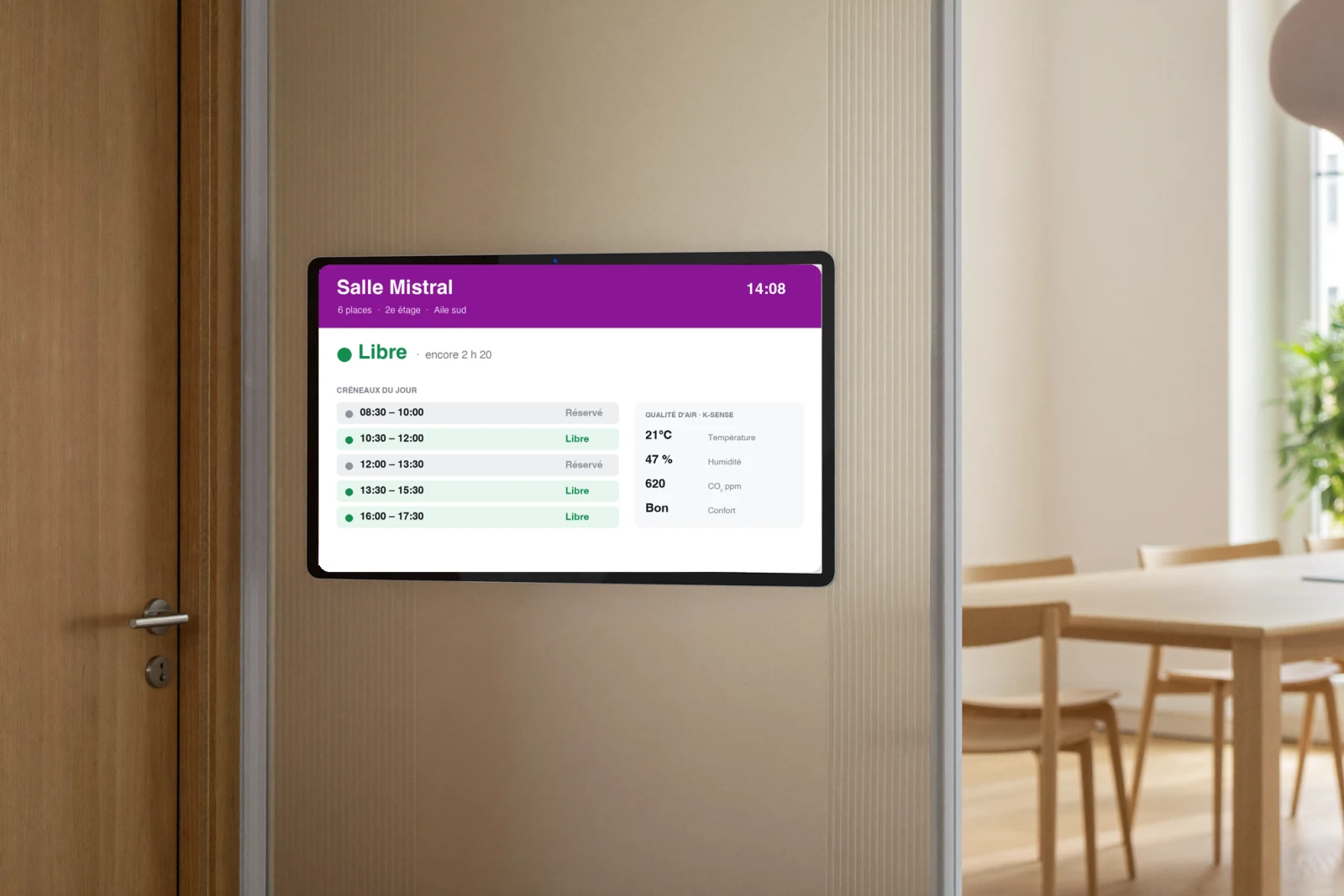
KBEEN room display
Room display The status of every room, at its door
→
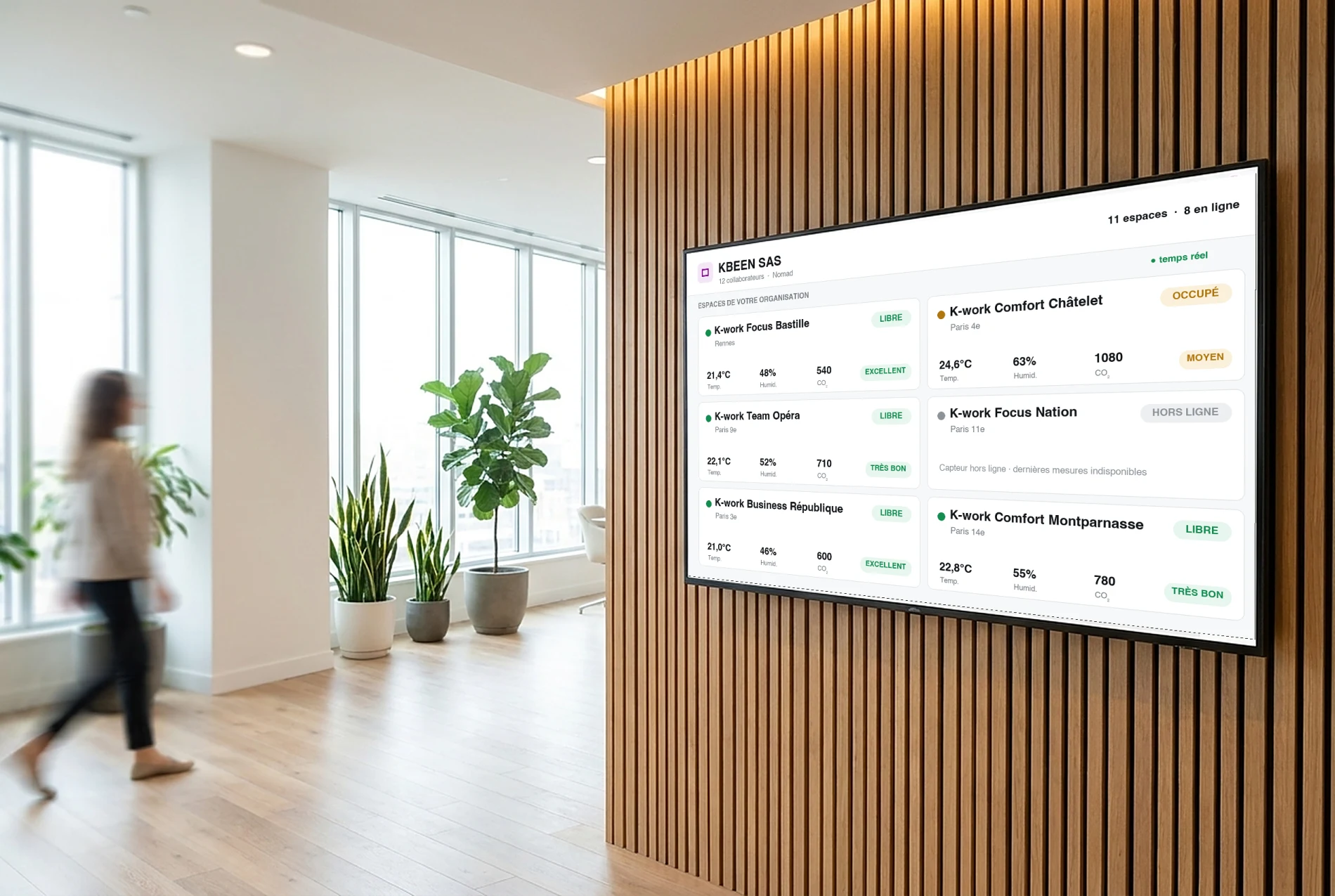
KBEEN space overview
Space overview All your spaces at a glance
→
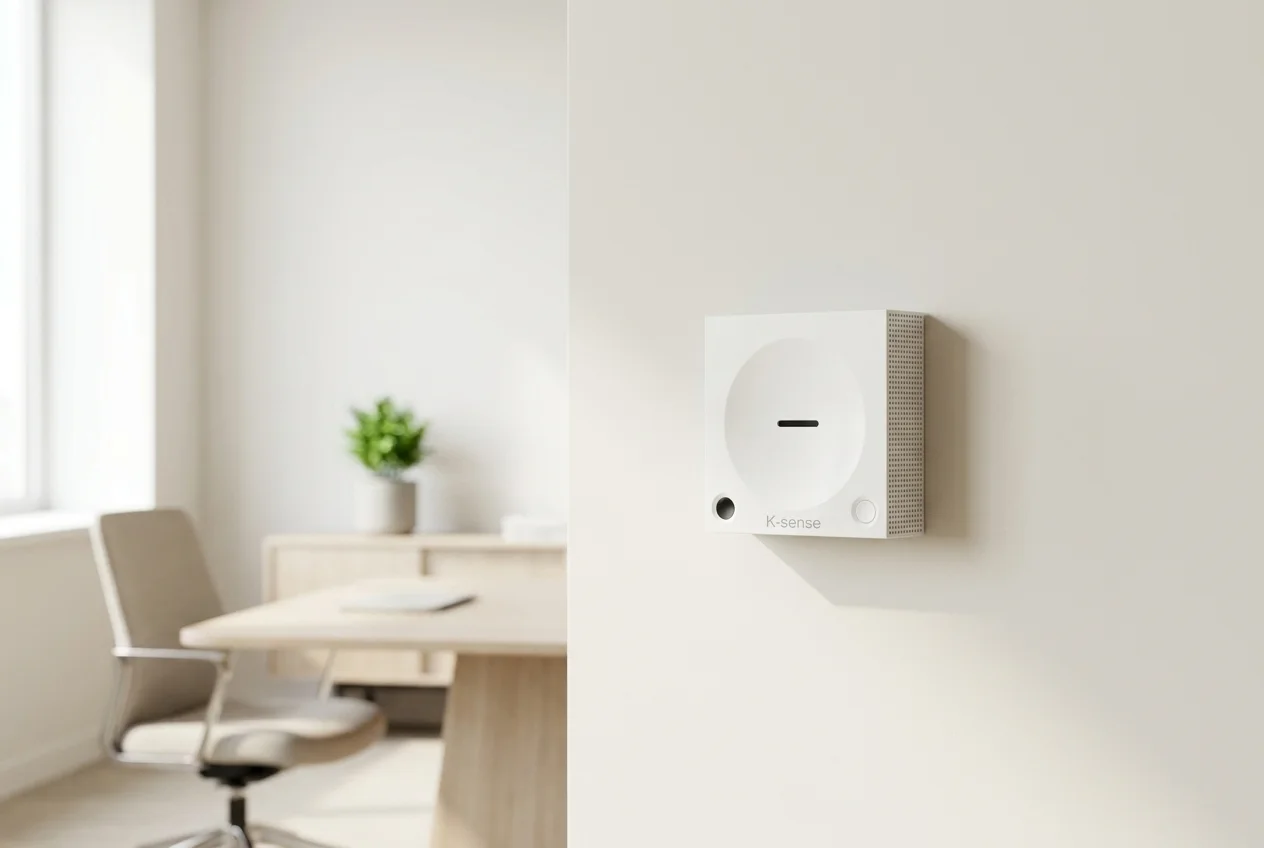
K-work Office: K Sense sensor in an office
Optimise your m² From sensor to dashboard, the whole ecosystem.
K-⁠work Office YOUR
OFFICES,
AUGMENTED
Flex office from €3 per user, sensors optional. Request a demo →
→
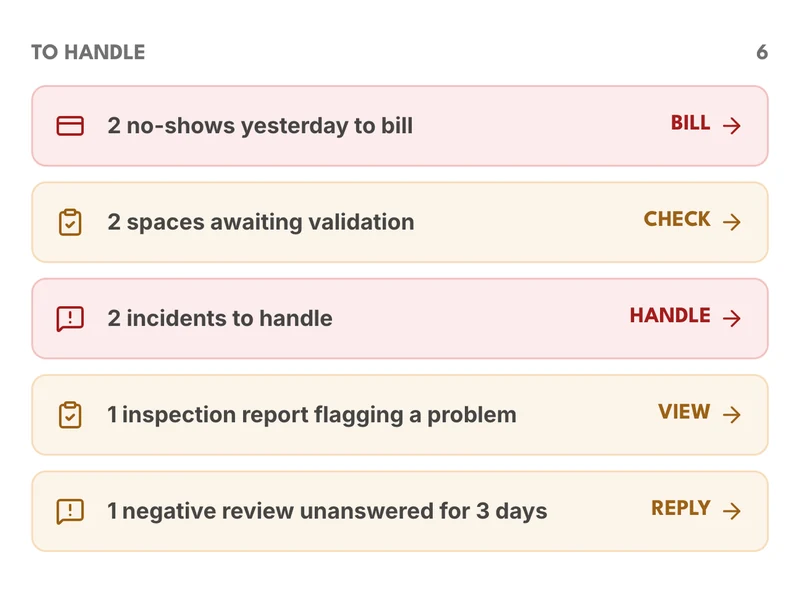
K-work management portal
Management software Members, billing, floor plans and access on one screen
→
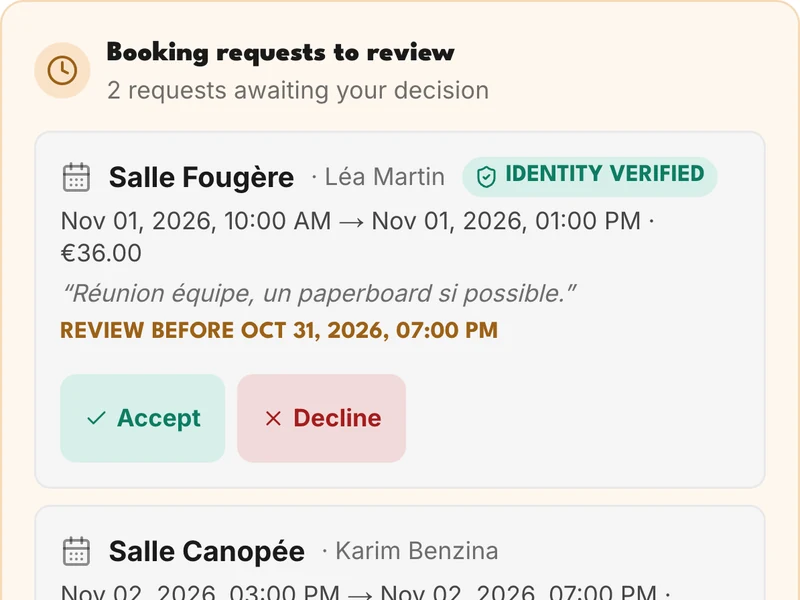
Bookings received through the K-work network
Listing Fill your quiet hours with K-⁠work demand
K-⁠work Partners MANAGE.
FILL UP.
One tool for your venue, with the demand on top. Become a partner →
→
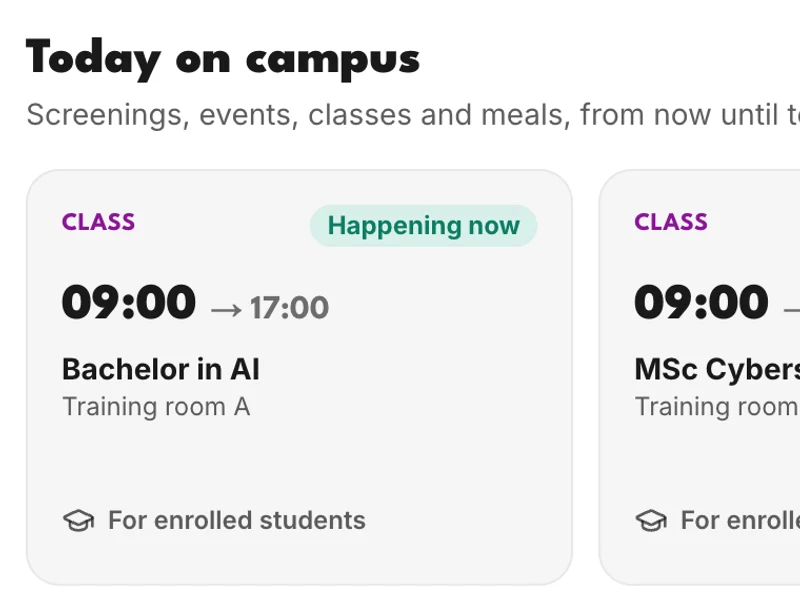
For students Their day, their card, their rooms
→
For the school Cohorts, classes, rooms and statistics
K-⁠work Campus THE CAMPUS,
CONNECTED
The students’ app, the school’s portal. Request a demo →
→
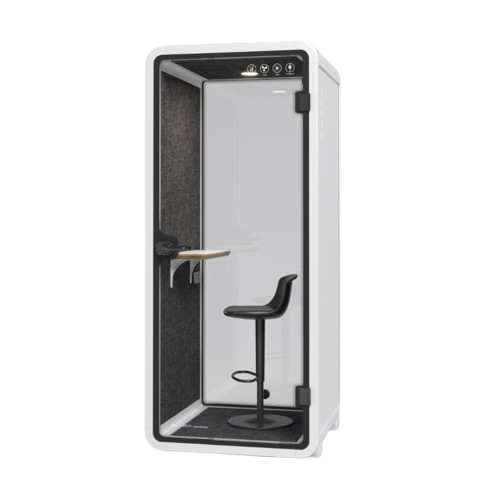
KBEEN Focus
Focus 1 person · ~1 m²
→
KBEEN Comfort
Comfort 1–2 people · ~1.9 m²
→
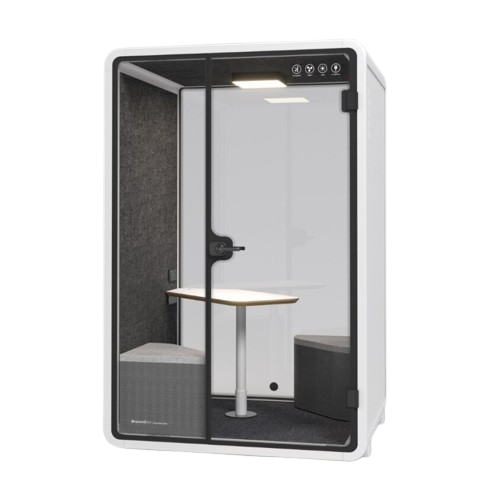
KBEEN Team
Team 3–4 people · ~3.3 m²
→
KBEEN Business
Business 4–6 people · ~4.7 m²
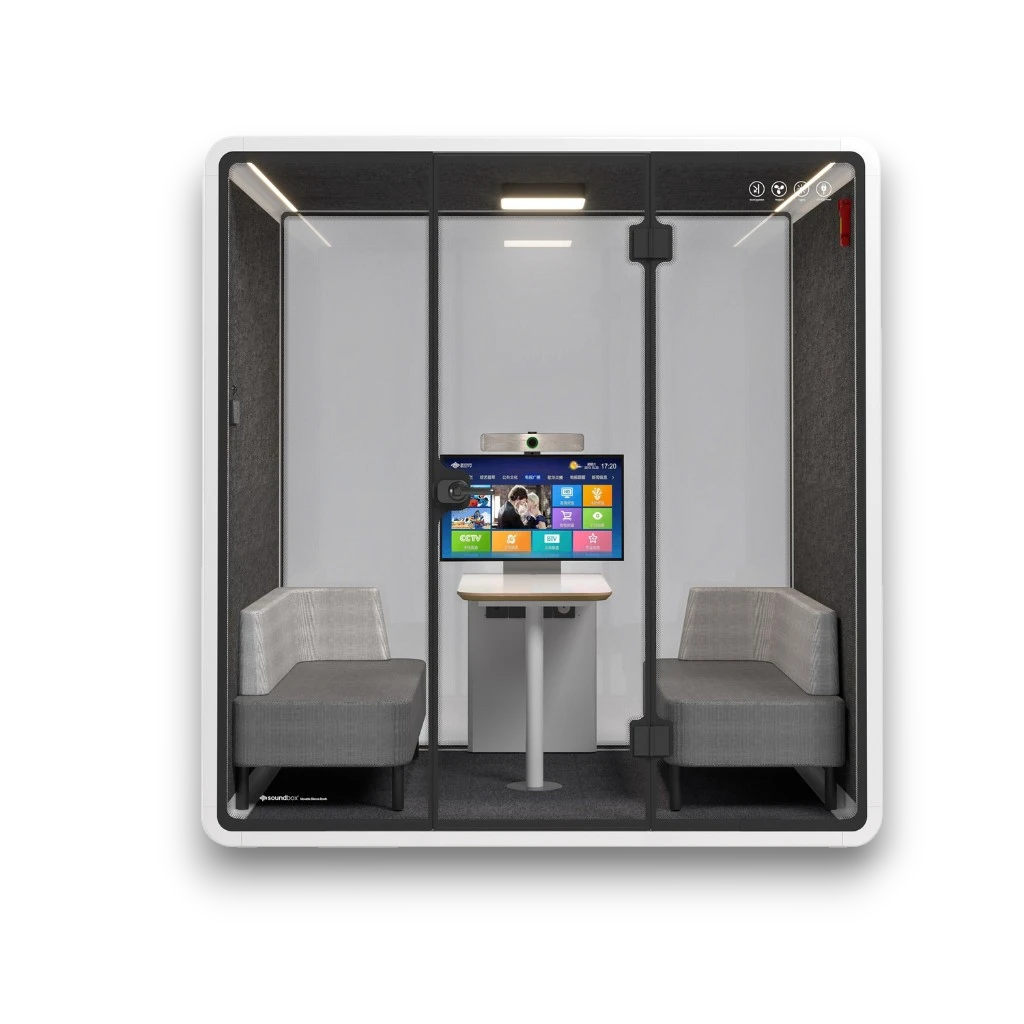
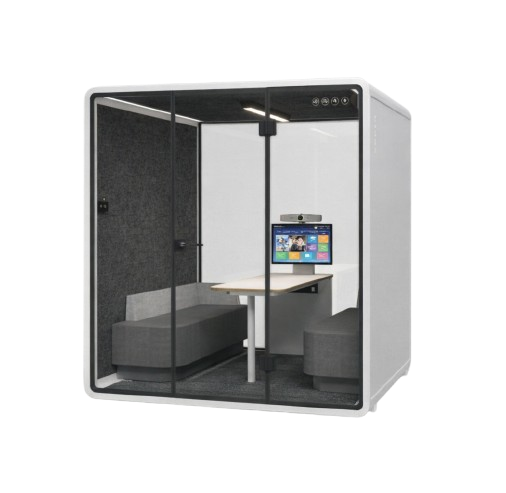
KBEEN acoustic pods Focus.
Anywhere.
Bubbles of quiet for every use. Request a demo →
The map of spacesFrom 1 hour The K-⁠work appFree
Flex OfficeFrom €3 K Sense sensorOptional DashboardThe platform Room displayAt the door Space overviewWall display Optimise your m²
Schools Partners
Focus1 person Comfort1–2 people Team3–4 people Business4–6 people
Become a partner Sign in Contact our team
Guides

How do you set up flex office?

Setting up flex office takes five steps: measure real occupancy, agree the rules with the teams, prepare the floor plan of desks and rooms, give everyone a booking tool, then trial it for 30 to 60 days before rolling it out. With K-work the tool costs €3 excl. VAT per user per month, with no sensor.

Updated on 17 November 2026

Measure before you cut

Before removing an assigned desk, you need to know how many people really come in, on which days and to which rooms. The week each person declares gives a first picture; an optional K Sense presence sensor measures the real occupancy of the rooms that matter.

Agree the rules with the teams

Who comes in on which days, the days when the whole team meets, how long a booking stays valid if nobody arrives, and what is left on a desk at night. Rules written with managers and staff representatives hold better than imposed ones.

Prepare the floor plan

A 2D or 3D plan, divided by team, with desks, rooms and quiet spaces. Everyone sees where their colleagues sit before choosing a place, and nobody has to search for their team across floors.

Choose the tool and trial it

The tool should live where employees already work: Teams, Slack, Outlook or Google Calendar, on web, iOS and Android, with single sign-on (SSO). K-work can be trialled in a 30 to 60-day POC on one floor or one team before the full roll-out.

Frequently asked questions

How many desks for how many employees?
It depends on real attendance: decide after measuring a few weeks of occupancy, not before. The declared week and the sensors give the figure for your own offices.
Do you need sensors to start?
No. You start with booking and everyone’s week; sensors are added later, room by room, where measured presence matters.
How long does the set-up take?
The POC lasts 30 to 60 days. The floor plan, the teams and the rules are prepared during the first weeks.
Request a 30 to 60-day POCSee Flex Office