K-workK-work

Het besturingssysteem van uw werkplekken.

Oplossingen

  • De K-⁠work app
  • K-⁠work Office
  • K-⁠work Campus
  • K-⁠work Partners
  • Akoestische cabines

Product

  • Kaart met werkplekken
  • K-⁠work+
  • Tarieven
  • Indice K
  • Voor bedrijven
  • Interactieve plattegrond

Bronnen

  • Hoe het werkt
  • Flexkantoor
  • Pennylane-integratie
  • Kantoor zonder verplichting
  • Partner worden
  • K-⁠work gidsen
  • Blog
  • Ruimtes per stad

Juridisch

  • Wettelijke vermeldingen
  • Privacybeleid
  • Cookiebeleid
  • Uw trackerkeuzes
  • Gebruiks- en verkoopvoorwaarden
  • Verkoopvoorwaarden (Pro)

Contact

  • contact@kwork.fr
Télécharger dans l’App StoreDisponible sur Google Play
La French TechMembre du pool
French Tech Rennes Saint-Malo

Beschikbaar in 17 talen

  • Français
  • English
  • Español
  • Deutsch
  • Italiano
  • Português
  • Svenska
  • Nederlands
  • Dansk
  • Norsk
  • Suomi
  • Polski
  • Čeština
  • Türkçe
  • 日本語
  • 한국어
  • 中文

© 2026 K-⁠work by KBEEN SAS. Alle rechten voorbehouden.

Rennes, Frankrijk

Naar hoofdinhoud
K-work
Ruimte vinden
Bedrijven
Scholen
Partners
Cabines
Partner wordenNeem contact op
→
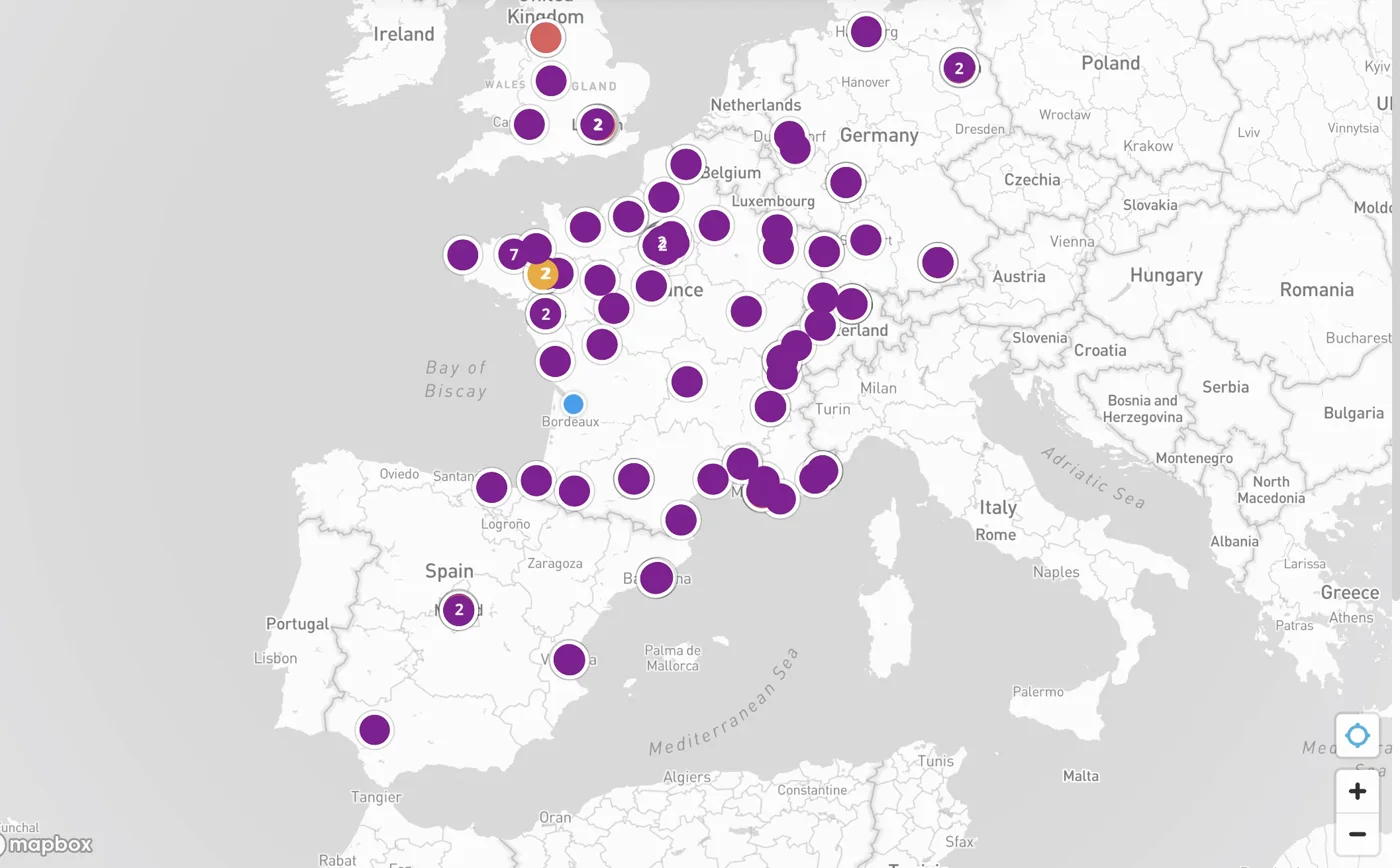
De K-work kaart van ruimtes
De kaart van ruimtes Boek bij u in de buurt, vanaf 1 uur
→
De K-work app
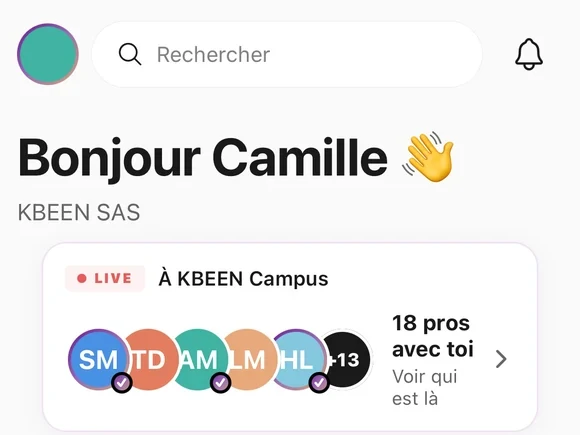
De K-⁠work app Gratis, op iOS, Android en het web
K-⁠work WERK
OVERAL.
Een netwerk van werkplekken, wereldwijd. Kaart openen →
→
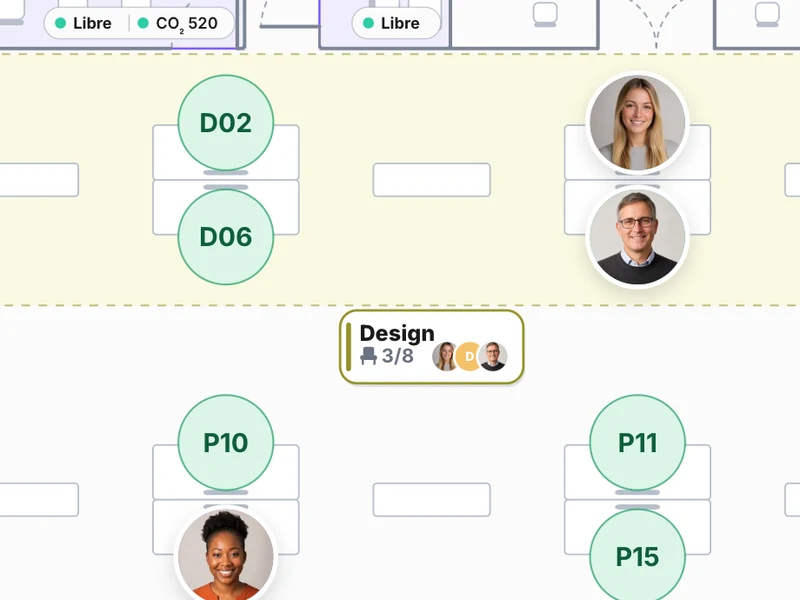
Flex Office Het flexibele kantoor, op een echte plattegrond
→
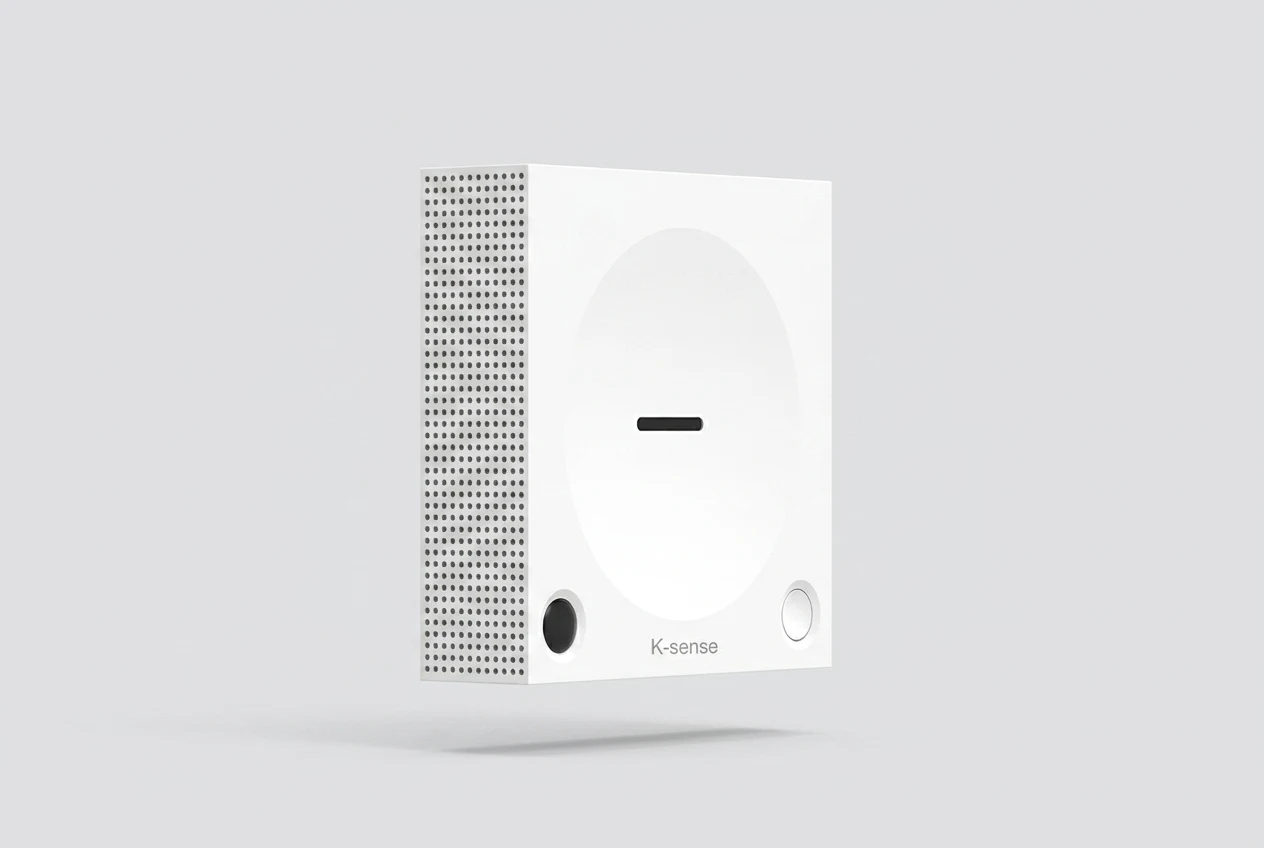
K Sense-sensor
K Sense-sensor Optioneel: lucht en bezetting, gemeten
→
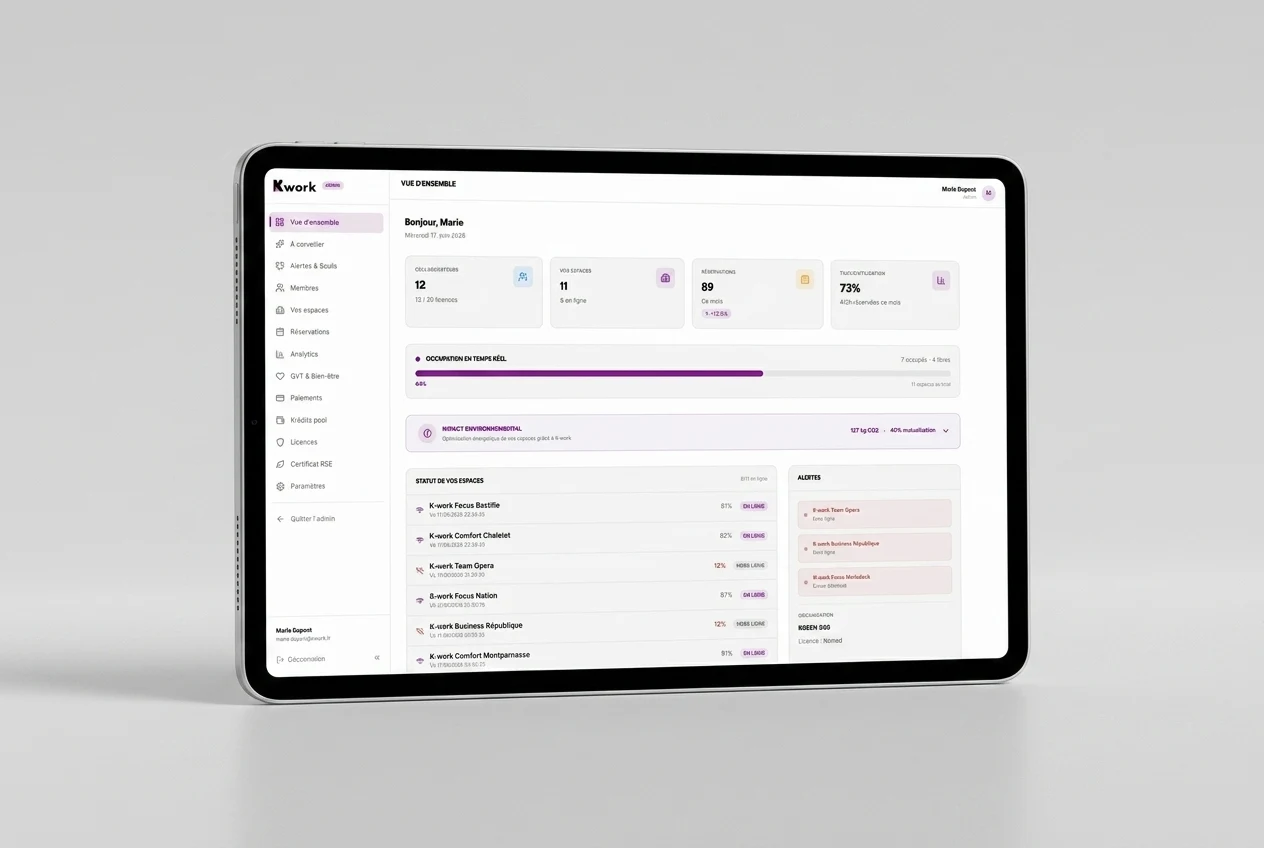
K-work dashboard
Dashboard Stuur uw werkplekken aan op echte data
→
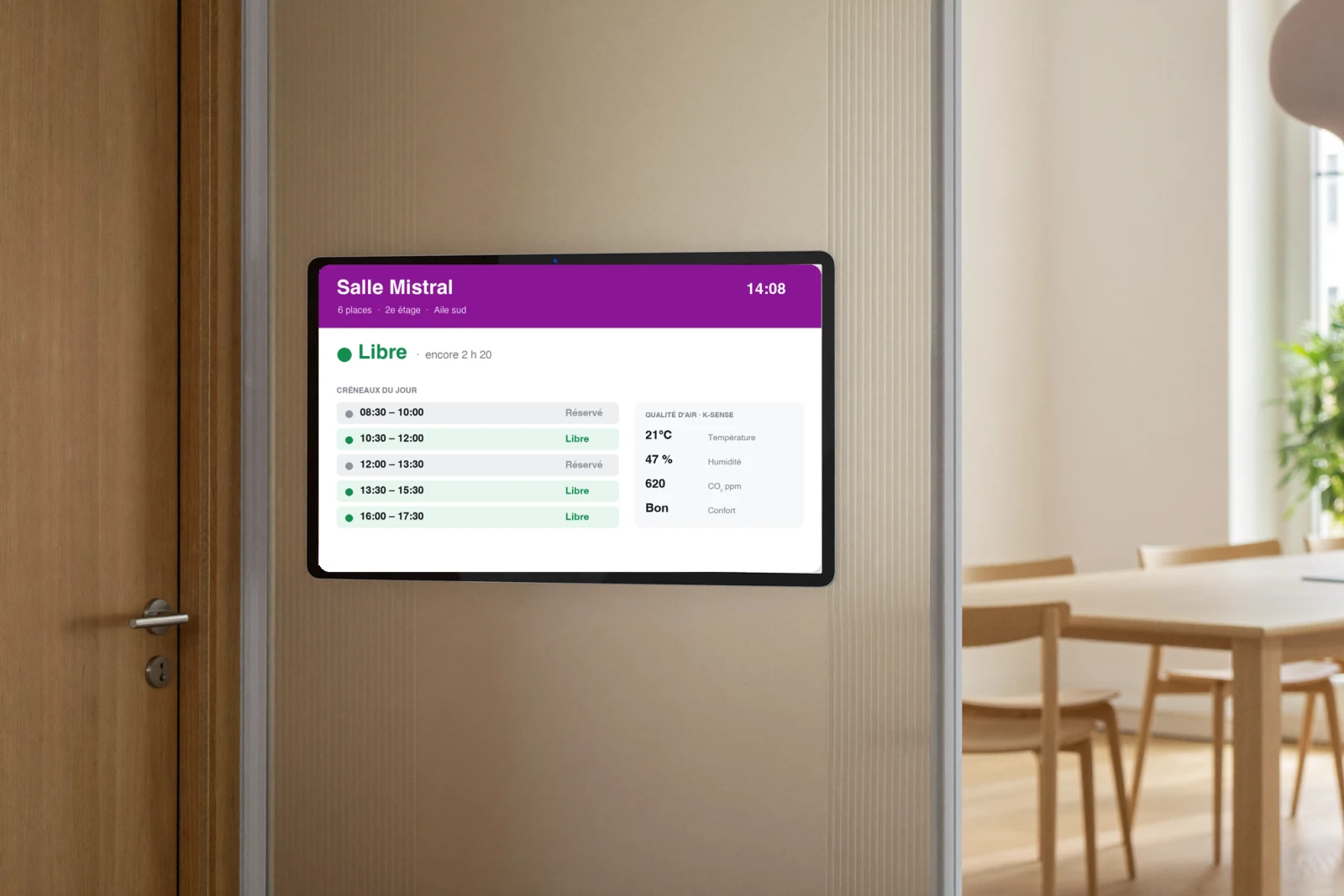
KBEEN ruimtedisplay
Ruimtedisplay De status van elke ruimte, bij de deur
→
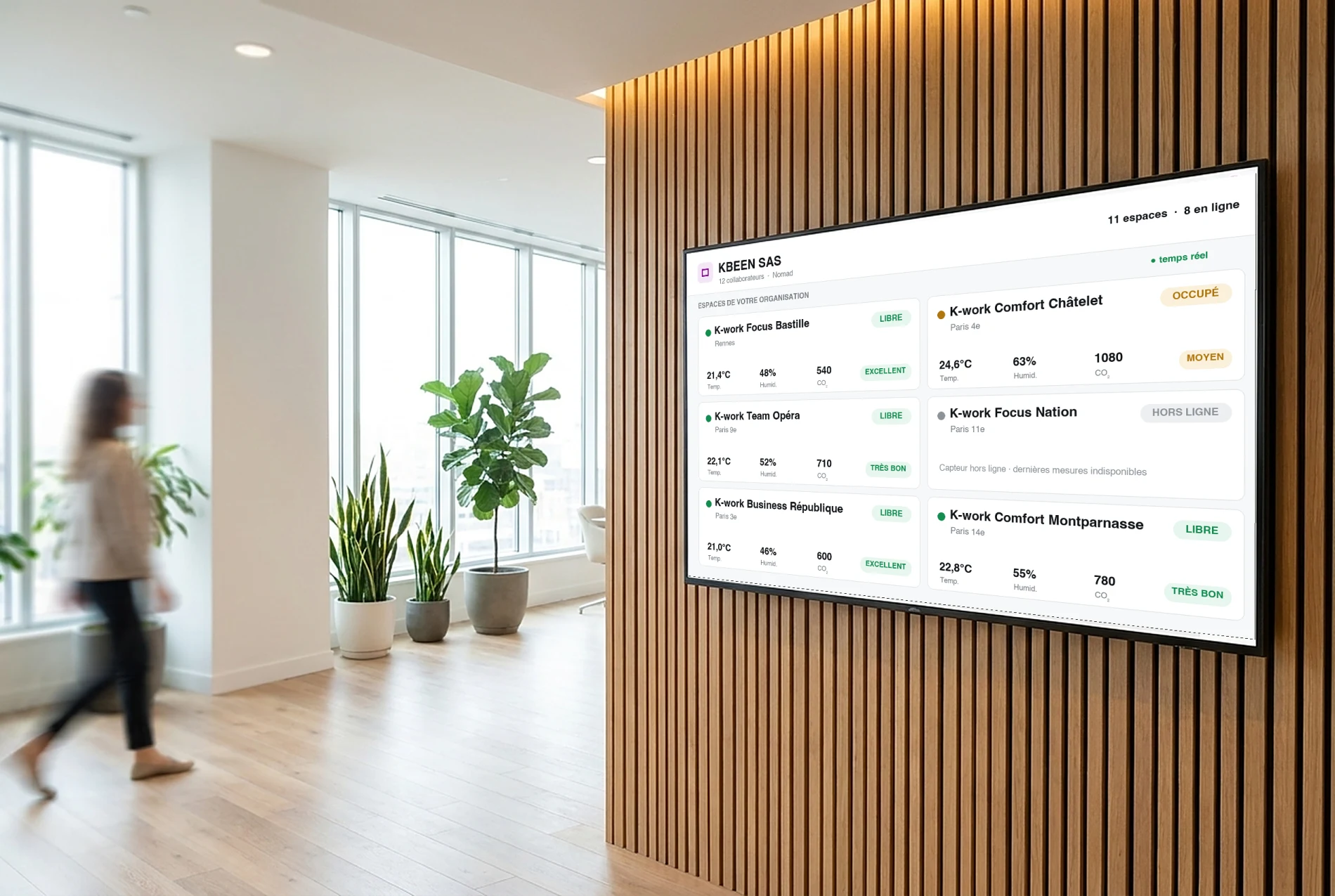
KBEEN werkplekoverzicht
Werkplekoverzicht Al uw werkplekken in één oogopslag
→
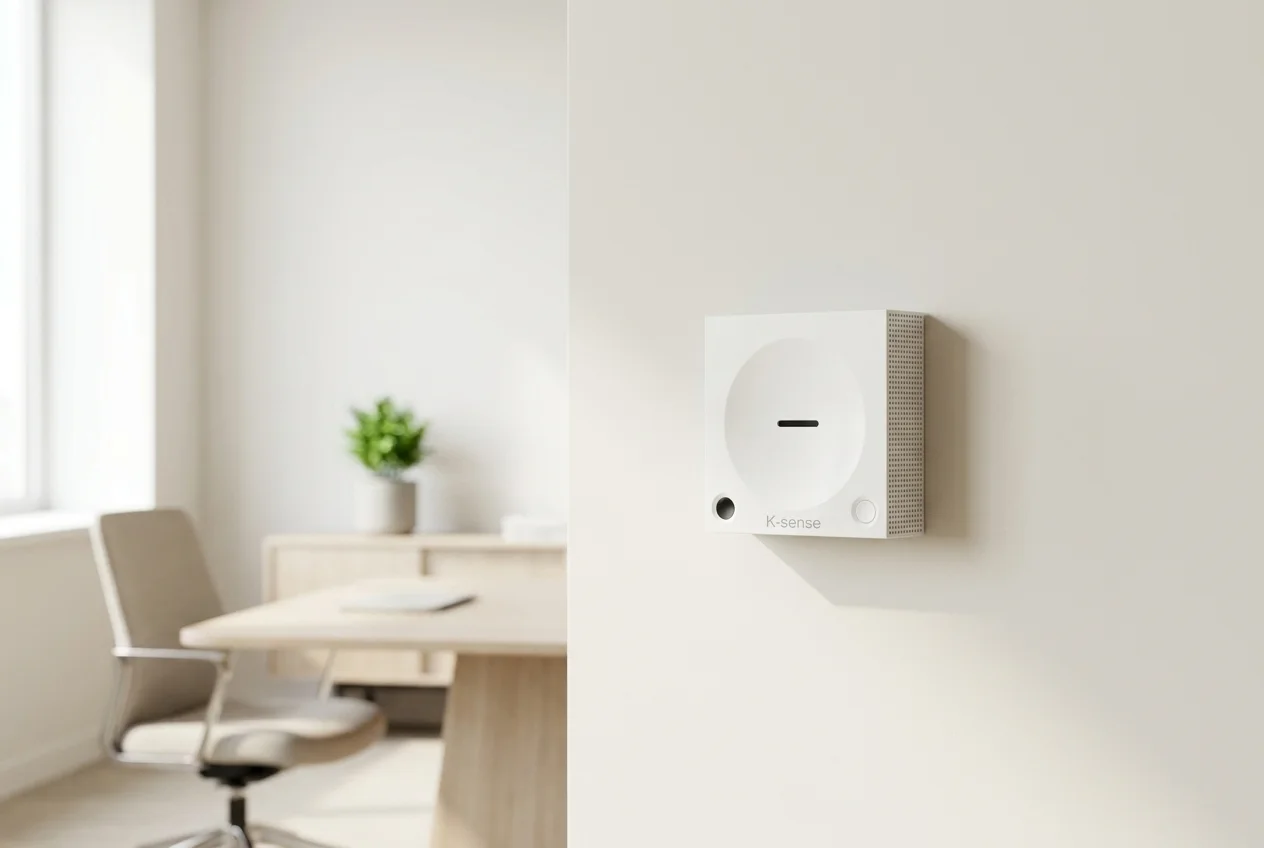
K-work Office: K Sense-sensor in een kantoor
Uw m² optimaliseren Van sensor tot dashboard, het hele ecosysteem.
K-⁠work Office UW
KANTOREN,
SLIMMER
Flex office vanaf € 3 per gebruiker, sensoren optioneel. Demo aanvragen →
→
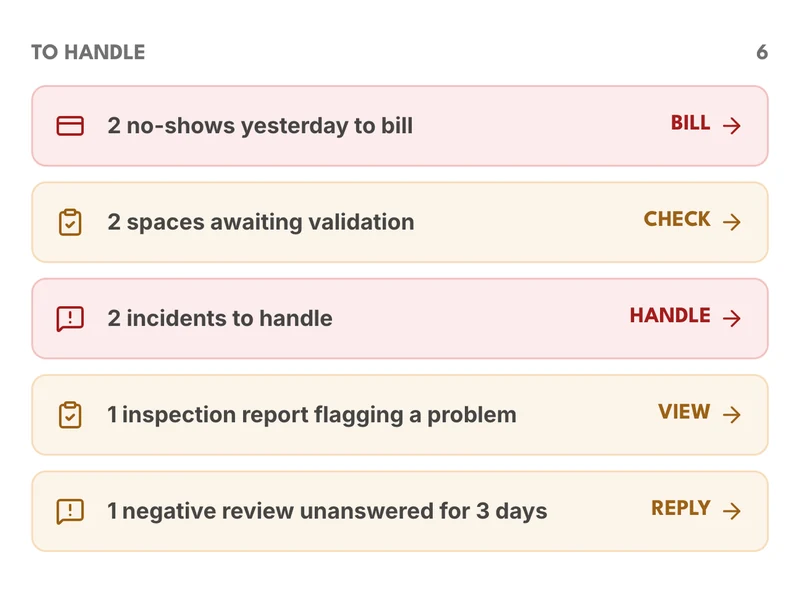
Beheerportaal van K-work
Beheersoftware Leden, facturatie, plattegronden en toegang op één scherm
→
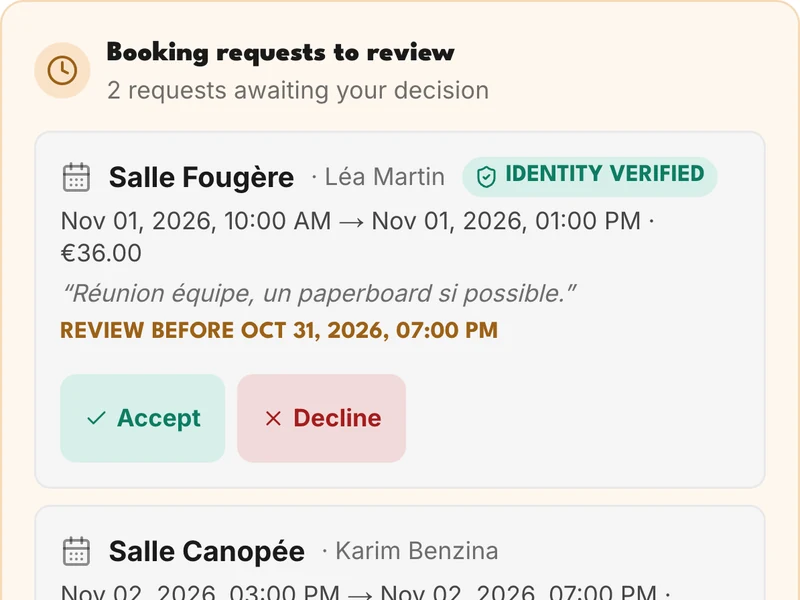
Boekingen via het K-work-netwerk
Zichtbaarheid Vul uw daluren met de vraag van K-⁠work
K-⁠work Partners BEHEER.
VUL.
Eén tool voor uw locatie, en de vraag erbij. Partner worden →
→
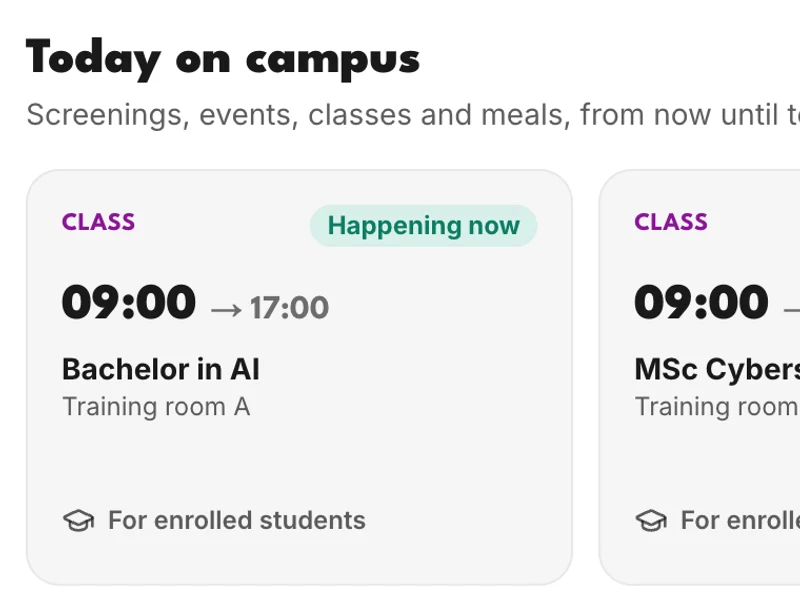
Voor studenten Hun dag, hun kaart, hun zalen
→
Voor de school Jaargroepen, lessen, zalen en statistieken
K-⁠work Campus DE CAMPUS,
VERBONDEN
De app van de studenten, het portaal van de school. Demo aanvragen →
→
KBEEN Focus
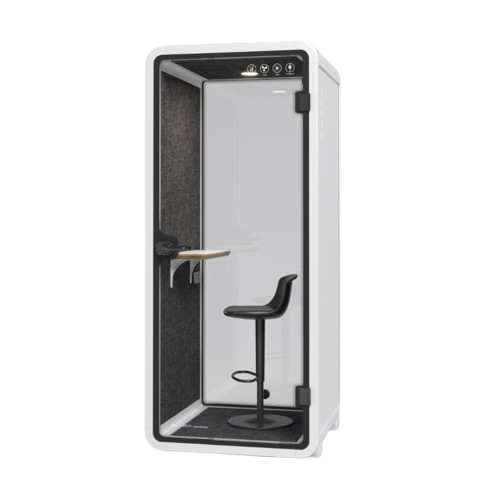
Focus 1 persoon · ~1 m²
→
KBEEN Comfort
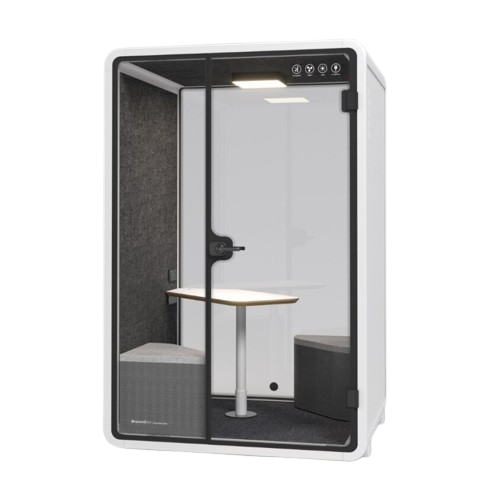
Comfort 1–2 personen · ~1,9 m²
→
KBEEN Team
Team 3–4 personen · ~3,3 m²
→
KBEEN Business
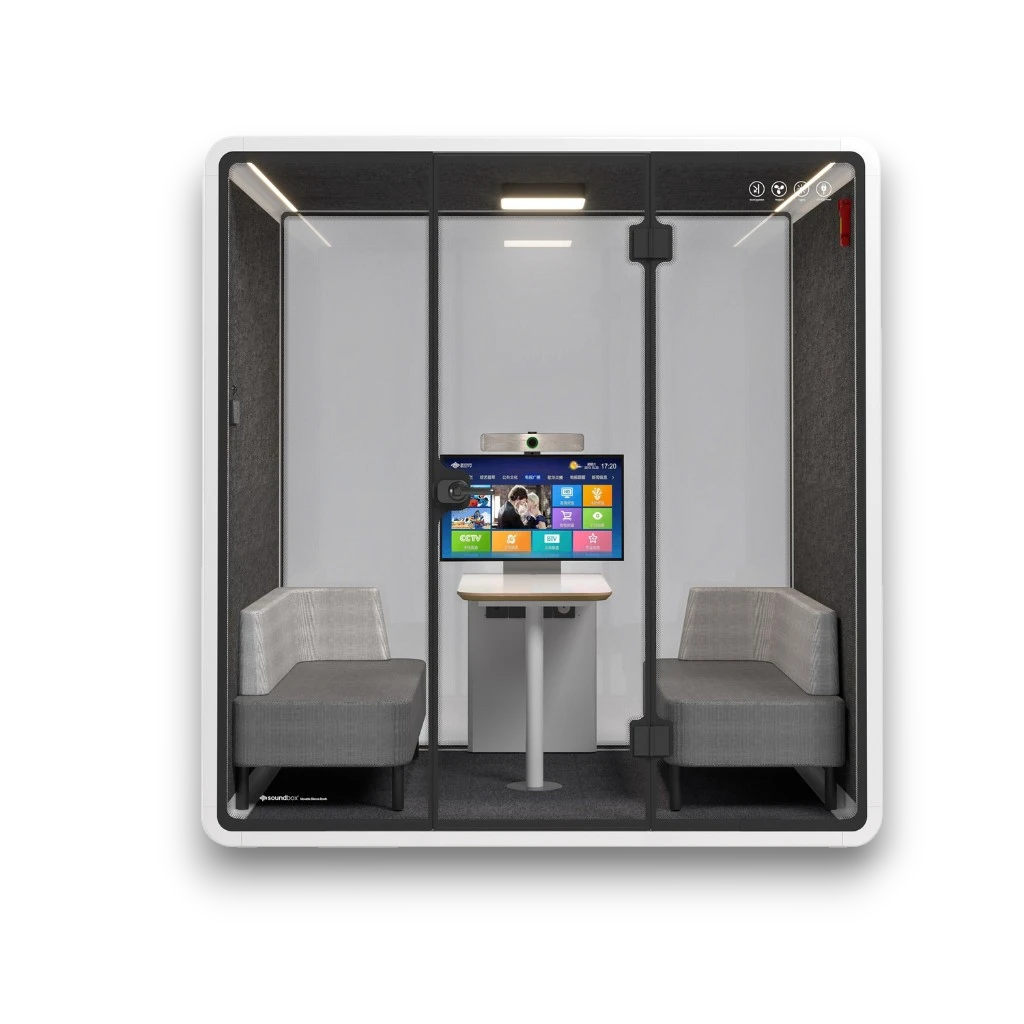
Business 4–6 personen · ~4,7 m²
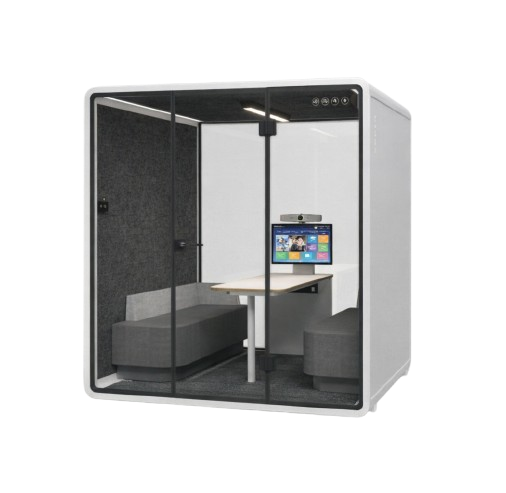
Akoestische cabines KBEEN Focus.
Anywhere.
Stilteplekken voor elk gebruik. Demo aanvragen →
De kaart van ruimtesVanaf 1 uur De K-⁠work appGratis
Flex OfficeVanaf € 3 K Sense-sensorOptioneel DashboardHet platform RuimtedisplayBij de deur WerkplekoverzichtWanddisplay Uw m² optimaliseren
Scholen Partners
Focus1 persoon Comfort1–2 personen Team3–4 personen Business4–6 personen
Partner worden Inloggen Neem contact op
Guides

How do you set up flex office?

Setting up flex office takes five steps: measure real occupancy, agree the rules with the teams, prepare the floor plan of desks and rooms, give everyone a booking tool, then trial it for 30 to 60 days before rolling it out. With K-work the tool costs €3 excl. VAT per user per month, with no sensor.

Updated on 17 November 2026 · This guide is written in English and French.

Measure before you cut

Before removing an assigned desk, you need to know how many people really come in, on which days and to which rooms. The week each person declares gives a first picture; an optional K Sense presence sensor measures the real occupancy of the rooms that matter.

Agree the rules with the teams

Who comes in on which days, the days when the whole team meets, how long a booking stays valid if nobody arrives, and what is left on a desk at night. Rules written with managers and staff representatives hold better than imposed ones.

Prepare the floor plan

A 2D or 3D plan, divided by team, with desks, rooms and quiet spaces. Everyone sees where their colleagues sit before choosing a place, and nobody has to search for their team across floors.

Choose the tool and trial it

The tool should live where employees already work: Teams, Slack, Outlook or Google Calendar, on web, iOS and Android, with single sign-on (SSO). K-work can be trialled in a 30 to 60-day POC on one floor or one team before the full roll-out.

Frequently asked questions

How many desks for how many employees?
It depends on real attendance: decide after measuring a few weeks of occupancy, not before. The declared week and the sensors give the figure for your own offices.
Do you need sensors to start?
No. You start with booking and everyone’s week; sensors are added later, room by room, where measured presence matters.
How long does the set-up take?
The POC lasts 30 to 60 days. The floor plan, the teams and the rules are prepared during the first weeks.
Request a 30 to 60-day POCSee Flex Office