Setting up flex office takes five steps: measure real occupancy, agree the rules with the teams, prepare the floor plan of desks and rooms, give everyone a booking tool, then trial it for 30 to 60 days before rolling it out. With K-work the tool costs €3 excl. VAT per user per month, with no sensor.
Updated on 17 November 2026 · This guide is written in English and French.
Measure before you cut
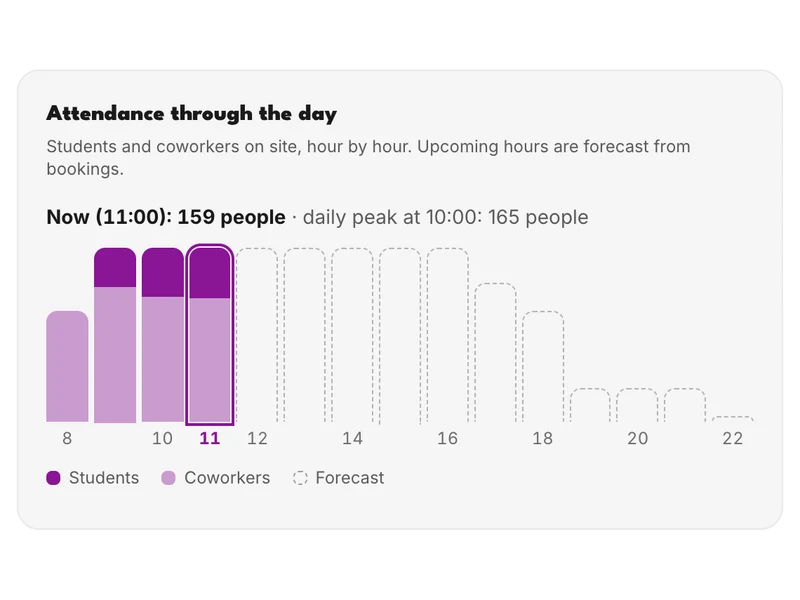
Before removing an assigned desk, you need to know how many people really come in, on which days and to which rooms. The week each person declares gives a first picture; an optional K Sense presence sensor measures the real occupancy of the rooms that matter.
Agree the rules with the teams
Who comes in on which days, the days when the whole team meets, how long a booking stays valid if nobody arrives, and what is left on a desk at night. Rules written with managers and staff representatives hold better than imposed ones.
Prepare the floor plan
A 2D or 3D plan, divided by team, with desks, rooms and quiet spaces. Everyone sees where their colleagues sit before choosing a place, and nobody has to search for their team across floors.
Choose the tool and trial it
The tool should live where employees already work: Teams, Slack, Outlook or Google Calendar, on web, iOS and Android, with single sign-on (SSO). K-work can be trialled in a 30 to 60-day POC on one floor or one team before the full roll-out.
Frequently asked questions
How many desks for how many employees?
It depends on real attendance: decide after measuring a few weeks of occupancy, not before. The declared week and the sensors give the figure for your own offices.
Do you need sensors to start?
No. You start with booking and everyone’s week; sensors are added later, room by room, where measured presence matters.
How long does the set-up take?
The POC lasts 30 to 60 days. The floor plan, the teams and the rules are prepared during the first weeks.
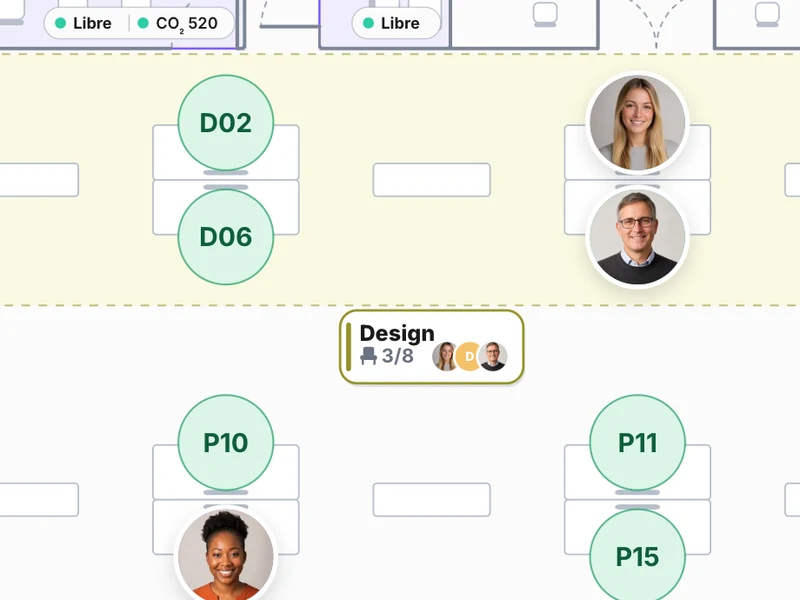 Flex Office
在真实楼层平面图上的灵活办公
→
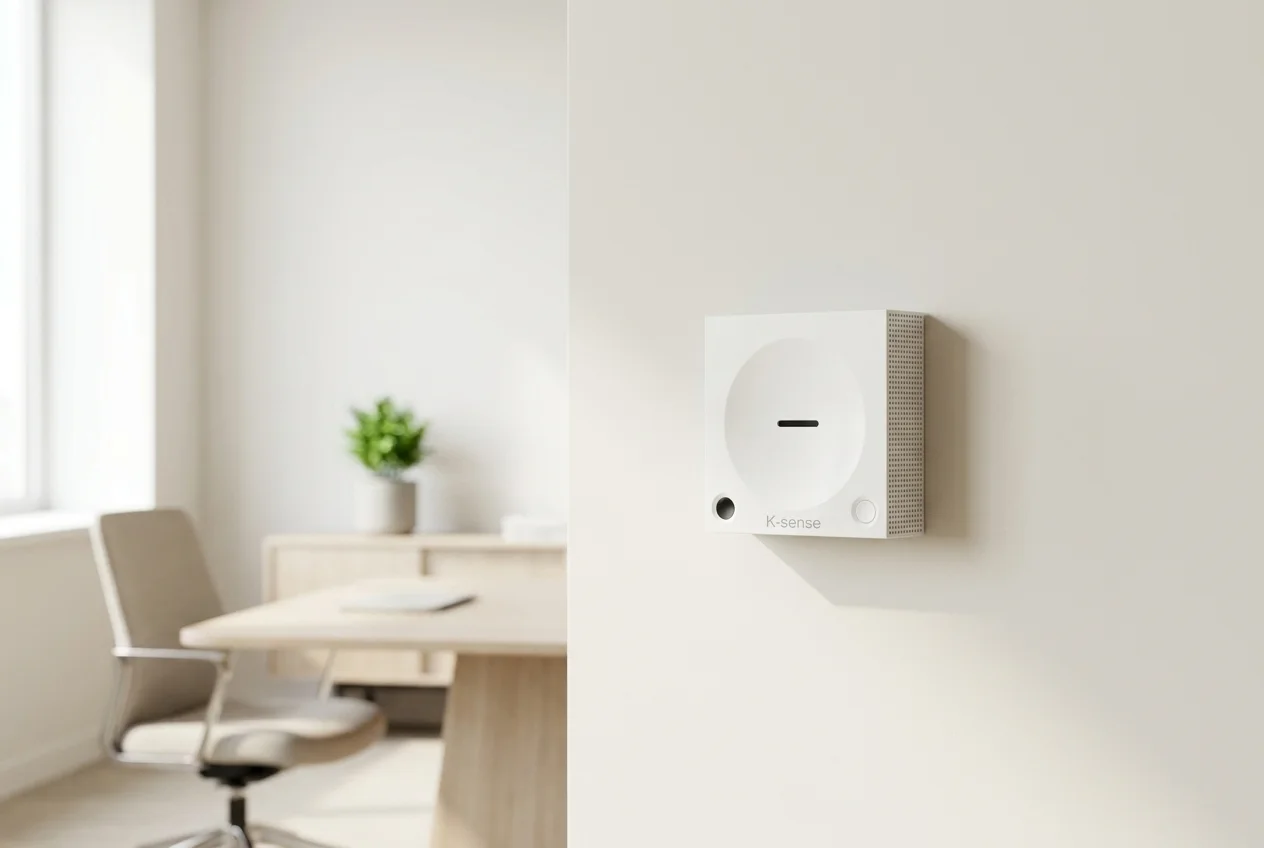
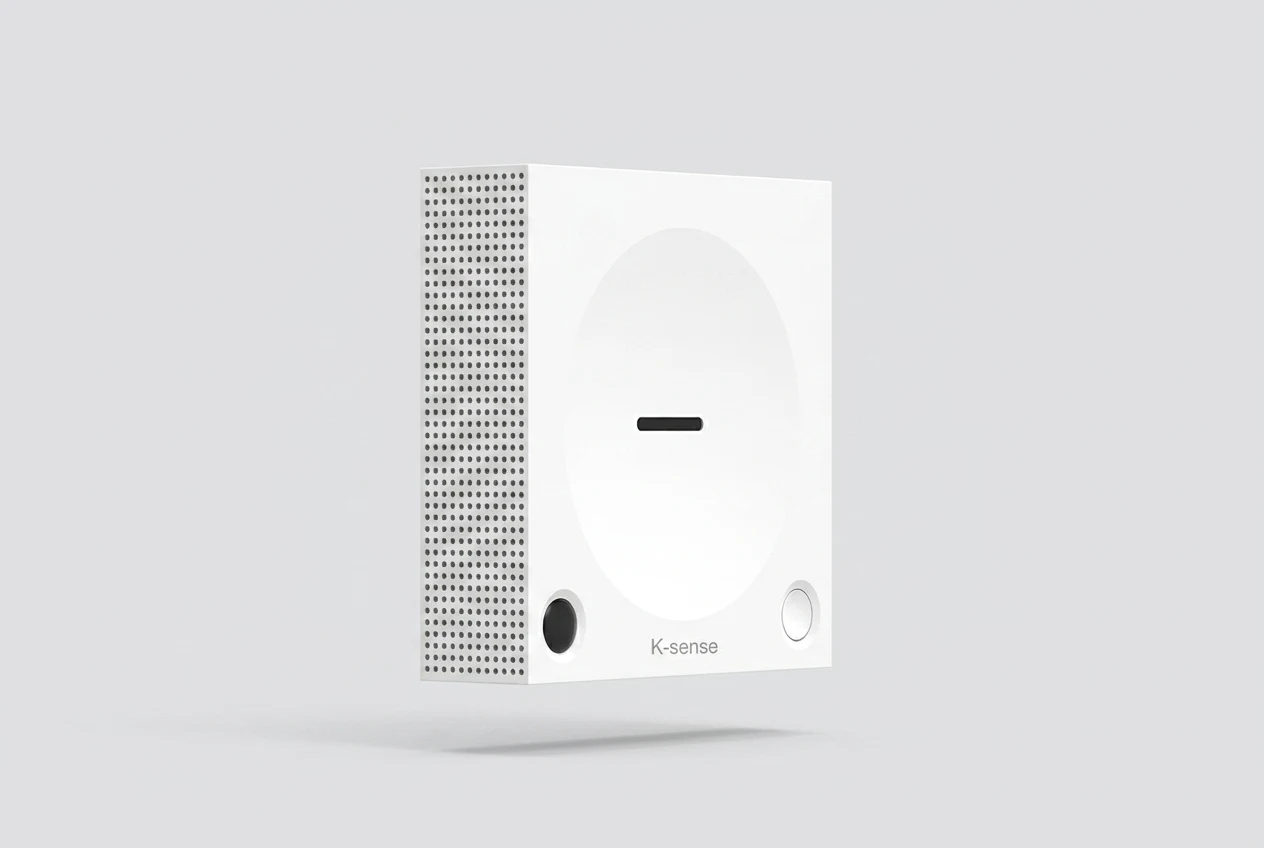 K Sense 传感器
可选:测量空气与占用情况
→
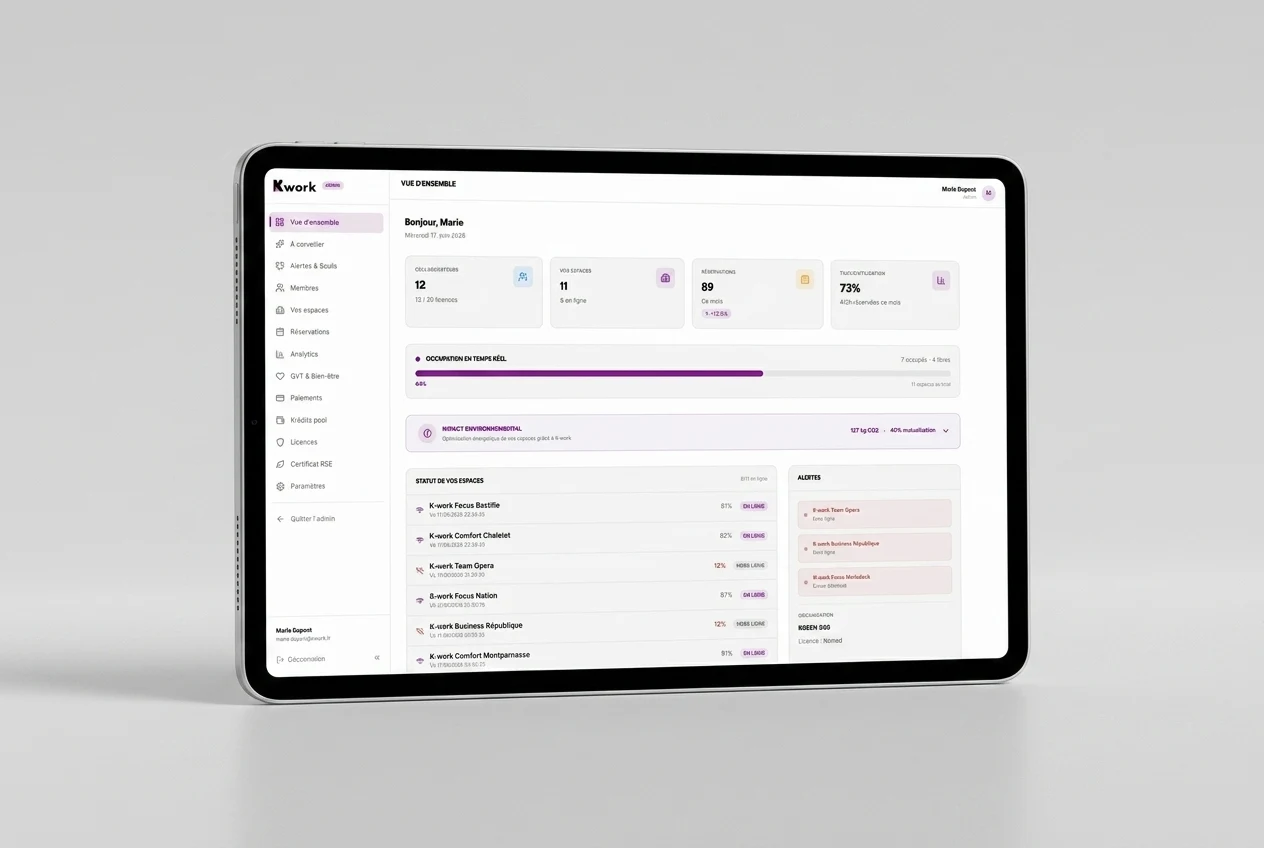 Dashboard
用真实数据管理您的所有空间
→
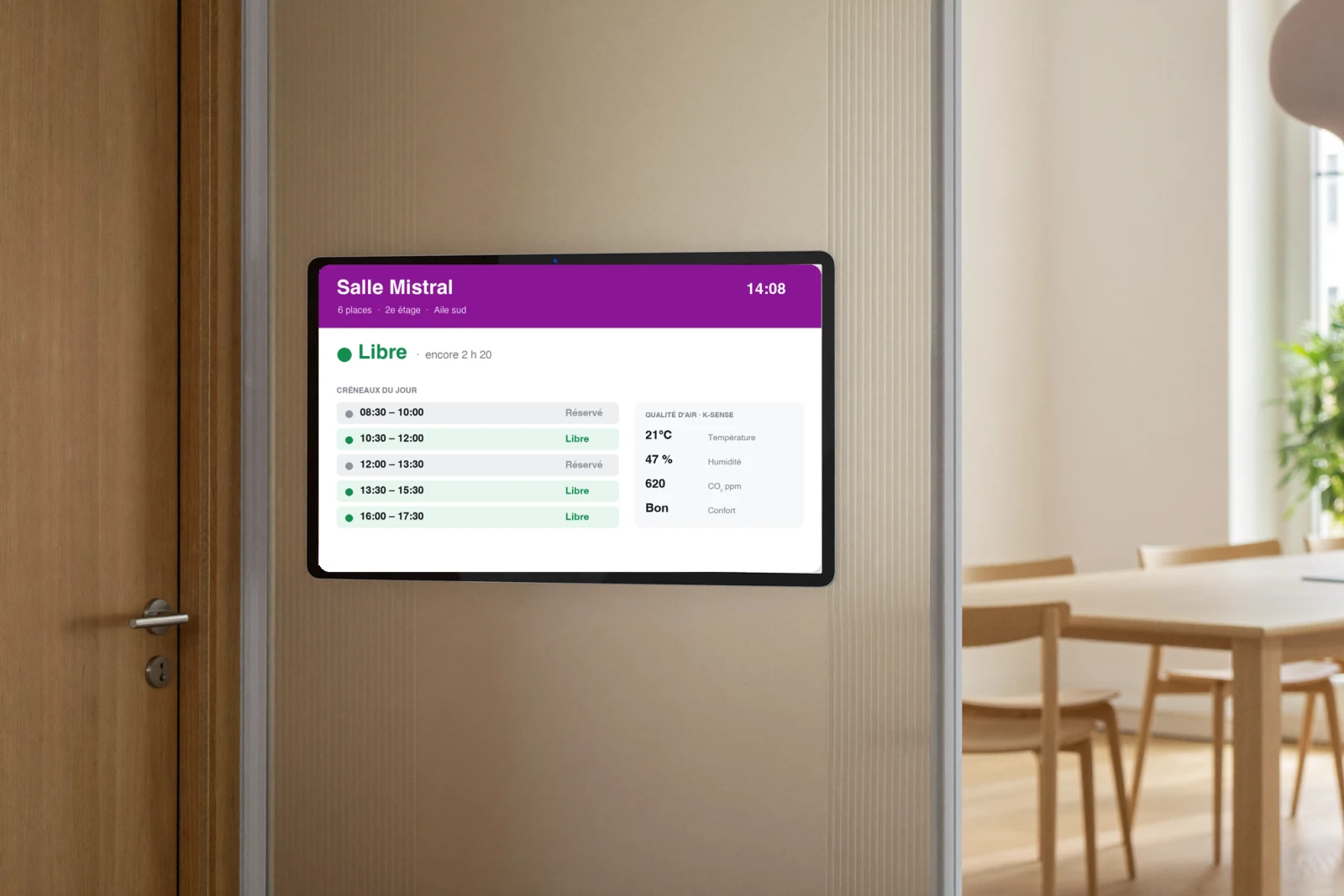 会议室显示屏
每间会议室的状态,就在门口
→
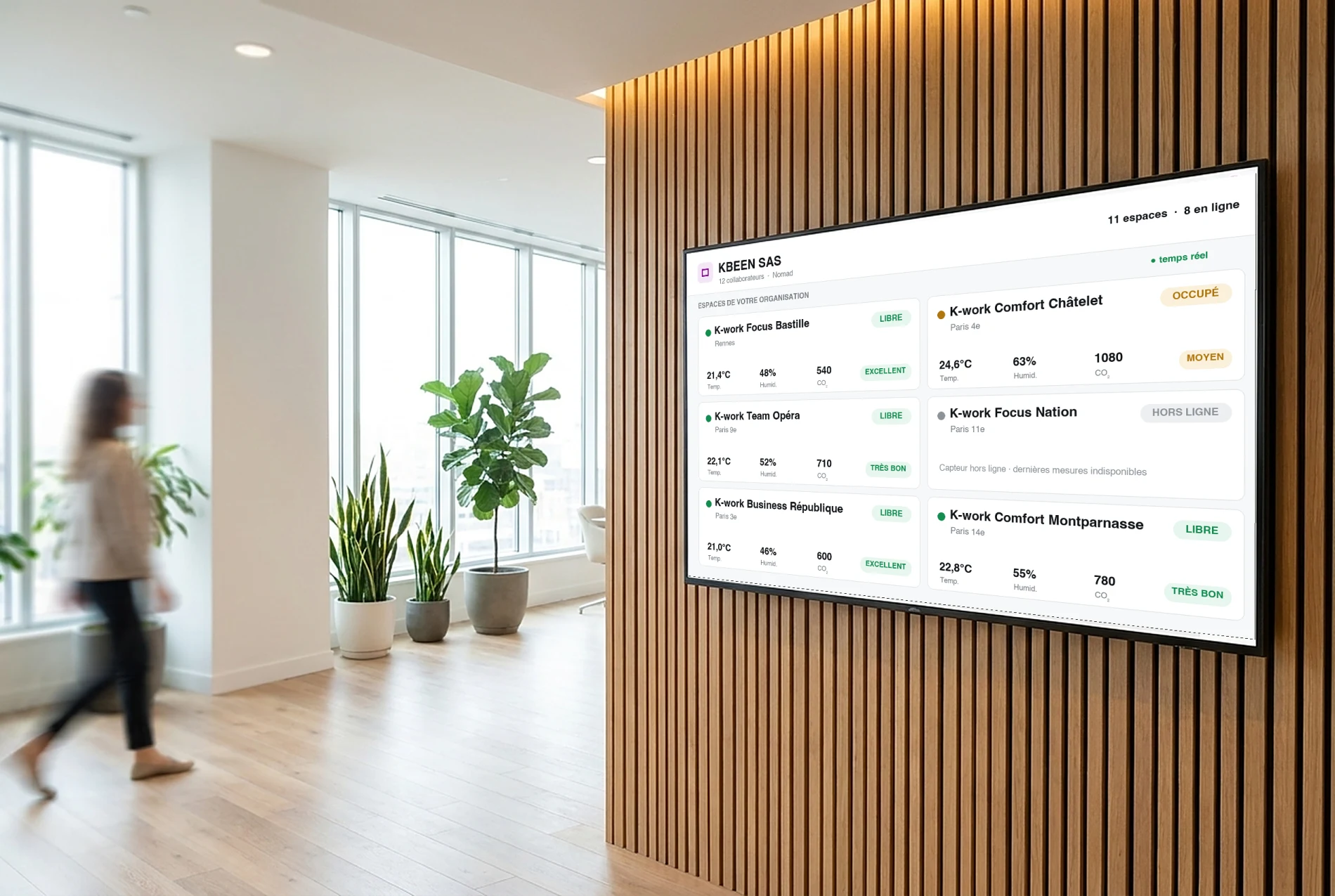 空间总览
所有空间一目了然
→
 优化您的面积
从传感器到仪表盘,完整的生态系统。
K-work Office
让您的